


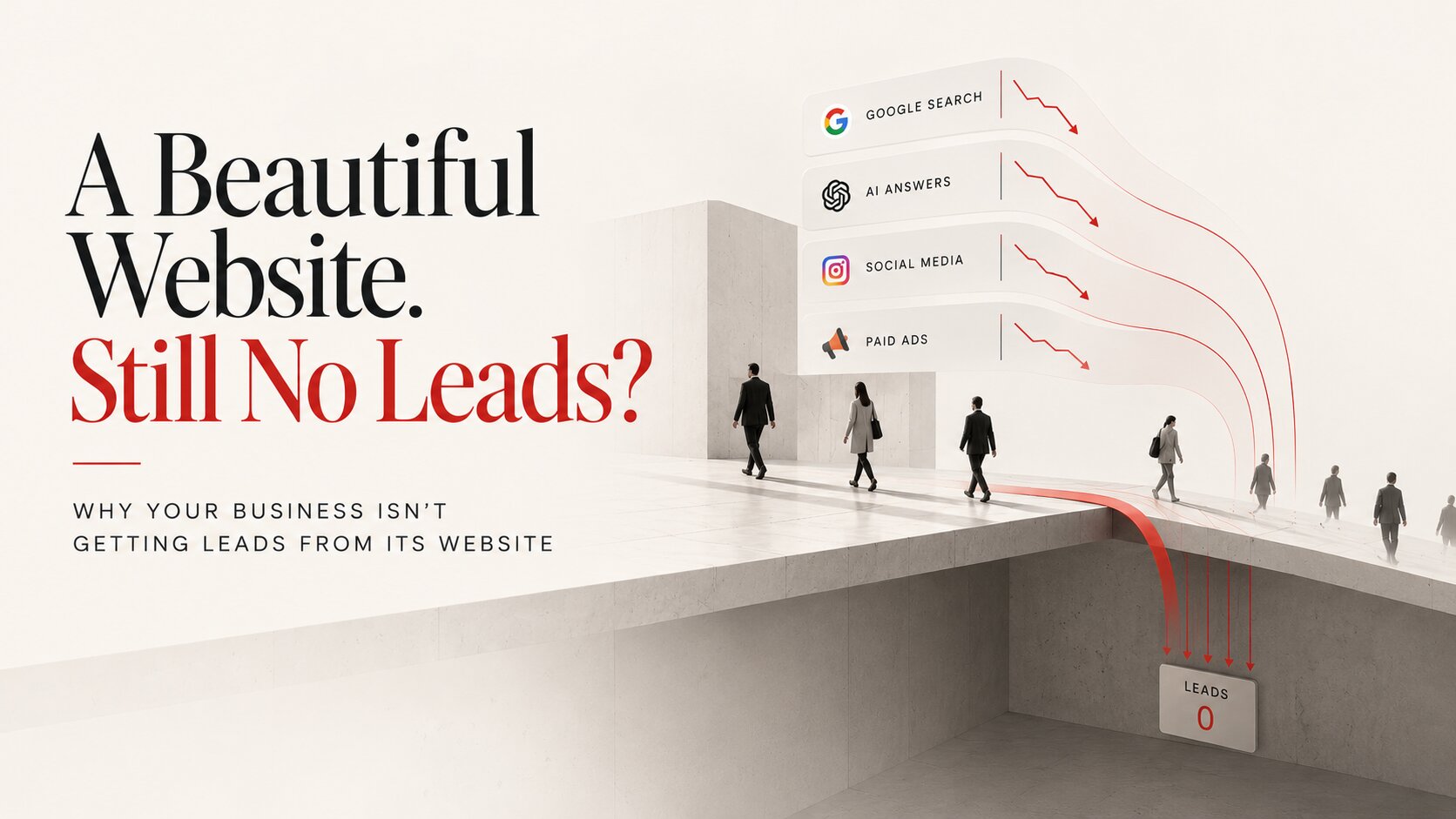
You launched a website. You invested in design. You're running SEO, maybe Google Ads too. And weeks or months later, you're still asking the same question: why isn't this thing generating leads?
Most business websites don't fail because of bad design. They fail because nobody built a bridge between "a visitor showed up" and "a visitor did something the business needed them to do." Here are the reasons that actually explain it, not the generic checklist version, the specific patterns I see repeatedly when I audit a site that's getting traffic and producing nothing.
A visitor showing up isn't the goal. A visitor acting is.
TRUST SIGNALS
No Trust Signals Where Skepticism Actually Peaks
Every visitor asks the same three questions before they'll contact anyone: is this company real, have they done this before, can I trust them with my money. A site can look polished and still fail all three, because polish and credibility aren't the same thing.
I audited a home services site last year with genuinely nice design and zero proof of a single completed project. No photos of actual work, no client names, no reviews visible anywhere on the page. The owner had hundreds of five-star reviews sitting on Google, none of them surfaced on the site itself. Once we pulled real project photos and actual review text onto the pages where visitors were dropping off, form submissions increased within the first month, no redesign required.
The specific things that build trust: real project photos, not stock images, client names attached to testimonials, not anonymous quotes, and reviews placed at the exact point in the page where a visitor is deciding whether to keep reading or leave.
TALKING ABOUT SELF
The Site Talks About the Business, Not the Customer's Problem
Most homepages open with some version of "we are a leading company with 15 years of experience offering innovative solutions." A visitor reading that learns nothing about whether this business can solve their specific problem, because the sentence is built to describe the company, not to answer the question the visitor actually came with.
A commercial cleaning company I worked with had a homepage built entirely around their history, founded in year X, serving the region for Y decades, awards won, none of it answering the actual question a facilities manager typing "commercial cleaning near me" had in mind: can this company handle my building, my schedule, my budget. Rewriting the homepage around that specific question, not the company's timeline, doubled quote requests inside two months.
"We build websites" describes the business. "Get a website that generates qualified leads for your business" describes an outcome the visitor wants. The difference isn't stylistic, it's the difference between a sentence a visitor skims past and one that makes them keep reading.
WEAK CTA
The Call to Action Doesn't Tell Anyone What to Do Next
"Learn More," "Explore," and "Discover" are the three most common calls to action on business websites, and all three ask the visitor to do more thinking, not less. A visitor who has to figure out what happens if they click a button usually doesn't click it.
One law firm's site used "Learn More" on every single page, twelve times across the site, all pointing to different pages with no way to tell them apart from the button text alone. Replacing them with specific actions, "Schedule a Free Consultation," "Request a Case Review," each one describing a real, low-risk next step, lifted click-through on those buttons noticeably within weeks, before a single other change was made.
A button that doesn't say what happens next usually doesn't get clicked.
SITE SPEED
Site Speed Kills Conversions Before Anyone Reads a Word
A one-second delay in load time measurably reduces conversions, and most of the sites losing leads to speed never find out, because nobody's watching the number. Unoptimized images, cheap hosting, and too many plugins are the usual causes, and none of them show up as an obvious problem unless someone's actually testing load time on a real connection, not a fast office wifi.
A retail client's homepage loaded in under a second on the office wifi where the site was built and tested, and just over six seconds on an average mobile connection, the connection most of their actual customers were using. Nobody had noticed for over a year, because nobody tested it the way a real visitor would experience it. Compressing images and switching hosting cut that to under two seconds, and mobile bounce rate dropped within the first week of the change being live.
WRONG TRAFFIC
Wrong Traffic Isn't Better Than No Traffic
Traffic volume gets treated as the goal, but a local contractor getting visitors from outside their service area isn't converting more, they're just accumulating numbers that look active in an analytics dashboard while producing nothing. The goal was never more visitors. It was always more visitors who could actually become customers.
A roofing contractor was running broad keyword ads with no geographic targeting, generating a healthy-looking number of monthly visitors and almost no actual quote requests, because most of that traffic was outside the fifty-mile radius the business could realistically service. Narrowing the targeting cut total traffic by more than half and roughly tripled the quote-request rate, because the traffic that remained could actually become a customer.
NO DIFFERENTIATION
Looks Like Every Competitor, Answers No Question
Most business websites in the same category use the same stock photos, the same generic promises, and the same marketing language, which means a visitor comparing three competitors sees three interchangeable sites. If a business can't answer, in one clear sentence, why someone should hire them instead of the competitor down the street, visitors can't answer that question either, and they default to whoever seems slightly more trustworthy or slightly cheaper. This exact gap between attention and action is covered in high CTR but low conversion.
Two HVAC companies in the same metro area had nearly identical websites, same stock photo of a technician, same "24/7 emergency service" headline, same generic promise of quality work. The one that pulled ahead did it by naming a specific, verifiable difference, a real average response time backed by actual dispatch data, not a claim, a number a competitor couldn't casually copy.
MOBILE + FORMS
Mobile Friction and Form Friction Are the Same Problem
More than half of website visits now happen on mobile, and a site designed primarily for desktop users, tiny buttons, slow loading, text that requires zooming, loses a majority of its traffic before the trust-and-CTA work even gets a chance to matter. Contact forms compound the same problem: every additional field is one more reason to abandon the form before submitting.
A dental practice's contact form asked for name, phone, email, address, insurance provider, reason for visit, preferred appointment time, and how the patient heard about the practice, nine fields before a single new patient could request an appointment. Cutting it to name, phone, and preferred time increased completed form submissions noticeably within the first month, with no other change to the page. A usability audit catches exactly this kind of friction before it costs another month of leads.
NOT MEASURING
Not Measuring Anything Means Guessing
Most business owners can't answer where their traffic actually comes from, which pages convert, which pages don't, or why visitors leave when they do. Without that data, every fix is a guess dressed up as a decision.
One business owner was convinced their website "wasn't working" based entirely on a drop in page views, a vanity metric that had nothing to do with actual leads. Pulling the real numbers, form submissions and phone calls tracked separately, showed lead volume had actually held steady. The site wasn't failing. The metric being watched was just the wrong one. Form submissions, phone calls, and actual user behavior on the page are the numbers that turn "the website isn't working" from a feeling into a diagnosis.
The wrong metric can make a working site look broken.
SEARCH CHANGED
The Search Layer Itself Changed in 2026
Everything above assumes a visitor actually reaches the site. That assumption is getting shakier. Google's AI Overviews now answer a meaningful share of searches directly in the results page, and Google Search Console started surfacing impression data specifically tied to AI Overview appearances in 2026, a business can now see, for the first time, how often it showed up in an AI-generated answer that a visitor never had to click through to see.
One client's Search Console data, once we pulled the new AI Overview impression breakdown, showed the business appearing in AI-generated answers for a specific high-intent query hundreds of times a month with almost no corresponding clicks, traffic the analytics dashboard had never shown as missing, because it was never a click to begin with, it was an answer a visitor read and acted on without ever opening the site. The visibility was real. The visit wasn't happening, and neither was the lead.
This is the practical difference between traditional SEO and what's increasingly called AEO (Answer Engine Optimization) and GEO (Generative Engine Optimization): ranking well in the traditional sense no longer guarantees a click, because the AI Overview may have already answered the question. A site built purely around keyword-matching content, without content structured to actually be quoted and cited by an AI-generated summary, can rank respectably and still see traffic quietly erode as more of the answer happens before the click. We cover the mechanics of this shift in what AEO actually is and how AI search visibility works for a real business. We also break down what SEO, AEO, and GEO actually mean to Google in 2026, and how commerce infrastructure decides whether AI recommendations turn into purchases. As more of this research and even buying gets delegated to AI agents acting on a person's behalf, the compliance and trust questions get real too, covered in agentic AI compliance.
Showing up in an AI answer isn't the same as getting a visit.
Quick Diagnostic
| What you're seeing | Likely reason |
|---|---|
| Visitors land and leave within seconds | No trust signals where skepticism peaks |
| Traffic is fine, nobody seems interested in your services specifically | Site talks about the business, not the customer's problem |
| Visitors browse but never contact you | Weak or unclear call to action |
| High bounce rate, especially on mobile | Site speed killing conversions |
| Decent visitor count, almost no leads | Wrong traffic, not more traffic |
| Visitors compare you and pick a competitor | No clear differentiation |
| Mobile visitors drop off, or forms don't get finished | Mobile and form friction |
| You can't say why leads are up or down | Not measuring anything |
| Rankings look fine, clicks keep dropping | The search layer itself changed (AI Overviews) |
The Real Problem Usually Isn't the Website Itself
Most businesses assume the fix is a redesign, a new logo, or more traffic. In practice, the actual gap is almost always some combination of weaker messaging than the business realizes, missing trust signals at the exact point visitors need them, an unclear next step, and a strategy that never accounted for how search itself is changing. A website's job was never to look professional. It was always to generate business, and increasingly, to earn a place in the answer, not just the page.
How do I know if my website's problem is design or something else?
Check the numbers before assuming. If visitors are landing on the page and leaving within seconds, that's usually a trust or messaging problem, not a design problem. If traffic itself is low, that's a visibility problem, increasingly including AI Overview visibility, not a conversion problem.
Will fixing these issues guarantee more leads?
No single fix guarantees results, because these problems compound. A site with a strong CTA but no trust signals still underperforms. Fixing the full set together is what actually moves the number, not any one item in isolation.
Does AI Overview visibility replace the need for a fast, well-designed site?
No. If an AI Overview does send a click through, everything above about trust, speed, and a clear next step still determines whether that visitor converts. AEO gets more attention to a fewer number of quality visits, it doesn't replace what happens once someone actually lands on the page.
Which of these should I fix first?
Trust signals and the call to action usually produce the fastest visible change, because they affect visitors who are already close to contacting you. Speed and mobile friction matter just as much, but the improvement shows up in fewer visitors leaving early rather than a spike in leads you can point to immediately.
Do these issues apply the same way to an e-commerce site as a service business?
The categories are the same, but the weight shifts. Trust signals and site speed matter even more for e-commerce, since a purchase decision happens faster and with less personal contact than a consultation request. Form friction becomes checkout friction, same underlying problem, higher stakes per abandonment.
How much does fixing these problems typically cost compared to a full redesign?
Fixing trust signals, CTAs, and form friction is usually a fraction of the cost of a full redesign, because it works within the existing site rather than rebuilding it. A full redesign only makes sense when the underlying structure itself, not just these specific issues, is the actual problem.
How do I test my own site's speed the way a real visitor experiences it?
Test on an actual mobile connection, not office wifi, and ideally on a mid-range phone, not the newest model. Free tools like Google PageSpeed Insights simulate this, but nothing replaces opening the site on a phone with a normal data connection and timing it yourself.
Not sure which of these is actually costing you leads? We run this exact diagnostic on every new website audit, including whether your content is even showing up in AI Overviews.
Or already know the site needs rebuilding?
- Share
-

-

-

-

Related Reading
-
06. 04. 2021
How to Rank Your Google Business Profile Higher in 2026 (Without Paying for Ads)

-
16. 03. 2021
Which Business Functions Should You Outsource in 2026?
-
24. 11. 2020

7 UX/UI Design Trends That Actually Matter in 2026
-
15. 06. 2026
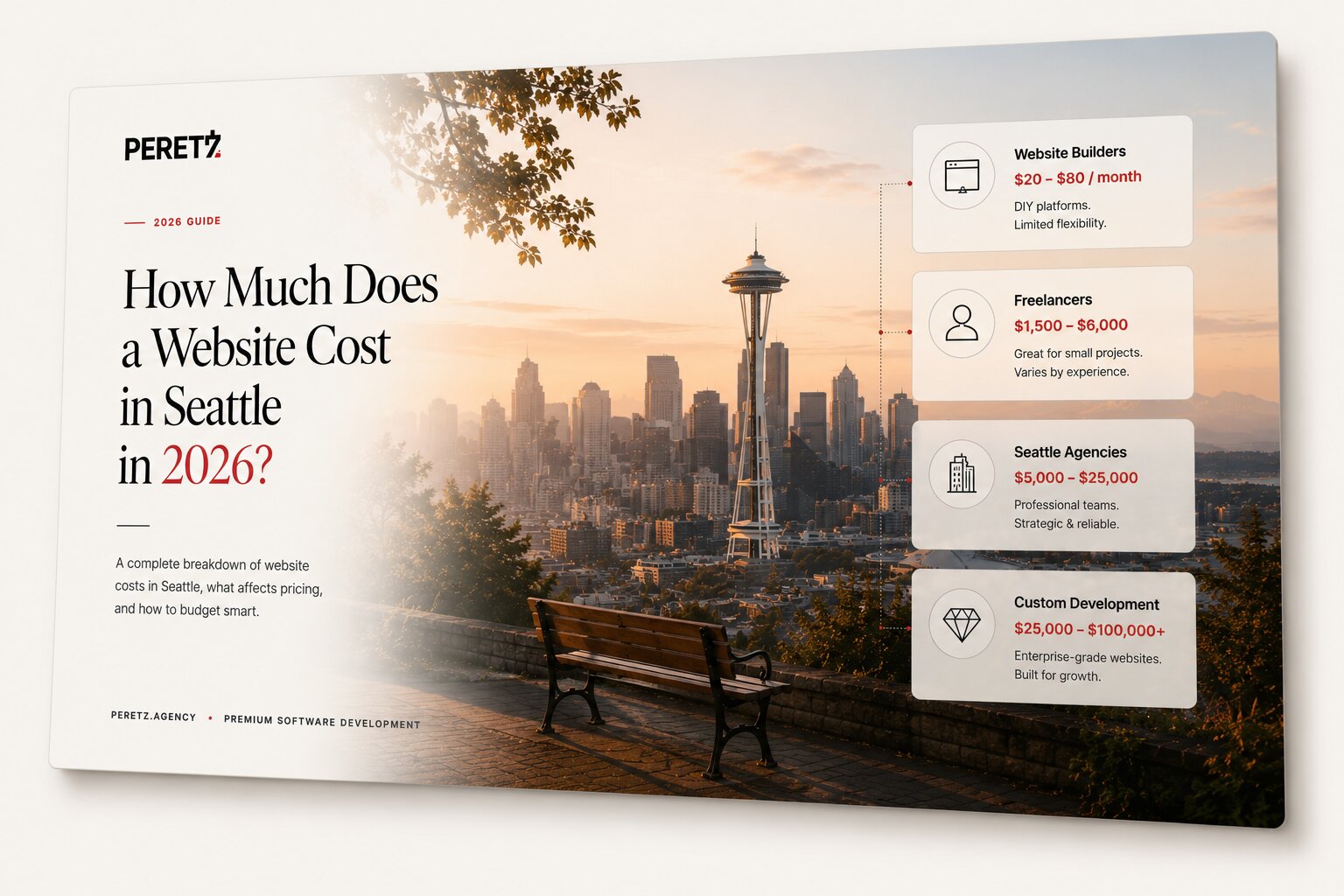
How Much Does a Website Cost in Seattle in 2026?
-
18. 06. 2026
How to Hire a Remote Dev Team Without Getting Burned
-
19. 06. 2026
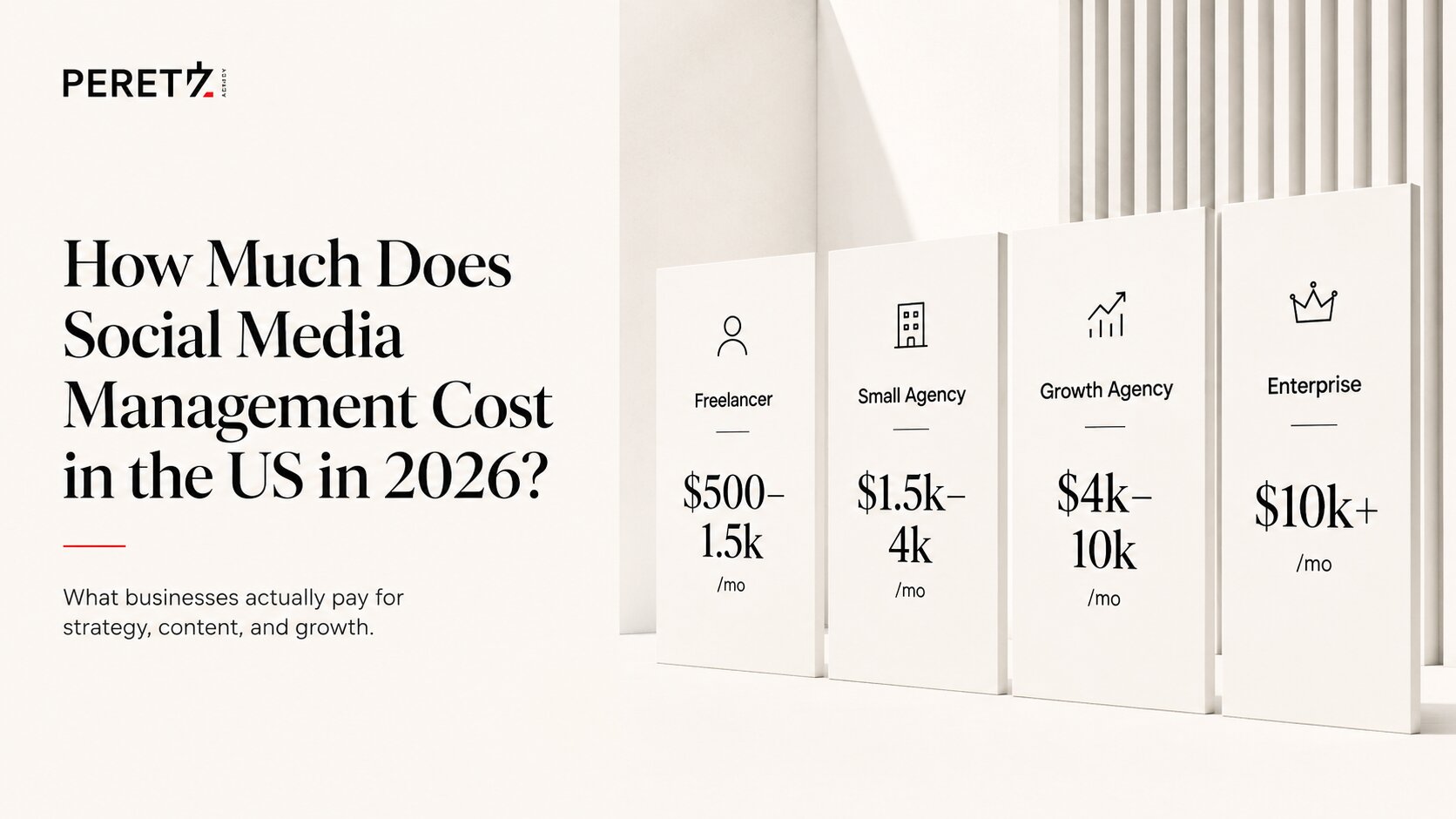
How Much Does Social Media Management Cost in the US in 2026?
-
21. 06. 2026

Website Design for Architecture Firms: What Actually Works
-
26. 06. 2026
How to Build a Social Media Strategy That Actually Generates Leads
-
27. 06. 2026

Your Business Is Invisible to AI Search in 2026 — Here's How to Fix It
-
02. 07. 2026
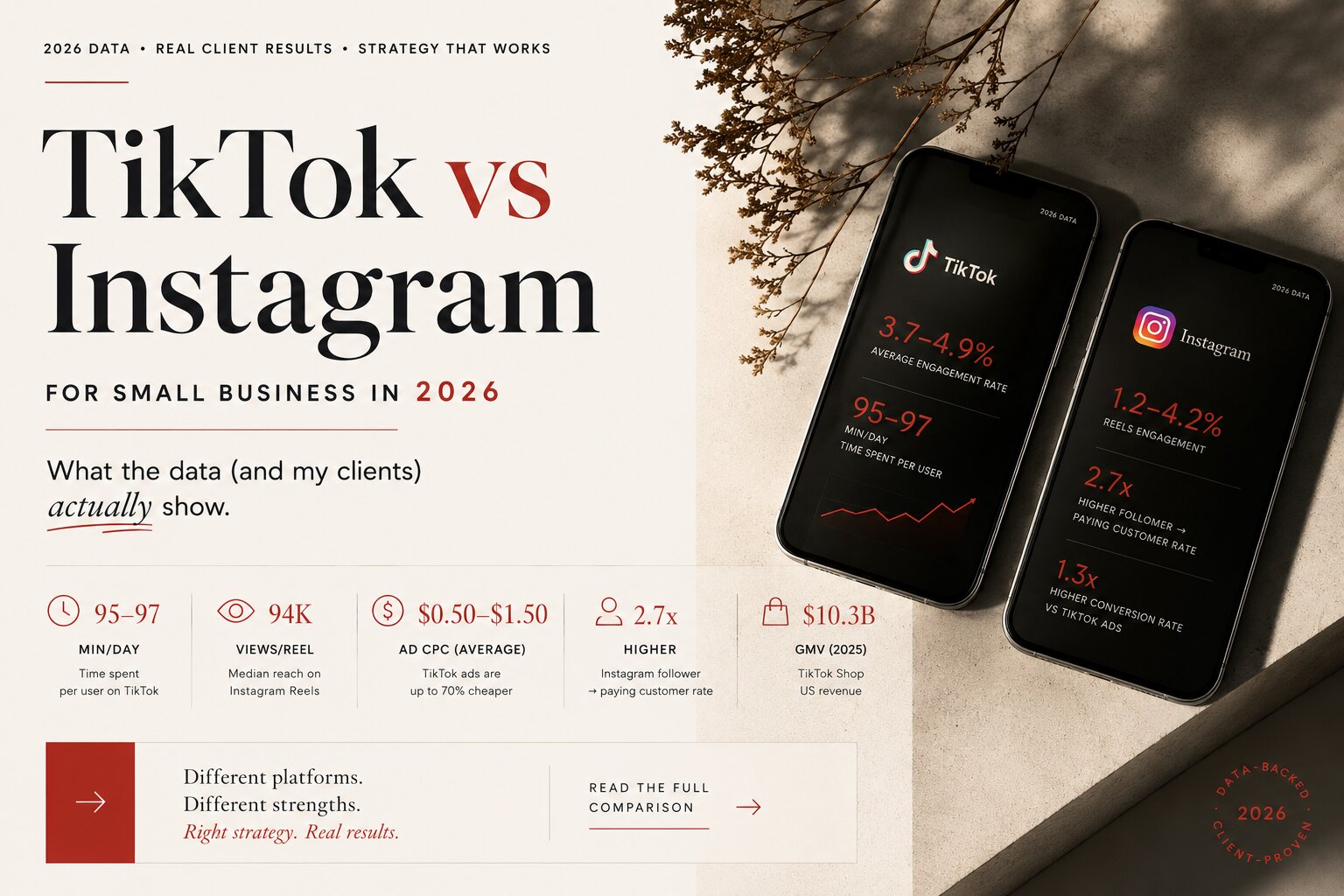
TikTok vs Instagram for Small Business in 2026: What the Data (and My Clients) Actually Show
-
04. 07. 2026

What Twenty Years Taught Me About Building Digital Businesses
-
08. 07. 2026
Threads vs X in 2026: Which Platform Should Your Business Actually Be On?
-
09. 07. 2026
Traffic But No Leads? Your Customer Is Doing Math You Never See
-
19. 07. 2026
High CTR But Low Conversion Rate? Here's Why Your Ad Copy Is the Problem
-
20. 07. 2026
How Long Does It Take to See Marketing Results? Why Agencies Promising Faster Are Lying to You
-
08. 09. 2026

Why Your Social Media Content Isn't Working (7 Real Reasons, Not Algorithm Excuses)
-
07. 07. 2026
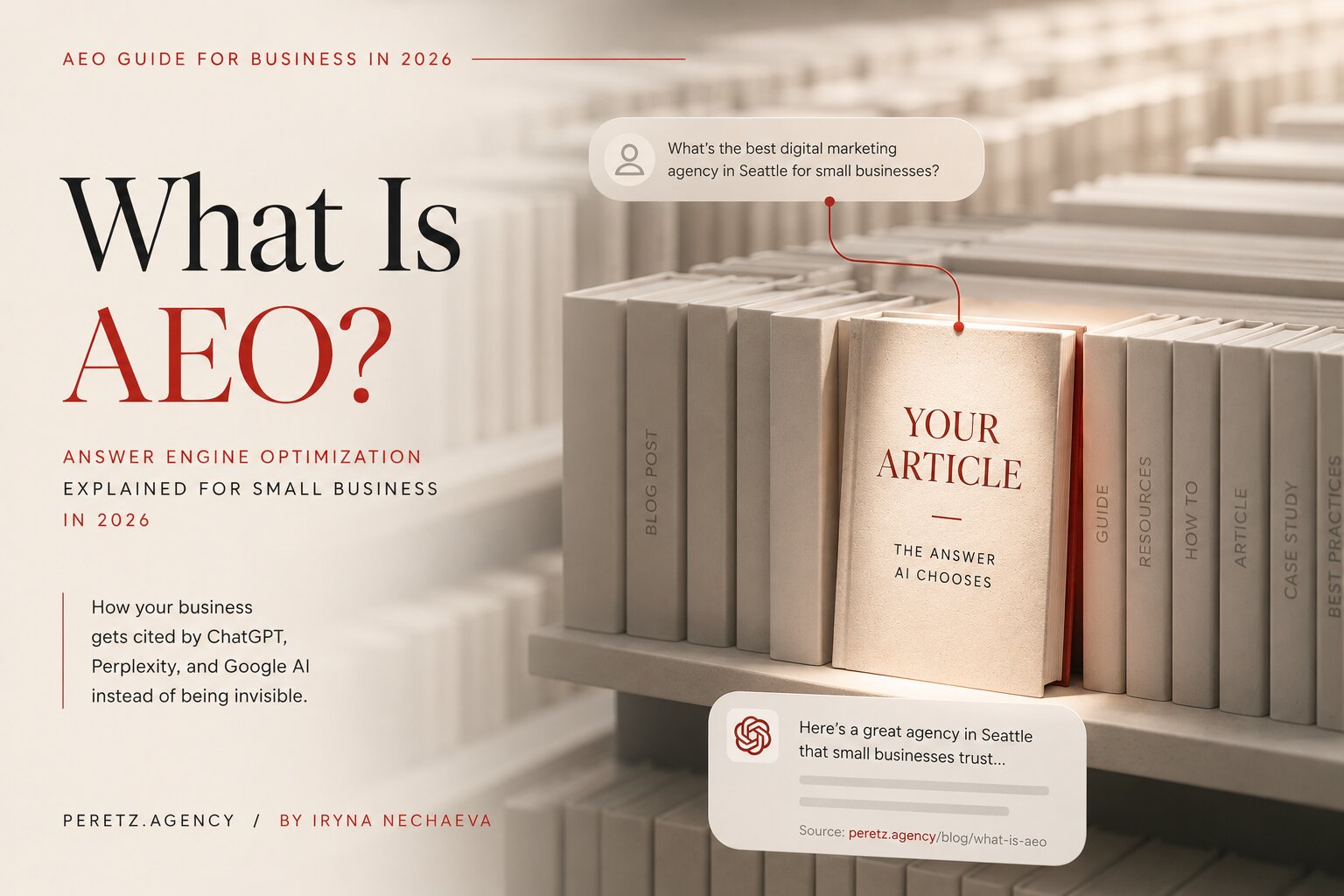
What Is AEO? Answer Engine Optimization Explained for Small Business in 2026
-
27. 06. 2026
Your Business Is Invisible to AI Search in 2026 — Here's How to Fix It
-
17. 08. 2026
SEO, AEO, and GEO in 2026: What Actually Matters to Google, and What Your Marketer's Report Should Show
-
06. 09. 2026
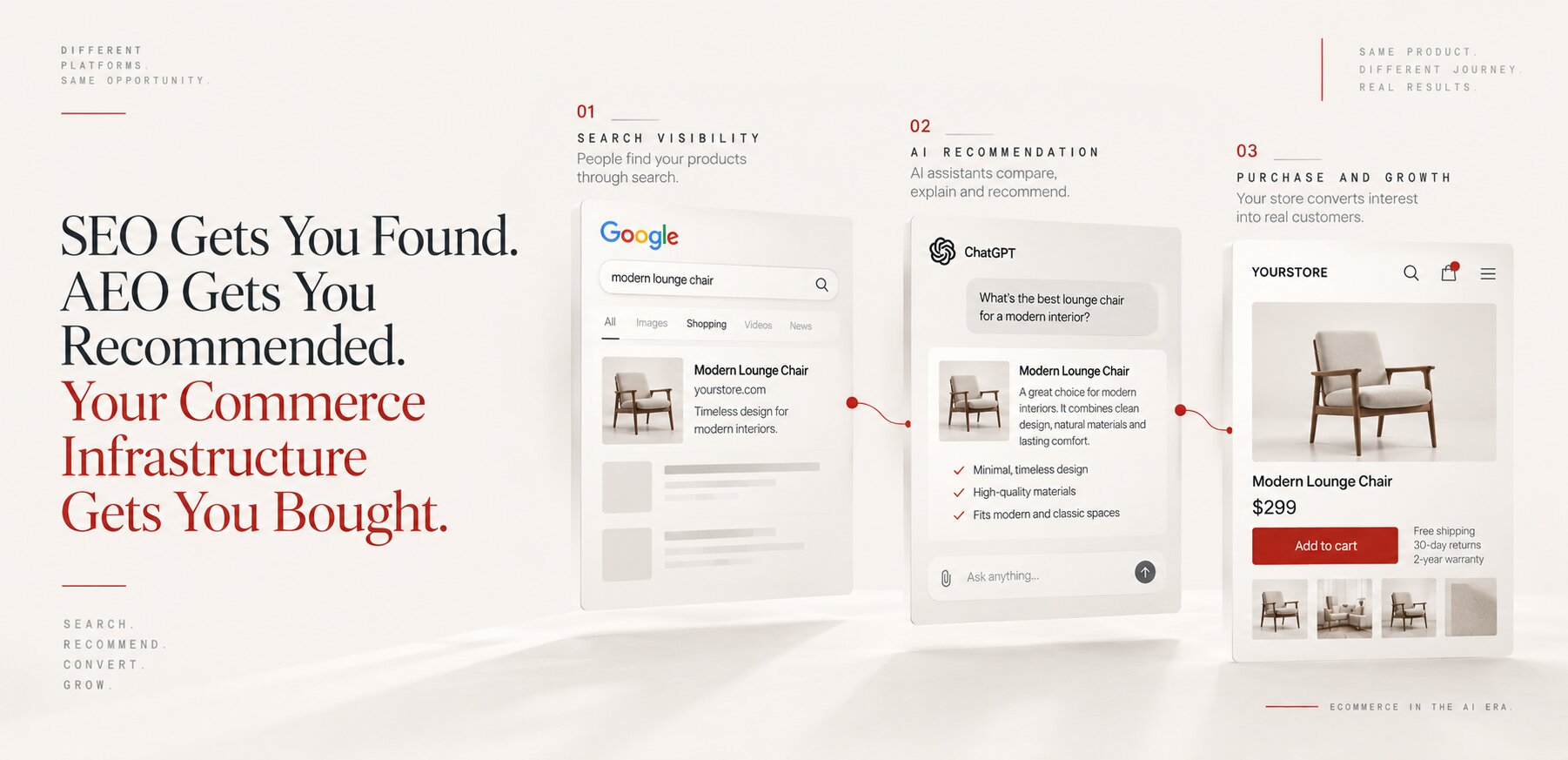
SEO Gets You Found. AEO Gets You Recommended. Your Commerce Infrastructure Gets You Bought.
-
07. 09. 2026

Agentic AI Compliance: How to Secure, Govern and Monitor AI Agents
-
19. 07. 2026
High CTR But Low Conversion Rate? Here's Why Your Ad Copy Is the Problem