


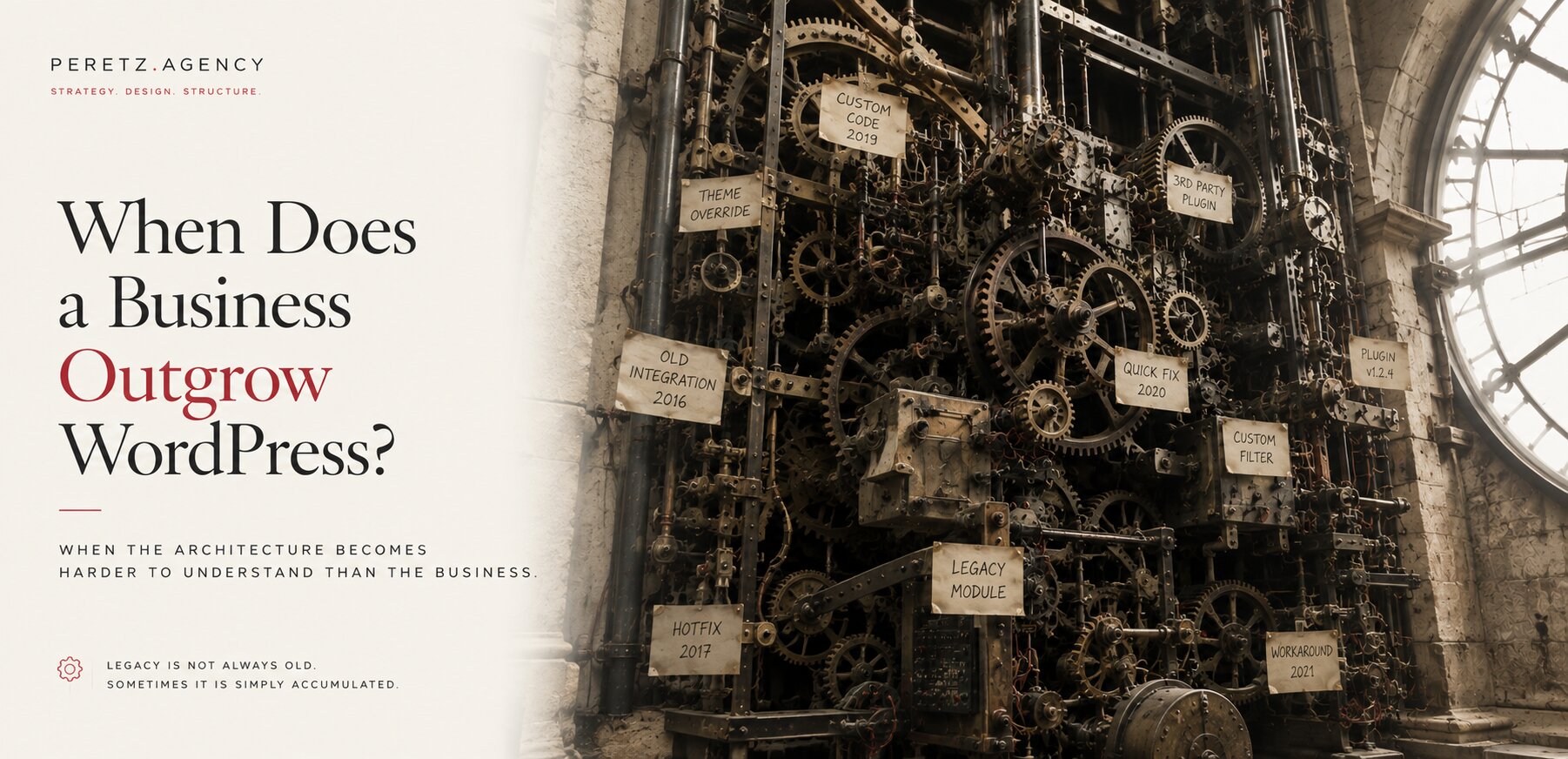
Let's start with the obvious: there is nothing wrong with WordPress.
If a business has a relatively small catalog, a straightforward content structure, standard forms, and no complicated integrations, WordPress can be an excellent choice.
WooCommerce can handle a lot of e-commerce. A company website with a few dozen or even a few hundred products does not automatically need a custom platform. A content-driven business with a manageable number of pages does not need Laravel simply because Laravel is technically more powerful.
The starting point should always be the business problem, not the technology.
The question changes when the requirements become substantially more complex.
A large catalog. Multiple markets and languages. Complex product configuration. Custom pricing. Inventory synchronization. CRM and ERP integrations. Customer-specific logic. Internal workflows. Large amounts of structured data.
At that point, the right question is no longer: can WordPress do it? Technically, WordPress can probably be made to do almost anything.
The more important question is: what will it cost to keep making WordPress do that five years from now?
Because this is where the problem with WordPress, and with almost any CMS, usually begins. Not at launch. Later.
NOBODY MAINTAINED
The Website Nobody Maintained
There is another scenario we see surprisingly often.
A business commissions a WordPress website. It launches. Everyone is happy.
Then nobody touches the architecture for a year. Then two years, the exact aging process we describe in Everything You Build Starts Aging the Day You Finish It.
A plugin needs updating, but nobody knows whether it is safe. Someone installs another plugin to solve a small problem. A developer makes a quick modification. Another developer comes in six months later and changes something else.
The website continues working. Until it doesn't.
And this is where a relatively inexpensive website can turn into a surprisingly expensive technical problem.
By the time the business looks for a developer, there may be: outdated plugins, unsupported versions of PHP, incompatible extensions, undocumented custom code, broken integrations, database inconsistencies, missing or unreliable backups, old themes nobody wants to touch, modifications nobody remembers making.
Sometimes the website is still mostly functional. Sometimes it is barely holding together.
And the business has a completely reasonable question: "Can you just fix the website?"
But there may no longer be a simple fix.
Before changing anything, a developer has to understand what is actually there, determine what can safely be updated, establish whether a reliable backup exists, identify dependencies, and work out what might break when one part of the system changes.
The business is no longer paying primarily for development. It is paying for archaeology.
And archaeology is expensive.
PLUGIN STACK
The Plugin Stack Becomes the Actual Product
A new WordPress installation does not start complicated.
One plugin for forms. One for SEO. One for caching. One for security. One for the booking system the business needed last year. Another for membership functionality.
Each decision is reasonable on its own.
The problem is what happens when reasonable decisions accumulate for years.
Eventually, the website is no longer a website with some plugins. The plugins have become the system.
Different developers maintain them. Different companies release updates on different schedules. Some plugins interact with each other in ways nobody originally anticipated.
And sometimes nobody on the current team even knows why a particular plugin is still installed.
The tell is surprisingly simple: if a routine plugin update makes everyone nervous, the website may already have an architectural problem.
PERFORMANCE
Performance Degrades Quietly, Then Suddenly
Performance problems rarely arrive dramatically.
The website gets a little slower. Then a little slower again.
A new page builder is introduced. Another plugin is installed. More scripts are loaded. More functionality is added.
None of it seems significant by itself.
But eventually the business has a website carrying dozens of dependencies, layers of third-party code, and years of accumulated decisions.
The frustrating part is that the site can remain perfectly functional while becoming progressively less efficient, until somebody finally runs a serious performance audit and realizes that the problem is not one bad plugin. The problem is the architecture.
And this is why "we optimized the website" can sometimes become a never-ending exercise. You can optimize individual components. You cannot optimize your way indefinitely out of an architecture that has become fundamentally mismatched to the business.
MAINTENANCE BURDEN
The Maintenance Burden Starts Outgrowing the Business
Every additional plugin is another piece of software that needs to be maintained.
Updates need to be tested. Compatibility needs to be checked. Security needs to be monitored. Something breaks, and someone has to figure out why.
At a certain point, a meaningful amount of the team's technical effort is no longer going toward improving the business. It is going toward preserving the current state of the website.
That is one of the clearest signs that the cost of staying has become greater than the cost of changing.
And this cost is particularly easy to underestimate because it rarely appears as one large invoice. It appears as dozens of small interventions.
"Can you update this?" "Can you fix the checkout?" "Something broke after the update." "The form stopped sending." "The integration stopped syncing." "The developer who built this is not available anymore."
Individually, none of these looks catastrophic. Together, they become the maintenance model.
HIDDEN COST
The Hidden Cost of Maintaining an Old CMS
There is another cost that rarely appears in the original project estimate: the cost of understanding what the system has become.
A new WordPress or OpenCart installation is relatively easy to understand. Five or ten years later, the same website can be an entirely different system.
A plugin was replaced but its database tables remained. A developer added custom code to solve a problem that no longer exists. Another developer modified that code instead of replacing it. A theme introduced its own logic. An extension started depending on another extension.
None of these decisions were necessarily wrong when they were made. The problem is what happens when they accumulate.
At some point, maintaining the website stops being primarily about writing code. It becomes an exercise in discovering what the existing code is connected to.
This is one reason a legacy CMS can become more expensive to maintain than a much larger custom application.
A well-structured Laravel application may contain considerably more code than a WordPress website, but the complexity can be explicit. The business logic belongs to the application. Its dependencies can be documented. Its architecture can be tested. A developer can understand where a change belongs and what it is expected to affect.
A mature CMS can be the opposite. The same business rule may be distributed across the CMS core, plugins, theme modifications, database changes, and custom patches accumulated over years.
The code may not even be particularly large. What makes it expensive is that nobody can be completely sure what will happen when they touch it.
That changes the economics of maintenance. A developer is no longer being paid primarily to build something new. They are being paid to investigate, test, protect against regressions, and preserve behavior that may not even be documented.
And this is where the idea of a "cheap" CMS becomes misleading. The initial installation may have been inexpensive. The accumulated system may not be.
BUSINESS LOGIC
The Business Logic Stops Mapping to a Plugin
This is probably the most important signal.
WordPress plugins are designed to solve common problems for a broad range of businesses. That is their strength.
But businesses eventually develop processes that are not common: a specific pricing model, a complicated quoting process, customer-specific logic, a custom product configurator, an unusual booking workflow, an internal system that needs to exchange data with the website in a very specific way.
At that point, the business starts asking: which plugin can do this? And the answer becomes increasingly complicated.
You install a plugin. Then customize it. Then add another plugin to compensate for something the first one cannot do. Then write custom code around both.
At that point, something interesting has happened. You have already started building a custom system. You are simply building it inside constraints that were never designed for your particular business, the same fork in the road we cover in Custom Website vs Website Builder.
This is often the moment when the conversation should move from "which plugin should we install?" to "what architecture should this business actually have?"
MULTI-LANGUAGE
Multi-Language and Multi-Region Complexity
This is another area where architecture starts to matter.
Our own site operates across three languages, and decisions around clean routing, structured content, predictable URL patterns, and maintaining consistency between language versions become increasingly important as the system grows.
None of this means WordPress cannot handle multilingual websites. It absolutely can.
The question is how much complexity you are willing to layer onto the existing architecture to make it behave the way your business requires.
The same applies to international e-commerce, multiple currencies, regional catalogs, different customer groups, or market-specific business rules.
A platform can technically support all of these things. But technical possibility and architectural suitability are not the same thing. Just because something can be built does not mean it should be built that way.
IN PRACTICE
What We Actually See in Practice
Most businesses that eventually move away from WordPress did not make a mistake by choosing it. Quite the opposite.
WordPress was often exactly the right decision when the business was smaller, the website was simpler, and speed to launch mattered more than long-term architecture.
The problem usually comes later.
The business grows. The website grows with it. More content. More products. More integrations. More markets. More people depending on the system.
We are watching this happen in real time with SHTAYER, a Ukrainian bedding manufacturer whose brand identity we rebuilt to support its move from hospitality supplier into the consumer market. The brand work is finished. The website is still in progress, moving from its existing CMS to Laravel, precisely because the business the site now needs to support has outgrown what the platform was originally built for.
And every time someone considers rebuilding it, there is an understandable response: "let's just add one more plugin."
That sentence can save a business money today. Repeated for three years, it can cost considerably more.
The technology decision that actually becomes expensive is rarely the platform chosen at the beginning. It is the decision not to revisit that choice when the business has fundamentally changed, the same pattern we describe in Laravel vs Symfony: The Most Expensive Technology Decision Is Often the One You Never Make.
WHEN TO OUTGROW
So, When Do You Actually Outgrow WordPress?
There is no magic number. Not 20 plugins. Not 100 pages. Not one million visitors.
The better question is whether the architecture is still helping the business, or whether the business is increasingly working around the architecture.
The signals are usually recognizable: a plugin stack nobody completely trusts, performance that keeps degrading despite optimization, maintenance taking more time than it should, critical functionality depending on several unrelated plugins, business logic that no longer maps naturally to available solutions, integrations becoming increasingly difficult, multiple languages or markets creating structural complexity, developers spending more time preserving the existing system than improving it, nobody being completely sure what will break when something is changed.
When several of these appear at the same time, the question is no longer "can WordPress handle this?" Technically, it probably can.
The better question is: should we still be making WordPress do this? That is a very different question.
And sometimes the answer will still be WordPress. Sometimes it will be a cleaner WordPress architecture. Sometimes it will be WooCommerce. Sometimes another CMS will be the better fit. And sometimes the business has simply outgrown the assumptions on which its website was originally built, the pattern we cover more broadly in Most Companies Don't Need a New Website. They Need a New Structure.
The goal is not to leave WordPress. The goal is to stop letting yesterday's architecture dictate tomorrow's business.
DIAGNOSE FIRST
Before Rebuilding, Diagnose
A website migration should not begin with "let's move from WordPress to Laravel." It should begin with "what is actually wrong with the current system?"
Sometimes the answer is poor maintenance. Sometimes it is an outdated theme. Sometimes the plugin stack needs to be reduced. Sometimes the architecture can be cleaned up and WordPress can continue serving the business for years.
And sometimes the cost of fixing the existing system is simply no longer justified. That is when a rebuild makes sense.
Not because Laravel is more modern. Not because WordPress is old. But because the business has become more complex than the architecture supporting it, the same hidden cost we unpack in The Hidden Cost of Choosing the Wrong Architecture.
Once that decision is made, the migration itself carries its own risks, we mapped them out in The Website Migration Checklist Most Agencies Skip.
If the answer is yes, the next question is what the replacement costs, which we cover in What Actually Makes E-Commerce Development Expensive.
Before recommending a new website, a migration, custom software, AI integration, or digital marketing, we start with the business itself. We look at the current system, its architecture, dependencies, business logic, growth plans, integrations, and the problems the business is actually trying to solve.
Sometimes the answer is a rebuild. Sometimes it is not. The first step is not choosing the technology. The first step is diagnosing the structure.
If the diagnosis points to years of undocumented plugins, patches, and workarounds, that is exactly what a debt audit is built to untangle before anyone touches a line of code.
Explore Digital Ownership & Debt Audit
The same diagnosis-before-technology approach applies to CRM and ERP decisions, see custom CRM vs ERP.
SHTAYER is a recent example of a brand outgrowing its original setup and needing a proper refresh.
For the bigger picture behind outgrowing a platform, see digital architecture.
- Share
-

-

-

-

Related Reading
-
23. 08. 2026
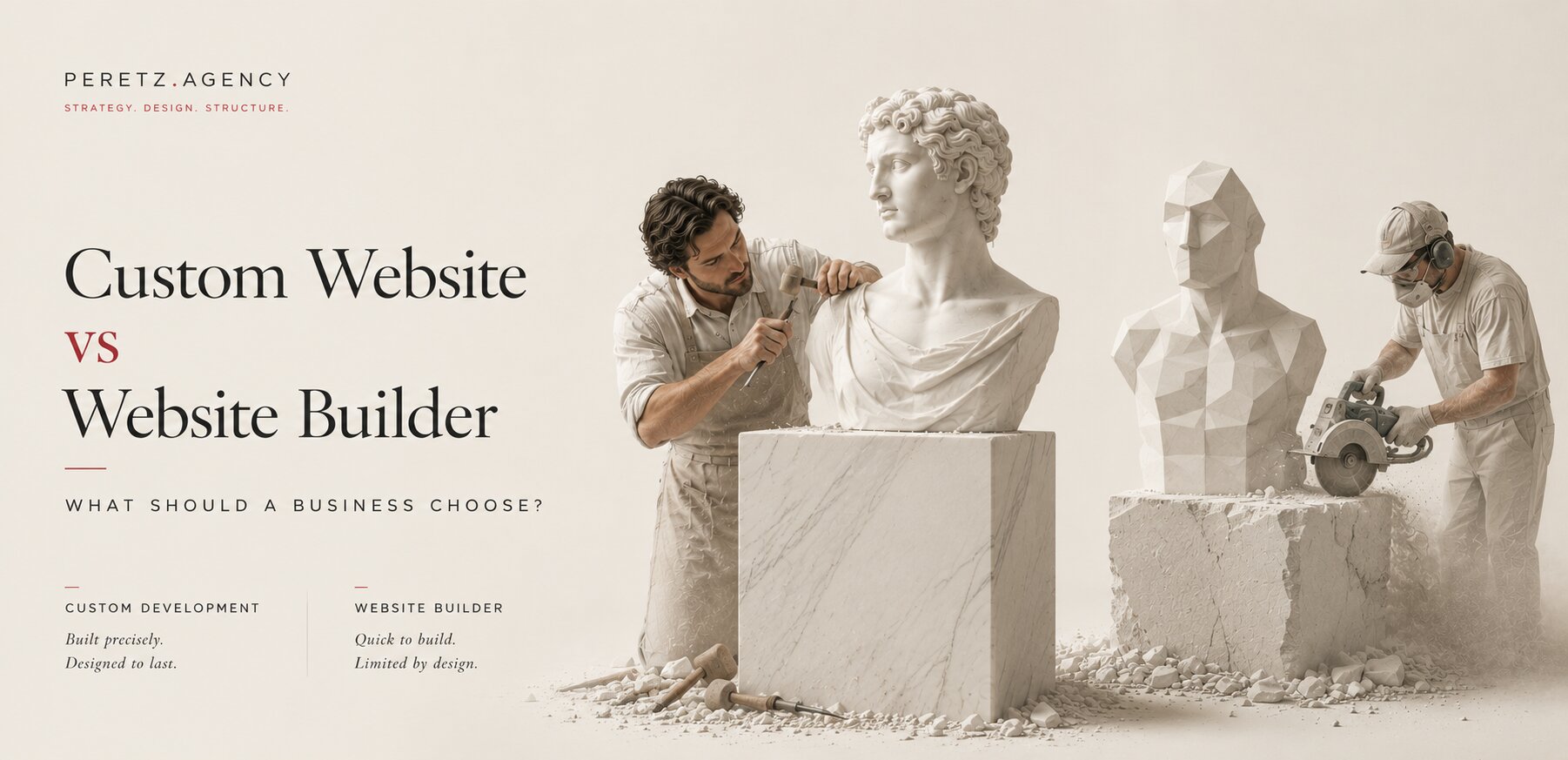
Custom Website vs Website Builder: What Should a Business Choose?

-
18. 07. 2026
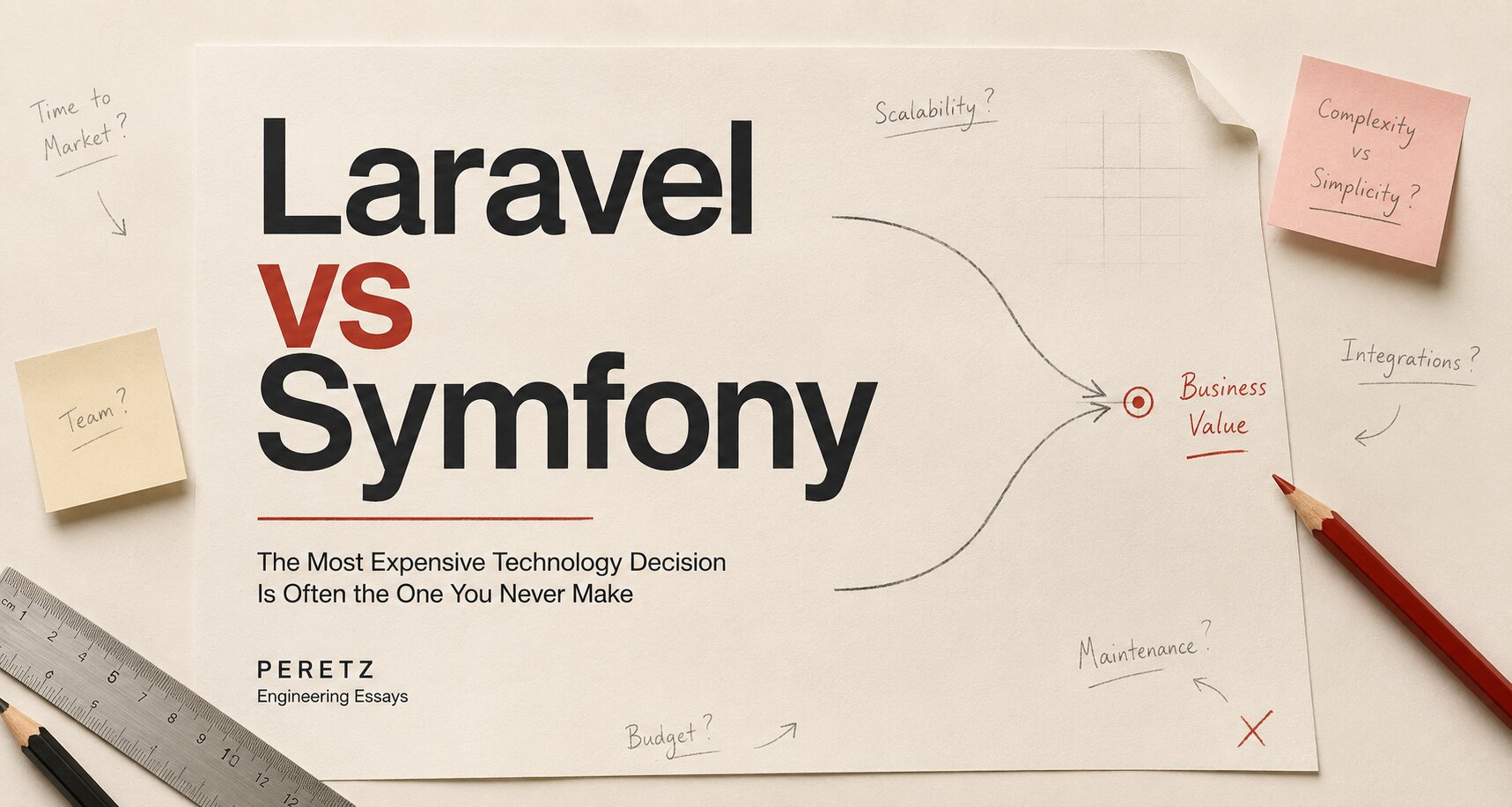
Laravel vs Symfony: The Most Expensive Technology Decision Is Often the One You Never Make
-
15. 07. 2026
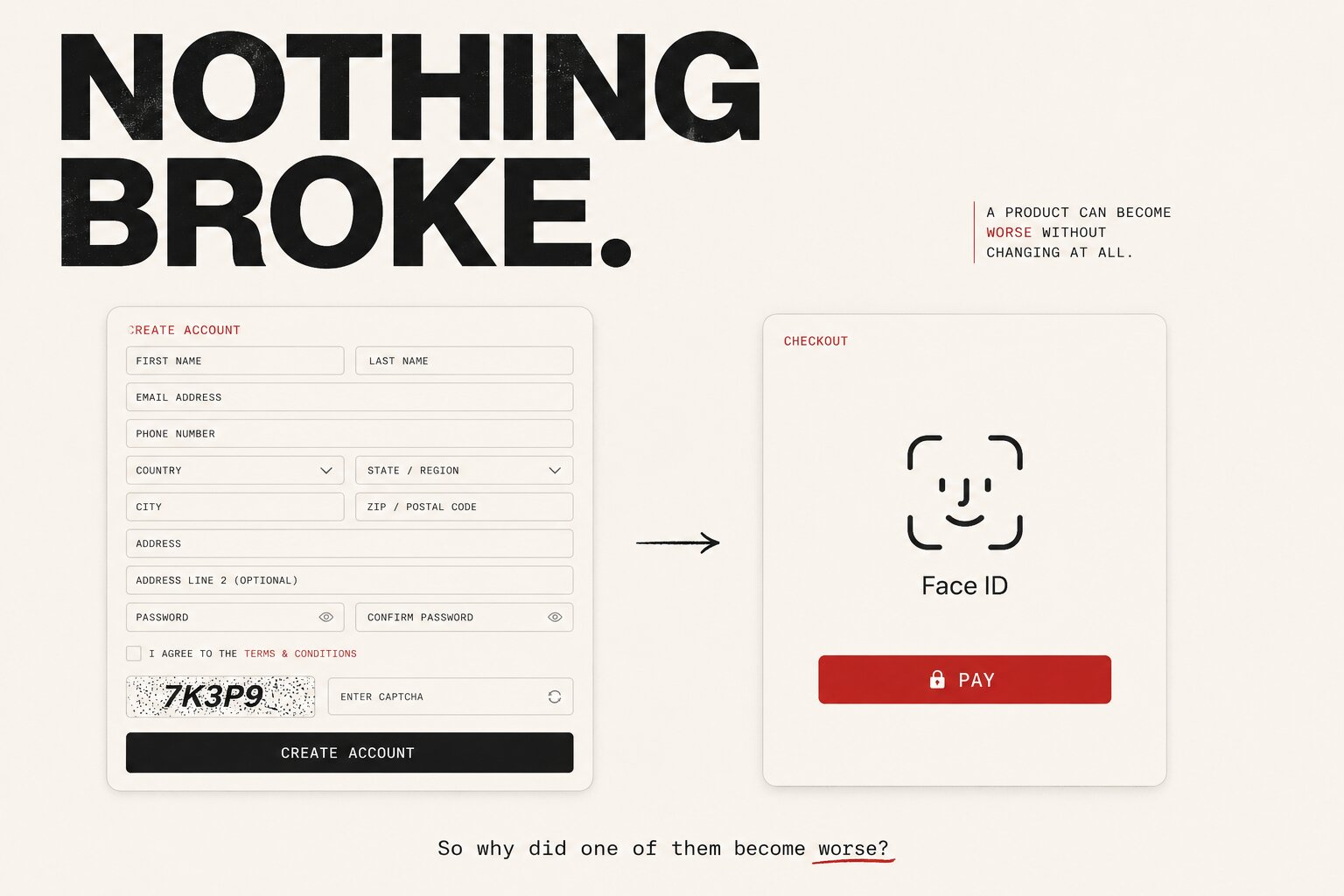
Everything You Build Starts Aging the Day You Finish It
-
01. 08. 2026
The Hidden Cost of Choosing the Wrong Architecture
-
20. 07. 2026

Most Companies Don't Need a New Website. They Need a New Structure.
-
27. 08. 2026
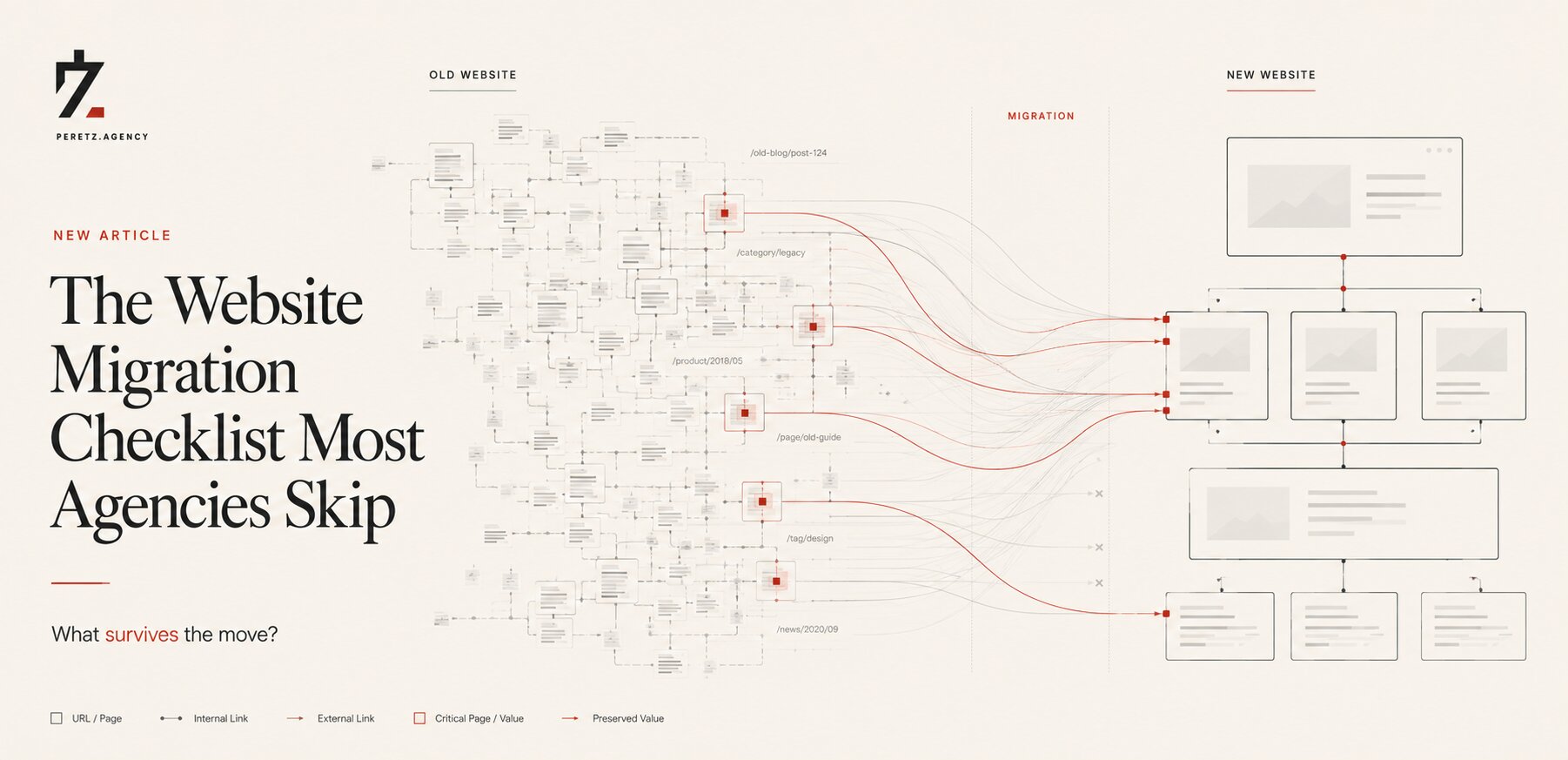
The Website Migration Checklist Most Agencies Skip
-
28. 08. 2026
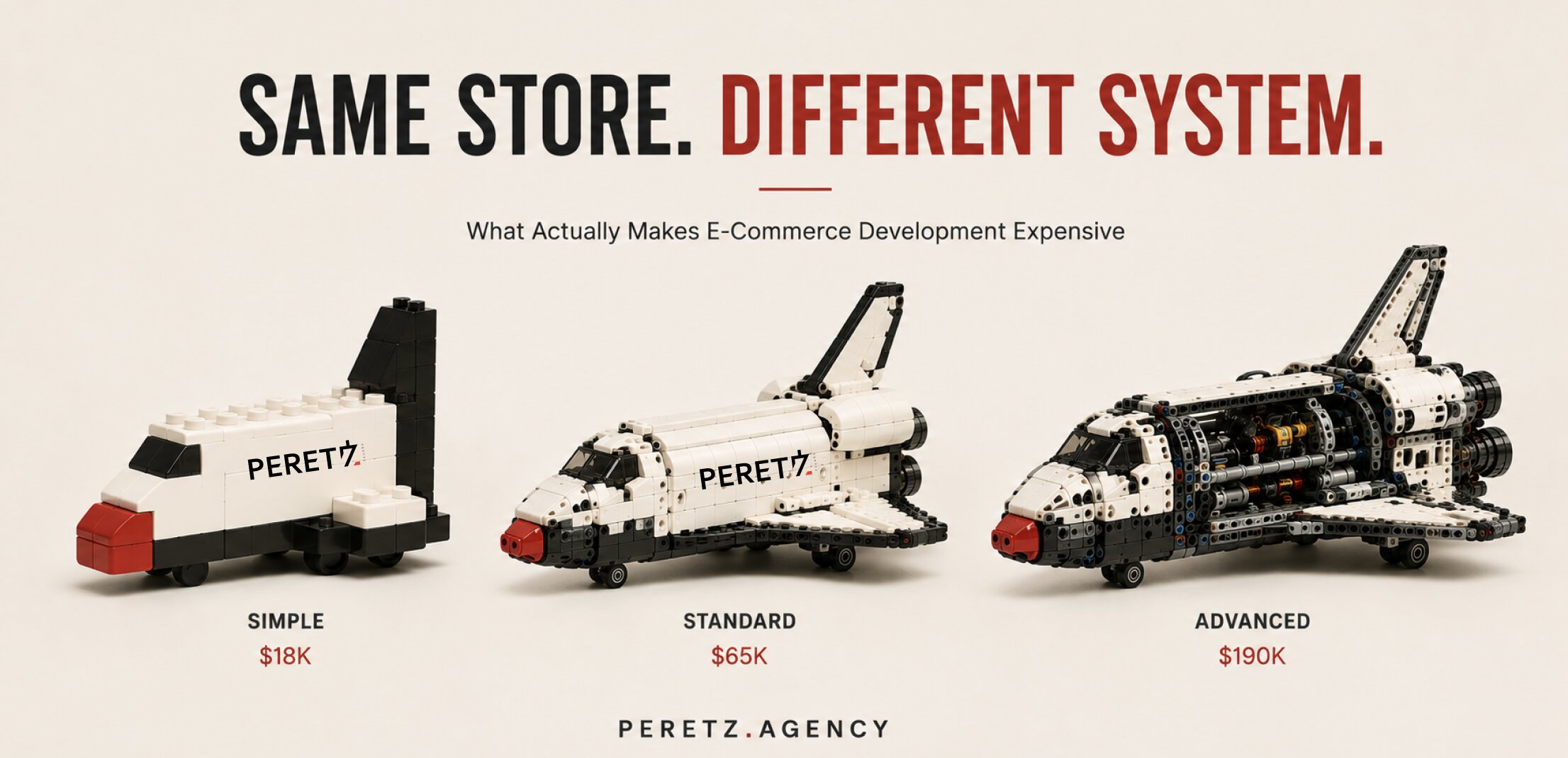
What Actually Makes E-Commerce Development Expensive
-
10. 09. 2026
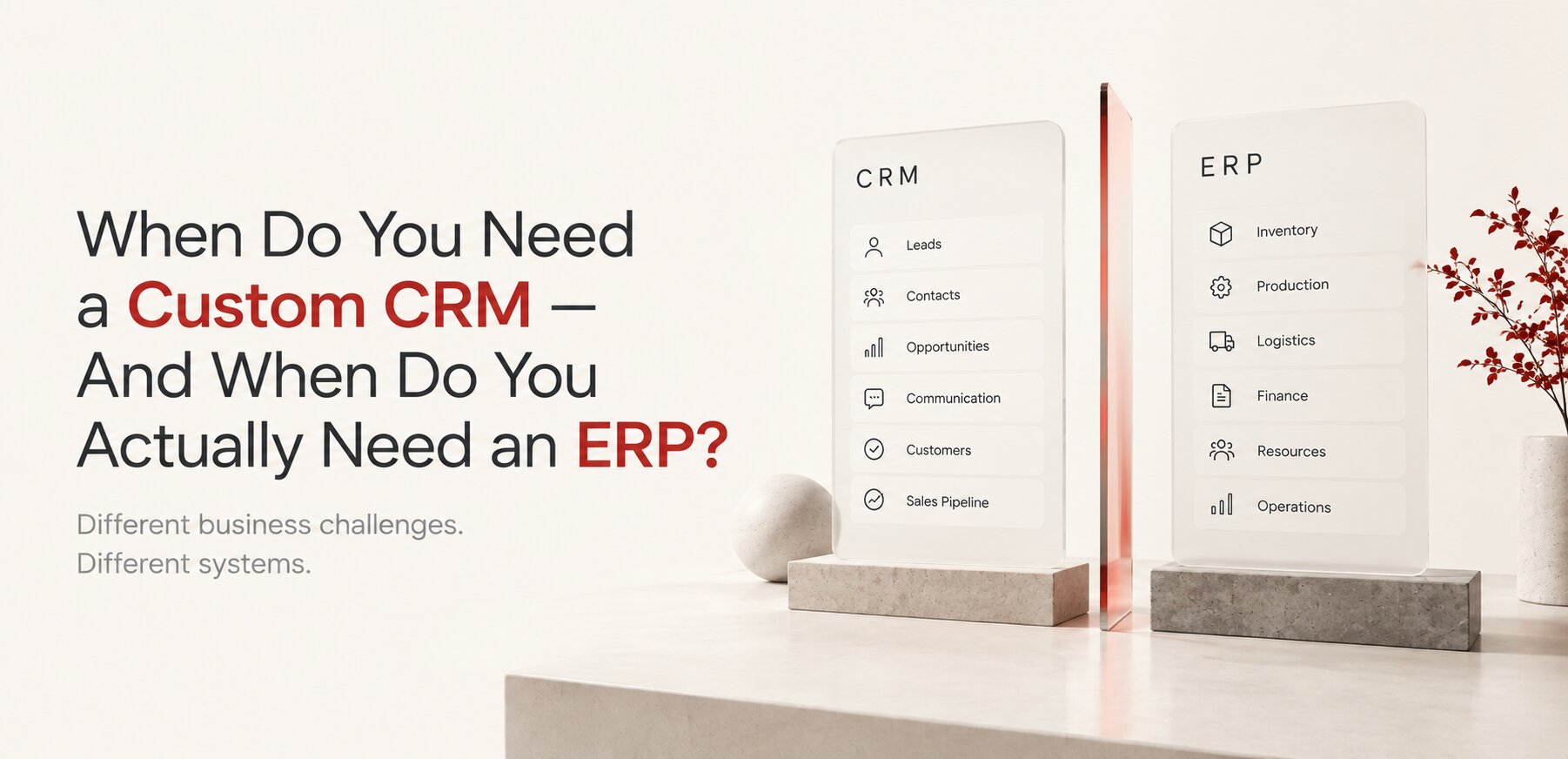
Custom CRM or ERP? The Difference, and When You Need Each
-
11. 09. 2026

Digital Architecture: How to Build a System That Can Grow With Your Business