Laravel or WordPress for a Business Website: How to Choose in 2026





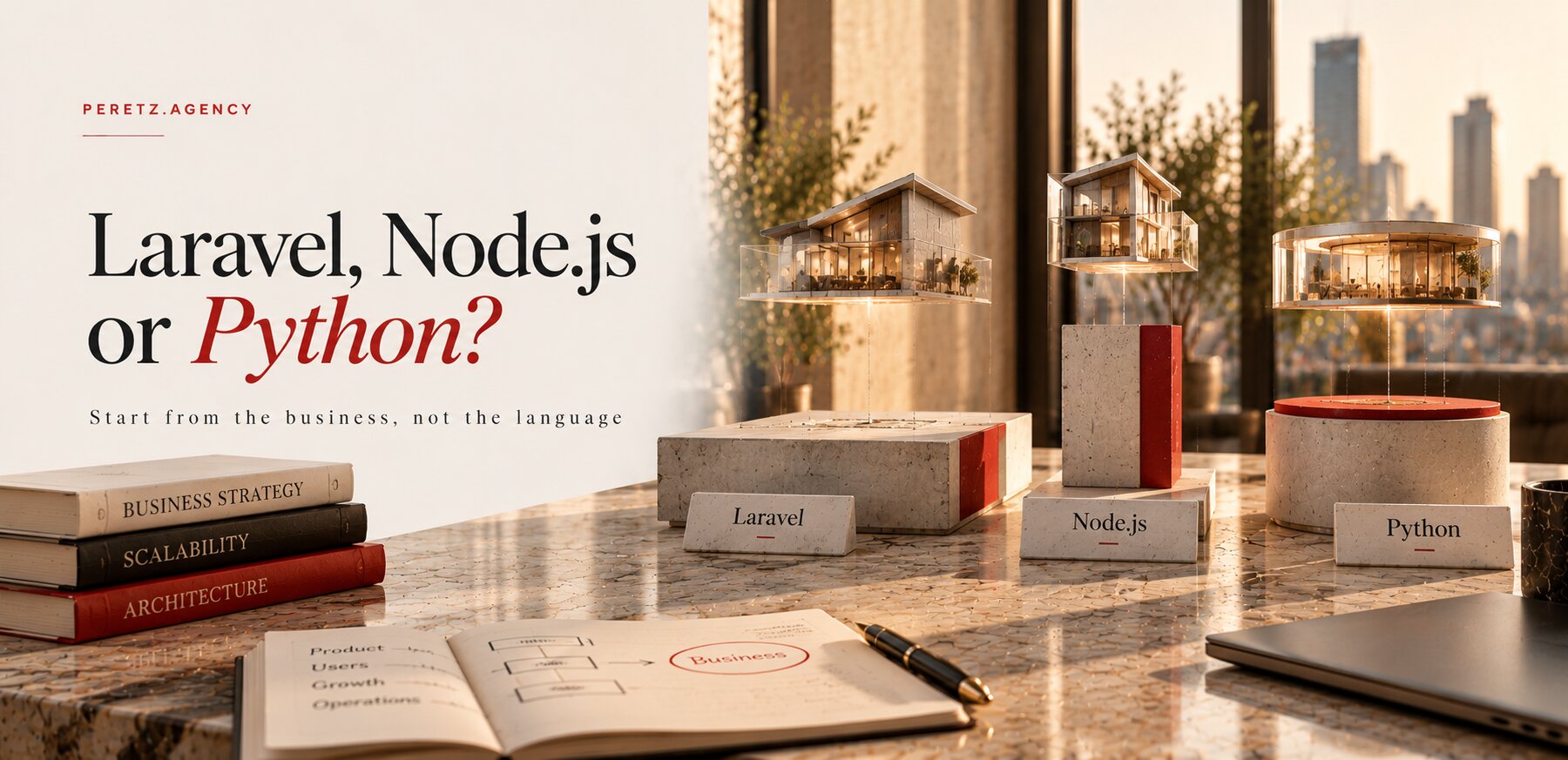
One proposal says WordPress will do, another says only a custom Laravel build will last. Both can be right, for different businesses. Here is what each one gives you on the first day and five years later, where WordPress starts to cost more than it saves, what Laravel really costs, and the question most comparisons skip: who will keep the site running after launch.
IN SHORT
Which one to choose
Choose WordPress when the site is mostly pages, posts and forms, the rules are standard and nobody plans to grow it into a business system. Choose Laravel when the site has to carry rules of your own: prices that depend on the customer, client accounts, approvals, integrations with a CRM or an ERP, or a load that keeps growing. Laravel costs more to build and needs a team that knows it, so settle who will maintain the site before you settle what it runs on.
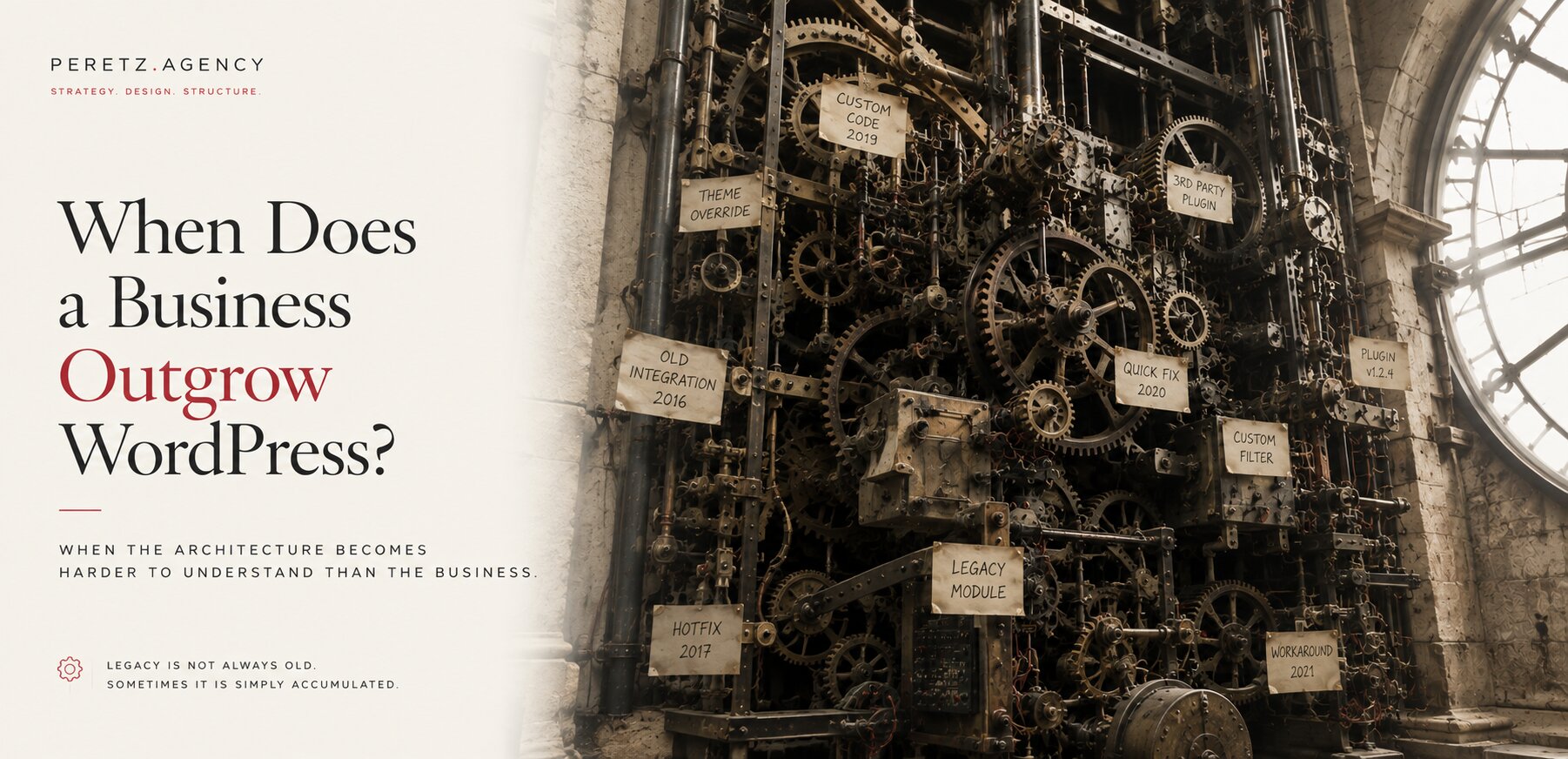
Our article When Does a Business Outgrow WordPress? looks at a site that already exists and at the signs that the business has grown past it. This one starts a step earlier, at the moment you choose what to build on, or what to move to.
We support WordPress sites and build custom ones on Laravel. Laravel runs this website, our client portal, the platform we are building for Schoeffel, the new SHTAYER platform and the new site of UHRS, so we know its costs from the inside. We also know the cases where WordPress was the cheaper and better answer, and we say so when we see one.
Settle who will maintain the site before you settle what it runs on.
TWO DIFFERENT TOOLS
A CMS and a framework
The comparison sounds like two products on one shelf, but they sit on different shelves. Both are written in PHP and both are open source. What you receive on the first day is very different.
WordPress is a content management system. You install it, pick a theme, add plugins, and on the same day you have pages, a blog, a media library, users and an editor that most marketing teams already know. Its reach is huge: as of November 2026 WordPress runs 58.2% of all websites whose content management system W3Techs can identify, which is 39.5% of all websites. That reach is the reason it is easy to find a theme, a plugin and a developer for almost any common task.
Laravel is a framework for building applications. Out of the box it has no pages, no admin panel and no visual editor. It gives developers a structure for routes, the database, queues, mail, sign-in and tests, and they build your application inside it: the data model, the rules, the screens and the panel your staff use. Laravel 13 came out on March 17, 2026 and needs PHP 8.3 or newer. Each major release receives bug fixes for 18 months and security fixes for two years, so Laravel 13 is covered until March 17, 2028 (Laravel release notes).
The admin side is the first thing a business notices. In Laravel it is built for the project or assembled from a ready package. Laravel Nova is the official paid admin panel from the Laravel team, with resources, filters, metrics and permissions tied to the application's own rules. Filament is an open-source alternative under the MIT license, made for business software on Laravel. Either way somebody decides which screens your team gets, which is extra work at the start and the reason the panel later fits the job.
Here is how the two compare where a business feels the difference.
| WordPress | Laravel | |
|---|---|---|
| First day | Pages, blog, editor, users and media ready after installation | An empty application: everything is designed and built for you |
| Admin panel | Built in, familiar to most editors | Built for the project or assembled with Nova or Filament |
| Your own business rules | Added with plugins, custom fields and hooks around the core | Written as code in the application, each rule in one place |
| Extensions | A large market of themes and plugins from many vendors | Packages for developers; features are built, not installed |
| Security work | Updating the core, the theme and every plugin, on the vendors' schedule | Updating the framework and packages on a published support calendar |
| Who can maintain it | A large pool of WordPress developers and freelancers | Developers who know Laravel and PHP well |
| Cost to start | Lower | Higher: more design, more programming, more testing |
| Cost of change later | Rises with every plugin and workaround | Stays closer to the size of the change when the code is clean |
| Fits best | Corporate sites, blogs, landing pages, content-led marketing | Portals, B2B and B2C stores with own rules, systems with integrations |
WHEN WORDPRESS IS ENOUGH
When WordPress is the right call
For a simple corporate site with no plans to grow into a system, WordPress is enough, and often the better business decision. A company that needs a few service pages, a team page, case studies, a blog and a contact form gets all of it quickly and at a lower price, and its marketing people can edit pages from the first week. Building the same thing in Laravel would mean paying for an admin panel and an editor that WordPress already has.
Such a site stays healthy when it is kept small on purpose. A handful of plugins from vendors who still release updates, a theme that is maintained, a regular update routine and backups that are tested: with these, a WordPress site can serve a business for years.
There is also a middle road for companies that want the familiar editor but a faster and more distinctive front end. In a headless setup WordPress keeps only the content and the admin. Its REST API sends posts, pages and other content as JSON to a separate application, so the site your visitors see can be built in Next.js while editors keep working in WordPress (WordPress REST API Handbook). Next.js pairs well with a headless WordPress: pages can be fast, the design is no longer bound by a theme, and the editors notice no change.
The middle road has its own bill. You now host and maintain two systems instead of one, and features that WordPress handled by itself, such as page previews, forms and search, need work on the Next.js side. In our experience it pays off when the content is rich, the design matters and the business logic is still simple. When the logic grows too, headless WordPress keeps the content problem solved and leaves the logic problem where it was.
WHERE IT GETS EXPENSIVE
When WordPress starts costing more
WordPress rarely fails at launch. The cost appears later, as the site takes on more traffic, more features and more plugins.
Load and plugins. Each plugin brings its own database queries, scripts and styles, and many of them load on every page whether that page uses them or not. With a growing load and dozens of plugins, performance suffers, and speeding the site up turns into a search for which of them slows it down and whether it can be replaced without breaking another one.
Custom logic. WordPress was designed around posts, pages and their metadata. When a business needs its own logic, such as a price that depends on the client, a quote that passes through approvals or an order that must reach an ERP, that logic is attached to a core that was never built for it. As the code grows it turns into a set of workarounds: custom fields standing in for tables, hooks that change what other plugins do, one plugin patching another. Each change gets slower, because nobody can be sure what else it touches.
Updates and vulnerabilities. The plugin market is the reason WordPress can do so much, and also its weakest point. Patchstack counted 11,334 new vulnerabilities in the WordPress ecosystem in 2025, 42% more than in 2024. Of these, 91% were found in plugins and 9% in themes, while the WordPress core had only 6, all of them low priority. For 46% of the vulnerabilities the plugin developer had no fix ready by the time they were disclosed, and for heavily exploited flaws the median time to mass exploitation was 5 hours (Patchstack, State of WordPress Security in 2026, published February 2026).
The figures do not make WordPress unsafe by nature. They mean that a site with dozens of plugins needs constant updates, someone watching for disclosed flaws and a plan for the plugin whose vendor has gone silent. We go through the common ways in, for WordPress and every other stack, in How Do Business Websites Get Hacked, and What Should You Fix First?
Every plugin you add is one more vendor your business now depends on.
WHAT LARAVEL COSTS
What Laravel really costs you
Laravel has real minuses, and a fair comparison starts with them.
No admin or visual editor out of the box. Everything your team edits has to be planned and built: the panel, the forms, the roles, the way texts and pictures are changed. Nova or Filament speed this up, but someone still decides which screens exist. A page builder that lets marketing assemble new layouts by dragging blocks does not come with Laravel at all. If your team expects one, put it in the brief, because it is a feature to design.
Professional programmers. A Laravel project needs developers who understand the framework, the database and how the parts fit together. Our Laravel developers work at $75 an hour, which corresponds to strong middle and senior engineers, or on a fixed project from $15,000 (Laravel Development). A corporate site with its own structure, several languages and integrations is priced at $20,000 to $40,000 (Corporate Website Development). For steady support of a stable application, a middle developer at $45 to $50 an hour is sometimes enough. What moves the total up or down is laid out in How Much Does Laravel Development Cost in 2026?
More time. A WordPress site with a ready theme can launch in weeks. A Laravel build goes through a data model, screens, the admin side and testing before anything goes live.
For that price you get code organised around your rules. Each rule lives in one place and can be changed without a search through the whole system, the code and the database belong to you, and nothing depends on a plugin vendor staying in business. Upgrades can be planned, because the support calendar is public and the Laravel team says it aims to keep each move to a new major release possible in one day or less. That holds for clean code; an application full of abandoned packages takes longer. Our own site went through six major Laravel versions, from 7 to 13, in three days on a closed copy, and the story is in Six Laravel Versions in Three Days. The MEDPRESSO platform made a similar move from an older Laravel to a current one.
Laravel pays back most when the logic is the business. SHTAYER, a premium home textile brand, sells to private customers, interior designers and hotels on different prices and terms, and its new platform has a Laravel application layer that keeps those rules together with the B2B site, the B2C store and the ERP (SHTAYER case). Rules like these can be forced into WordPress, but every year they would cost more to keep there.
WHO KEEPS IT RUNNING
Plan the maintainers before the build
Most comparisons stop at features and prices. The question that decides how a site lives after launch is who will maintain it, and with Laravel that question has to be answered on the first day.
One case taught us this. IFHRS, the International Federation of Hair Research Societies, had a new site on Laravel from us. The next developers could not work with Laravel and replaced it with WordPress. The site itself worked, but the stack it ran on needed people who knew it. IFHRS later came back to us, and today we fix and support its platform.
We draw one lesson from it. A site belongs to the business, so the business has to plan who will maintain it, and a Laravel site needs a team that knows Laravel, named before the build starts. A WordPress developer can be found almost anywhere; a Laravel developer who can read someone else's application and change it safely is a narrower search. If your company has no in-house developers and does not want a long relationship with an agency, that alone can be a reason to choose WordPress.
A Laravel site needs a team that knows Laravel. Name it first.
When Laravel is the right choice, the risk can be managed with a few decisions made in advance:
- Who maintains the site after launch: your own developer, an agency on a monthly plan, or a developer placed inside your team.
- What the handover contains: the code in a repository you own, the deployment steps, the server requirements, a rollback procedure and short documentation for your editors.
- How a newcomer gets started: we leave an AGENTS.md file in every project, a plain description of the structure, the rules and the commands, so a new developer or an AI coding agent can work without guessing.
- When upgrades happen: each major Laravel release has a published end of security fixes, so the move to the next one goes into the plan a year ahead.
Support of a business site costs from $1,000 a month (Website Maintenance & Support), and a Laravel developer inside your team costs $45 to $65 an hour, depending on seniority (Hire Laravel & PHP Developers). Why the trouble with an unowned site starts long before the developer leaves is in Your Website Doesn't Fail When Your Developer Leaves.
THE AI EFFECT
Why clean Laravel works better with AI
AI coding assistants have changed the cost of maintenance, and in our work they changed it unevenly. With clean Laravel and PHP code they work superbly. The framework has strong conventions, the business rules sit in the application where an agent can find them, and a task that touches one rule touches a few files. The assistant reads less, makes fewer wrong guesses and spends fewer tokens and credits on the same job.
On a CMS the same task costs more. Before an agent can change a WordPress site with dozens of plugins, it has to work out which plugin, hook or theme file does what, and much of that code was written by vendors with their own conventions. The gap is widest on heavy commerce platforms such as Magento and Shopify Plus, where the platform layer is large and the agent spends much of its effort on reading it. Shopify Plus also carries a high monthly fee of its own, and the long-term sums for both are in Leaving Magento in 2026: Upgrade, Shopify Plus or Custom Laravel?
Laravel itself moves in the same direction. Laravel 13 ships a first-party Laravel AI SDK for working with AI providers from the application, so features such as summaries, search over your documents or assistants for your staff can be built inside the same codebase (Laravel release notes).
None of this removes the need for engineers. An AI assistant on a clean codebase makes a good developer faster; on a tangled one it multiplies the tangle. That is one more reason to keep the code clean, whichever system you choose.
BEFORE YOU CHOOSE
Seven questions that settle it
Answer these before you compare proposals. Most businesses find the choice obvious by the fourth one.
- Is the site mostly pages and posts, or does it carry rules of your own, such as prices by client, accounts or approvals?
- Does it have to exchange data with a CRM, an ERP, a warehouse or accounting, and in which direction?
- How much will traffic, the catalogue and the number of languages grow over the next three to five years?
- Who will maintain the site after launch, and do they know the stack you are choosing?
- What does your team need to edit every week, and what can wait for a developer?
- How many plugins would WordPress need for your features, and are their vendors still active?
- What is the budget for the first year after launch, including updates, support and small changes?
If most answers point to standard content, a small team and modest growth, WordPress is the sensible choice, possibly headless with Next.js. If they point to your own rules, integrations and a long roadmap, Laravel is worth its higher start, provided the fourth answer has a name in it.
FAQ
Frequently asked questions
Is WordPress a bad choice for a business website?
No. For a corporate site, a blog or a content-led marketing site with standard forms, WordPress is often the faster and cheaper choice. The trouble starts when a site with dozens of plugins is asked to carry custom business logic and heavy load, because then every change and every update costs more.
Can WordPress handle custom business logic?
Technically it can be made to do almost anything. The question is the price of keeping it there: custom rules on WordPress are built around a core designed for posts and pages, so they grow into workarounds that make each later change slower and riskier.
Does Laravel come with an admin panel?
No. Laravel has no admin panel or visual editor out of the box. The panel is built for the project or assembled with Laravel Nova, the official paid package, or Filament, an open-source one. Either way the screens are designed around what your team actually edits.
Is headless WordPress with Next.js a good middle ground?
It is a good fit when the content is rich, the design matters and the logic is simple. Editors keep the WordPress admin, visitors get a fast Next.js front end. You maintain two systems instead of one, and previews, forms and search need extra work.
How much does a Laravel website cost?
At Peretz Agency, Laravel development costs $75 an hour or fixed projects from $15,000, and a corporate website costs $20,000 to $40,000. The final price is set after a strategic session, and its $500 is credited toward the project.
Can we start on WordPress and move to Laravel later?
Yes, and many businesses do. Content can be exported through the WordPress REST API, and every old address needs a redirect to its new place. The move is cheaper when the WordPress site was kept lean, with few plugins and no business logic hidden in them.
Sources
- W3Techs: Usage statistics and market share of WordPress (November 2026)
- Patchstack: State of WordPress Security in 2026 (February 2026)
- Laravel 13 release notes: support policy, PHP requirement, Laravel AI SDK
- WordPress Developer Resources: REST API Handbook
- Laravel Nova: administration panel for Laravel
Proposals disagree on WordPress or Laravel? Let's map your business rules and who will keep the site running.
- Share
-

-

-

-

One notification a week with the new PERETZ articles. Nothing else.