Your site works. Leads come in, pages load. But underneath, it may be running on a version of PHP or Laravel that stopped receiving security fixes years ago. Nothing breaks on the day support ends. Instead, the risk and the cost of fixing it grow quietly, every month.
We find out exactly what your site is running on, then bring it up to date: on a closed copy, version by version, with a rollback plan at every step. No downtime, no lost rankings, no surprises.
Website Modernization: PHP, Laravel & CMS Upgrades
Modernization for sites running on outdated PHP, Laravel, WordPress or OpenCart: an audit first, then a step-by-step upgrade on a closed copy, without downtime and without losing search rankings.
The audit: $300 for small and medium sites, from $1,000 for large e-commerce and complex projects.
9Years in the market
50+Team & partners
127Projects delivered
12Countries
Up to 700%Revenue growth
48hProject start
What's included
-
01.
Audit & Upgrade Plan
PHP, framework, CMS and package versions, who owns the hosting, domain and code, and a fixed-price, step-by-step plan.
-
02.
Upgrade on a Closed Copy
Version by version on a staging copy, never on the live site, with a rollback plan at every step.
-
03.
Security & Ownership
Exposed scripts, visible errors and forgotten test copies closed; hosting, domain and code moved into your name.
-
04.
Email, Search & AI
SPF and DKIM so leads arrive, indexing checked before and after the release, AI crawlers allowed.
How It Works
01
06
01
06
Audit
We look at what is really there: versions, packages, hosting, access and risks.
02
06
02
06
Plan & Estimate
Every step, the risks, a fixed price and a timeline before any work begins.
03
06
03
06
Staging Upgrade
One version at a time on a closed copy, checked after each step.
04
06
04
06
Your Acceptance
You review the upgraded site before anything changes on the live one.
05
06
05
06
Release
The switch takes minutes, with rollback ready and 24 hours of monitoring.
06
06
06
06
Ongoing Care
Optional maintenance, so the site never falls behind again.
What You'll Walk Away With
A site on current, supported versions, and a clear record of everything that was changed.

Written Audit Report
Fixed Price & Timeline
Current PHP & Framework Versions
Security Holes Closed
Hosting, Domain & Code in Your Name
Email That Reaches Inboxes
Same URLs & Search Rankings
AI Crawlers Allowed
Notes on Every Change
30-Day Warranty

Get a cost and timeline estimate
Read Also
-
The Hidden Technical Debt That Makes Website Redesigns More Expensive Than Planned

-

Your Website Doesn't Fail When Your Developer Leaves. It Fails Years Earlier.
-

Everything You Build Starts Aging the Day You Finish It
-

Do I Need a Developer, or Is AI Enough?

-
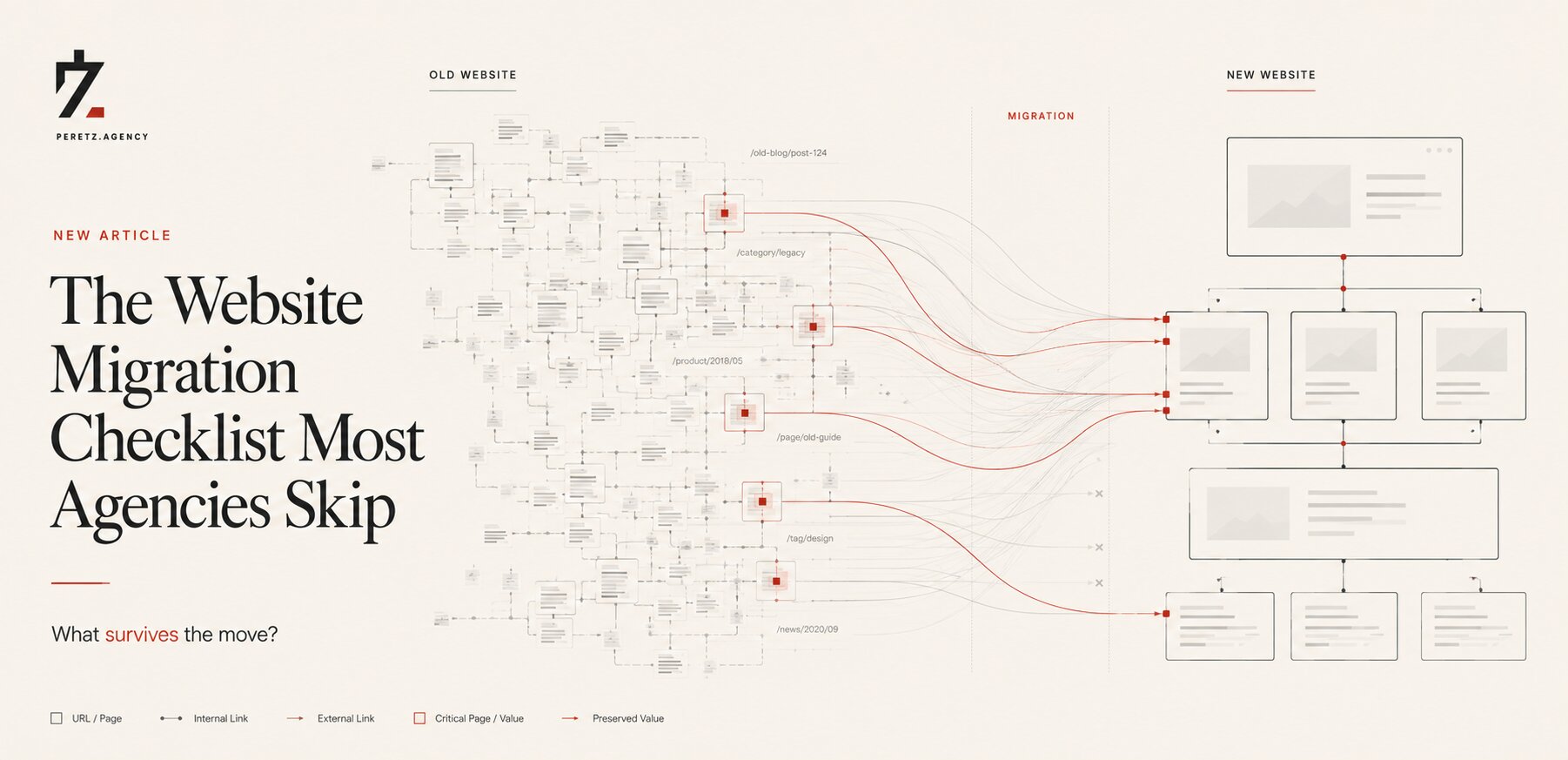
The Website Migration Checklist Most Agencies Skip
-

Most Companies Don't Own Their Website. They Own a Collection of Dependencies.

ASK A QUESTION
Leave your contacts and we will contact you at a convenient time.
FAQ
Why can't you quote a price upfront?
Because the version number tells only part of the story. Laravel upgrades one major version at a time: Laravel 5 needs eight consecutive steps to reach 13, and on a large project each step is its own small project. The audit shows which case you are in, so you pay for what your site needs, not for our uncertainty.
Why is the audit paid?
Because it is real work: a senior developer reads your code and dependencies, and a project manager plans the upgrade. You get a written report with the upgrade path, a fixed price and a timeline, and it is yours to use with us or with any other team.
My site works. Why spend money on it?
Technical debt accrues interest. Every year you wait adds another version to the path, the old version stops receiving security patches, hosting providers retire it and new integrations refuse to install. Upgrading now is almost always cheaper than an emergency later.
Can I do the audit and the upgrade with AI myself?
Partly. We use AI in every upgrade ourselves. But it only sees the code it is shown, not your hosting, email, DNS or search indexing, and its most dangerous mistakes are silent, like lost contact form emails. On anything with payments or years of custom code, you need a developer who knows what to check.
Who is responsible if something breaks after the upgrade?
We are responsible for our work: if something that worked before breaks because of the upgrade, we fix it at our cost within 30 days after release. Changes made later by other developers, administrators or the hosting provider are outside our control, which is why you receive notes on everything we changed.
Will my site go down?
No. All work happens on a closed copy. The switch takes minutes, and a rollback stays ready until you confirm everything works.
Will we lose search rankings?
No. Addresses stay the same, and we check indexing, redirects, canonical tags and sitemaps before and after the release. The live site is never closed to search engines.
How long does it take?
From a few days for a small site to several weeks for a large project. The audit gives you an exact timeline along with the estimate.
Is it sometimes better to rebuild?
Sometimes, yes. If the upgrade would cost close to a new build, we say so honestly in the audit and show both options side by side.
Which platforms do you work with?
Laravel, OpenCart, WordPress and custom PHP projects.