An AI Project Stuck on a Legacy System? Upgrade First, Then Automate

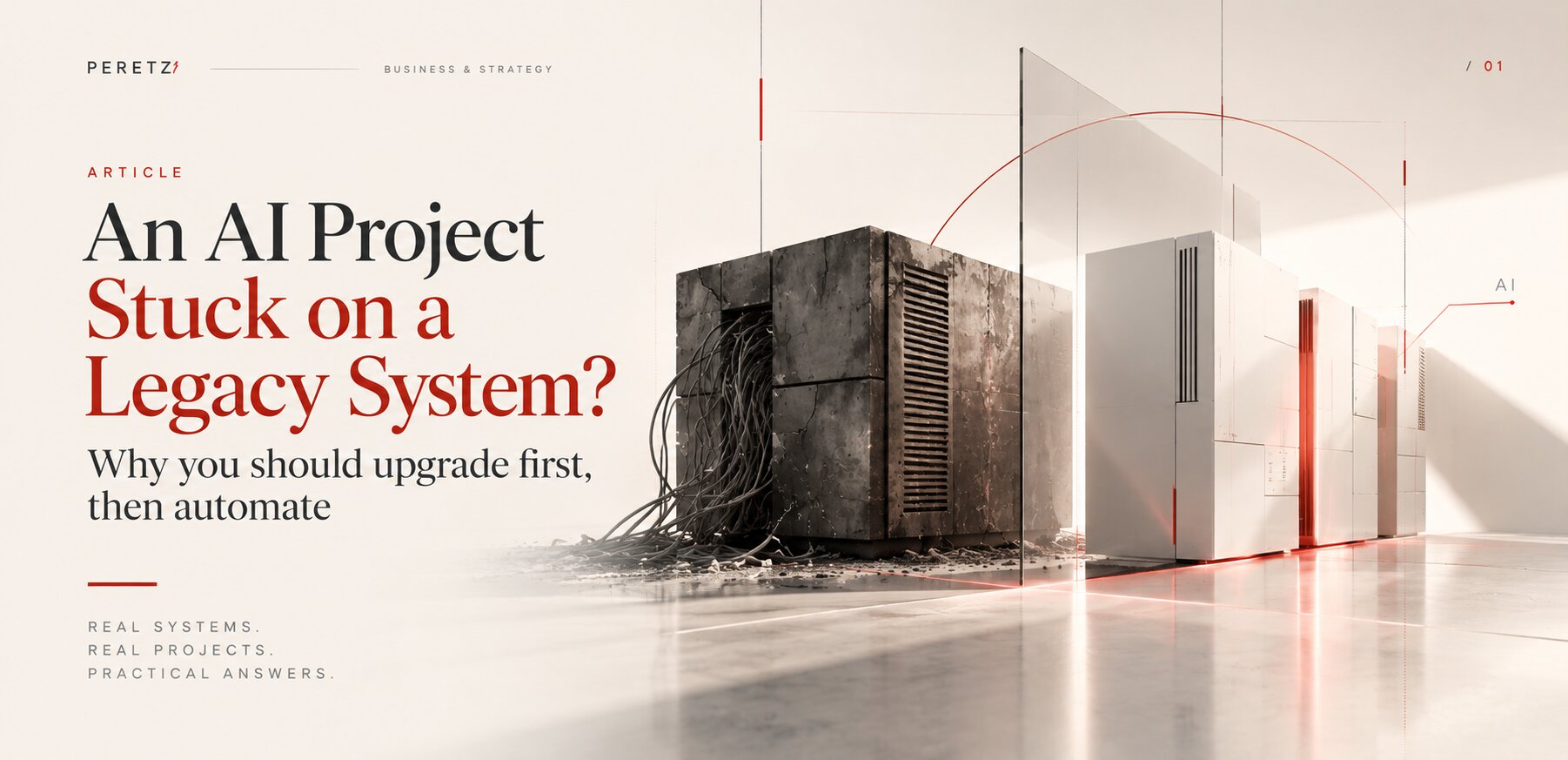
Most companies that want AI already have a working system: a store, a CRM, a client portal written years ago. It still runs, so nobody touches it. Then the AI project arrives and stalls, and the reason is rarely the model. Here is what an old stack blocks, how to check yours in an hour, and how we decide between an upgrade and a rebuild.
IN SHORT
Why AI projects stall on old systems
An AI project needs three things from the system underneath it: current software versions, data it can reach through an API, and a way to run slow tasks in the background. A system written five or ten years ago usually has none of them, so the pilot works in a demo and never reaches the business.
In April 2026 Gartner reported that 59% of AI initiatives never make it into production, and that 71% of CIOs struggle to choose AI use cases with measurable business results. Analysts quoted alongside those numbers name the same obstacle again and again: legacy technology. CIOs have started to describe modernization not as maintenance but as the investment that makes AI possible at all.
We see the same thing in our own work. Over the past months we have upgraded one of our own projects that had not been a priority from Laravel 7 to 13, the Trichology Institute site and its online store to the latest OpenCart 3, the sites of international medical federations and online stores that worked fine while technical debt piled up underneath. On the upgraded systems, AI features and CRM integrations went in and simply worked. On one large system, written on PHP 5.3, we advised against an upgrade and signed a contract for a full rebuild.
AI does not fix an old system. It shows where the old system ends.
VERSIONS
The tools do not install on old code
The most concrete obstacle is also the least visible to a business owner. The packages developers use to connect a site to AI models have minimum requirements, and those requirements move every year.
Here is what the main packages for PHP and Laravel required in October 2026, according to Packagist:
| Package | PHP | Laravel |
|---|---|---|
| laravel/ai, Laravel's own AI package | 8.3 or newer | 12 or 13 |
| laravel/mcp, for connecting AI agents to the app | 8.2 or newer | 11.45 or newer |
| prism-php/prism, a multi-provider AI layer | 8.2 or newer | 12.61 or 13.12 and newer |
| openai-php/laravel, the OpenAI client for Laravel | 8.2 or newer | 11.29 or newer |
| anthropic-ai/sdk, the official Claude SDK for PHP | 8.1 or newer | any |
A site on Laravel 7, 8, 9 or 10 cannot install any of the Laravel packages in this table. A site on PHP 7.4 cannot install any of them at all. The team can still write its own connection to a model by hand, but then it maintains that code alone, without the updates, security fixes and features that come with the official packages.
The support calendar adds pressure. Security support for PHP 8.1 ended on December 31, 2025. PHP 8.2 loses security support on December 31, 2026, two months from the date of this article. Laravel 11 stopped receiving security fixes in March 2026, and Laravel 12 stops in February 2027. A system on any of these versions is running without patches or soon will be, and that matters even more once an AI agent gets access to its data.
If the AI package will not install, the AI project has not started yet.
DATA
The model can only use what it can reach
An AI assistant on a site, an agent that drafts quotes or a report that answers questions in plain language all need data. Orders, clients, stock, prices, request history. In an older company that data often lives in four places: the site, the CRM, the accounting system and someone's spreadsheet.
A modern system exposes its data through an API, so an AI feature can ask for exactly what it needs and nothing more. An old one often has no API at all. Data moves between systems through exports, nightly scripts and manual copying, and the logic of the business sits in conditions nobody remembers writing. We wrote about where such logic comes from in The Code Remembers Every Version of the Business, and about the spreadsheet that really runs a company in Every Enterprise System Started as Someone's Spreadsheet.
Connecting AI to that is possible, but every connection becomes another workaround. The AI then answers from data that is a day old, or incomplete, or wrong in ways nobody notices until a client does.
SECURITY
An agent with access to an unpatched system
A chatbot that gives a bad answer is an embarrassment. An agent that can read orders, change records or send emails on an unpatched system is a risk. Old PHP and framework versions no longer receive security fixes, and known vulnerabilities in them stay open for good.
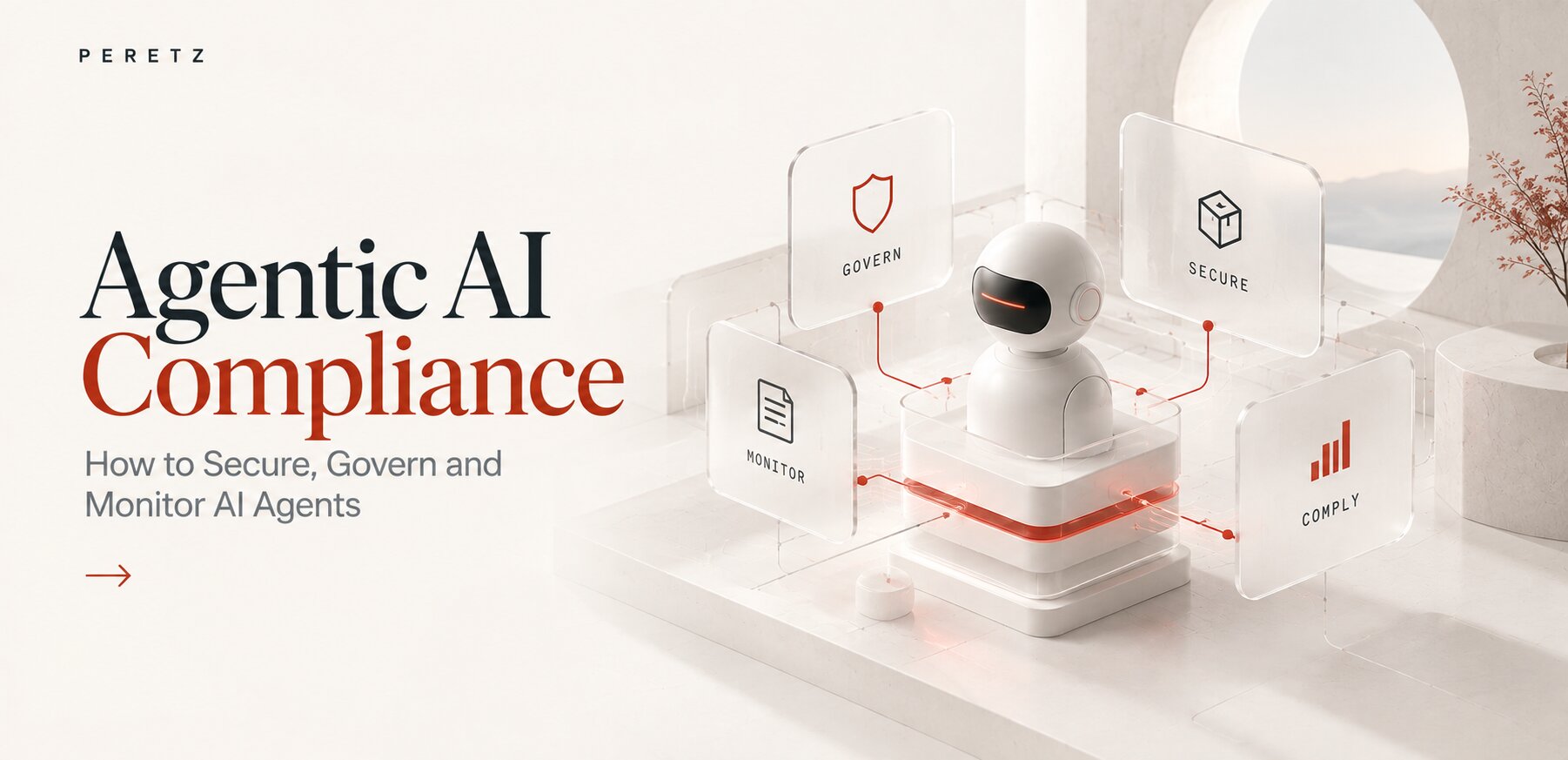
Giving an AI agent access to such a system means adding a new actor with real permissions to a foundation that can no longer be secured. We describe what controls an agent needs, from permissions to monitoring, in Agentic AI Compliance. Almost all of them assume a supported, current stack.
READINESS
Modern software is not the same as AI readiness
An updated stack removes part of the technical constraints, but on its own it does not make a system ready to work with AI safely. Before launch, four things need an answer:
- which data and actions the model can reach;
- which operations need a human to confirm them;
- how requests and changes are logged;
- what happens when the model is wrong or unavailable.
An AI agent gets only the permissions its task needs. Changes to orders, client records, payment data and other critical objects go through the same business rules and checks as the actions of employees. The system needs an action log, error handling and a clear way to stop or undo an action where that is possible.
Besides PHP and framework versions, AI readiness takes accessible data, security, controlled integrations and control over what the AI is allowed to do.
BACKGROUND WORK
AI takes seconds, old systems wait
A request to a language model takes seconds, and a long answer or a chain of agent steps takes longer. A modern application sends such requests to a queue, does the work in the background and shows the result when it is ready. Many older systems have no queue, no proper cache and run on hosting configured for a site that only had to show pages.
On such a system an AI feature either makes visitors wait, or times out, or is moved to a separate service that again has to reach the old data somehow. None of this shows up in a demo, where one person clicks one button. The trouble starts on Monday morning, when the whole team does.
CHECK
How to check your system in an hour
You do not need an audit to get a first answer. Ask your developer, or whoever maintains the system, six questions:
- Which PHP version runs in production? Anything older than 8.2 is already out of security support or loses it this year.
- Which framework and which version? For Laravel, anything older than 12 cannot use Laravel's own AI package.
- When was the core last updated? Not a plugin or a page, the framework itself.
- Does the system have an API? Can another system read orders, clients or products without an export file?
- Is there a queue for background tasks? Emails, imports and reports that run without making a visitor wait.
- Who knows the code? If the answer is one person, or a contractor who is gone, that is the first risk to deal with, before any AI.
If most answers sound fine, AI can be planned now. If most do not, the AI budget should start with the foundation. When the previous contractor has left and nobody knows the code, we start with a project takeover: an audit, access, documentation and a plan.
UPGRADE OR REBUILD
How we decide
Most systems do not need a rebuild. The question is whether the structure is still right for the business, or only the versions are old.
| Signal | Upgrade | Rebuild |
|---|---|---|
| The business works the way the system assumes | Yes | No, the processes have moved on |
| Data model | Sound, only the code around it aged | Built from workarounds and duplicates |
| Connections to other systems | Few and documented | Many, through scripts and manual copies |
| PHP version | 7.x or 8.x | 5.x |
| What the business needs next | The same, plus AI and integrations | Processes the system was never built for |
There is also a third option before AI: change nothing yet. An existing business application does not necessarily need an upgrade or a rebuild before AI can be introduced. The right approach depends on the condition of the code, access to business data, security requirements and what the company wants to achieve.
- Proceed with an AI pilot now when the application runs on supported software, the data it needs is accessible through reliable interfaces, and the task can be tested safely.
- Modernize before the pilot when outdated dependencies, unsupported software, missing APIs or the lack of background processing prevent a reliable implementation.
- Rebuild when the data model, the integrations or the business logic itself no longer reflect how the company operates.
You do not have to modernize everything before AI. Removing the specific constraints that keep the first AI use case from a measurable business result is enough.
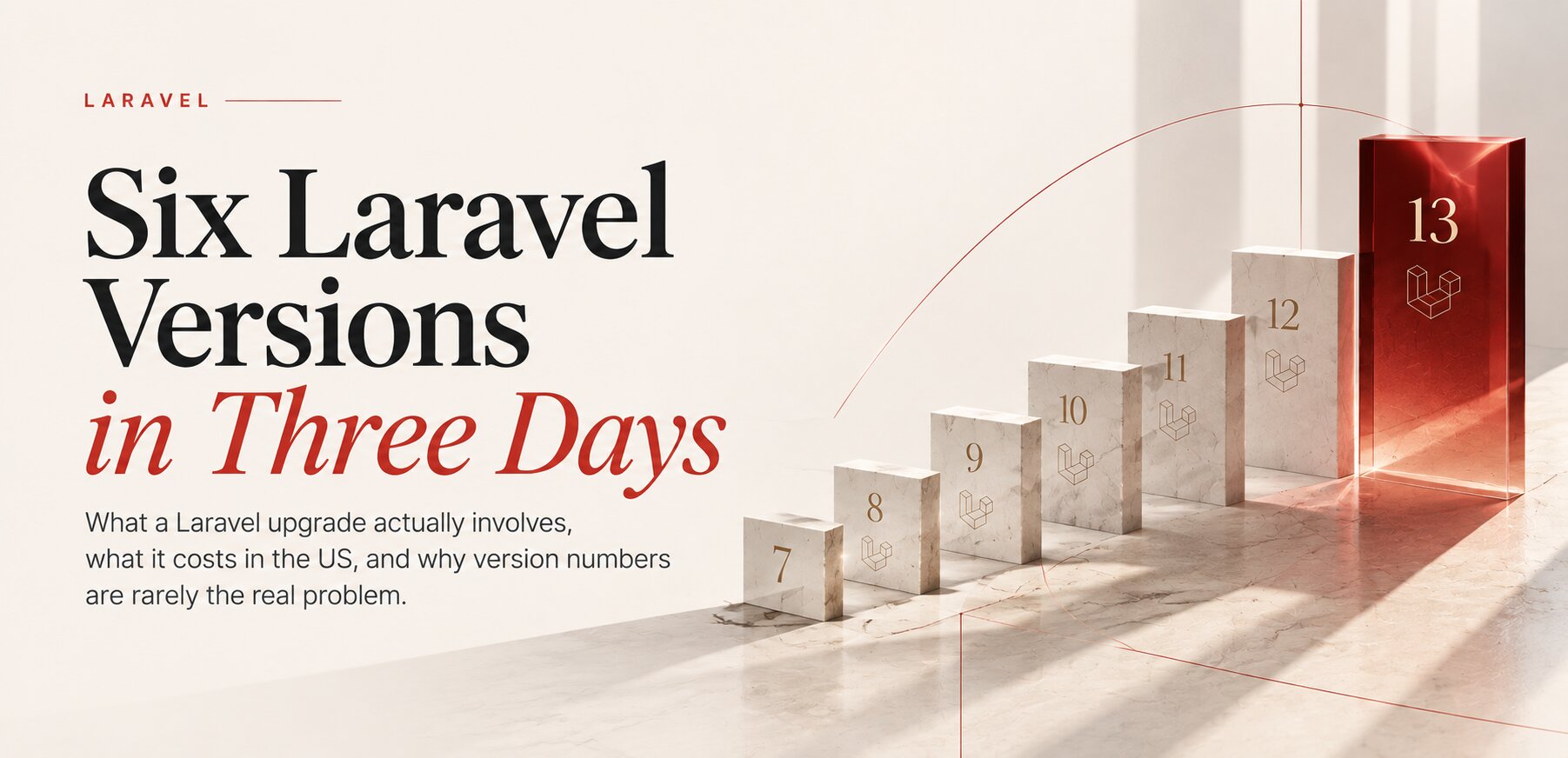
Upgrade. One of our projects that had not been a priority ran on Laravel 7 and PHP 7.4 and worked. We moved it to Laravel 13 and PHP 8.4 in three days, version by version, which we described in Six Laravel Versions in Three Days. On the Trichology Institute site in Kharkiv we brought an old OpenCart build to 3.0.5.1, the latest release of its line, and PHP to 8.3. The institute's Trichocosmetics store had been built years ago on PHP 5.6 and never launched. We moved it to OpenCart 3.0.5.1 and PHP 8.4 and updated its modules and integrations instead of rebuilding it. Both sites became noticeably faster and feel lighter in use, and the store is launching now. The same approach worked for the sites of international medical federations and for online stores that worked well on the surface while technical debt grew underneath. The full method, with costs and tools, is in Upgrading an Old Laravel or PHP Site in 2026.
Rebuild. One of our clients runs a large custom system written on PHP 5.3, with a big, constantly changing database. Security support for PHP 5.3 ended in 2014. The system works, but many of its connections run through workarounds that were added one at a time over the years. An upgrade would have carried every one of them into the new version. We signed a contract for a full rebuild instead. The project has just started, and we are working through the documentation together with the client's architect, so that the business processes are modelled properly from the start, and the AI and integrations the company needs next have something solid to stand on.
A rebuild is not only for old code. The current site of IFHRS, the International Federation of Hair Research Societies, runs on WordPress and does its job as a set of pages. A federation with member societies, leaders, committees, congresses and decades of history needs content that relates to other content, and its members need their own access. So the new platform is built on Laravel, with a members' area and deeper functionality, which we describe in the IFHRS case.
An upgrade keeps what the business got right. A rebuild fixes a wrong structure.
COST
What does AI readiness actually cost?
The cost of preparing a business system for AI depends on what is actually blocking the first use case. Some applications can connect to an AI service with limited changes. Others need targeted modernization. Systems whose data model or business logic no longer fits the company may need a rebuild.
| Scenario | What we do | What the business gets |
|---|---|---|
| The system is ready | Connect one AI feature to existing data and test it in a limited pilot | A business hypothesis tested without a large modernization |
| Modernization needed | Update components, restore integrations, prepare APIs and background tasks | A foundation for the first AI feature and what comes after |
| Rebuild needed | Rework the architecture, the data model and the processes | Constraints removed instead of carried into a new version |
The cost cannot be read reliably from the PHP or Laravel version alone. It depends on the state of the code, the number of integrations, documentation, test coverage, security requirements and the risk a working business can accept. So we assess the system and the specific AI task first, and the scope of work after that. Our reference prices for audits and development are on the pricing page.
Start with the smallest technical step that makes a measurable result possible.
An illustrative example. An online store receives 200 requests a month, and the first handling of each takes an employee 15 minutes. That is 50 working hours a month, about $1,500 at an assumed $30 an hour. If automation really halves that time, the saving is about $750 a month, or $9,000 a year. This is an illustration, not a forecast: a real calculation has to include the time spent checking AI answers, the cost of building and supporting the feature, errors, and the requests that still need a person.
That is why it makes sense to start with one measurable process: record the current cost before development, agree on the expected change and test it in a limited pilot. Only then can payback be estimated and the decision to scale be made.
ORDER OF WORK
Foundation first, then the first AI task
The order matters more than the speed. This is the sequence we follow:
- Audit. Versions, data, connections, who knows what.
- A copy for testing. A temporary copy of the system, closed to the outside world, with anonymized data and no real client records. All upgrade work happens there.
- Core upgrade. PHP and the framework, one version at a time, with the site checked after each step.
- Data and API. The data the first AI task will need, available through an API instead of exports.
- Release. After the checks on the copy, the upgrade goes live, and the copy is deleted.
- The first AI task. One process, one measurable result: fewer manual replies, faster quotes, fewer errors in orders. Only then the next one.
Steps 1 to 5 are the part most AI budgets skip. They are also the reason the sixth step reaches production.
WHAT BROKE
What actually went wrong
Less than people expect. In our upgrades the most frequent problems were in CSS: styles that depended on old library versions shifted after the update. All of them showed up and were fixed on the test copy. When the upgraded systems went live, they simply worked.
The real surprises were elsewhere: code nobody remembered, settings that lived only on the old server, a scheduled task that ran from a forgotten folder. This is why the audit comes first, and why the copy for testing is not optional.
RESULT
What changes after the upgrade
After the upgrades, adding AI features and CRM integrations to these systems became ordinary development work instead of a research project. The official packages install, security updates arrive again, background tasks have a queue, and data can be read through an API.
An upgraded foundation also makes design work cheaper. On the Trichology Institute site we are refreshing the design alongside the upgrade, starting with the footer: every department and service on one calm grid instead of a short list of links. The same content on the same platform now looks like a different site. The Trichocosmetics store gets its design refresh next.
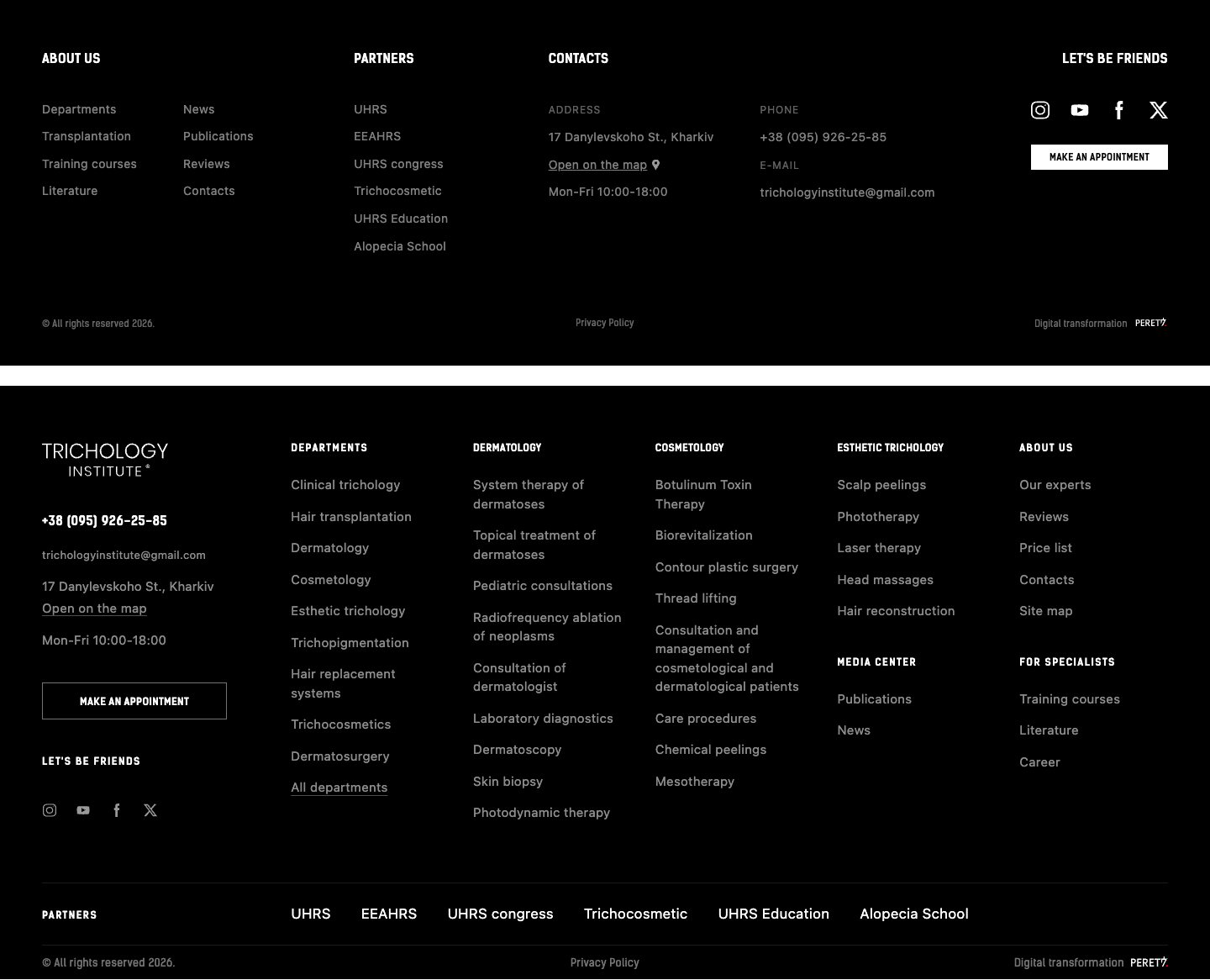
That is the real result of modernization: not a newer version number, but a system to which the next thing can be added without a workaround. If a company is planning AI for next year, the cheapest moment to check the foundation is now, while PHP 8.2 still has two months of support left.
NEXT STEP
Start with one task
- Choose one business task you want to automate.
- Identify the data and systems the task depends on.
- Check the platform: versions, APIs, background tasks and access rights.
- Find the smallest modernization needed for a safe pilot.
- Agree on the success measure before development starts: handling time, error rate or the number of manual steps.
If the system is not ready, that does not mean it has to be rewritten right away. First find the constraint that blocks the chosen task, and check whether it can be removed on its own.
FAQ
Frequently asked questions
Can AI be added to an old PHP or Laravel system without upgrading it?
Technically yes, by writing your own connection to a model by hand, but you then maintain it alone and without security updates. The main packages need PHP 8.2 or 8.3 and Laravel 11 or 12 and newer, so on Laravel 10 or older, or on PHP 7.4, they will not install.
Why do so many AI pilots never reach production?
Gartner reported in April 2026 that 59% of AI initiatives never make it into production. In our experience the usual reason is the foundation: the pilot runs on a test sample, while the real system has old versions, no API for its data and no queue for slow tasks.
When is PHP 8.2 end of life?
Security support for PHP 8.2 ends on December 31, 2026. PHP 8.1 stopped receiving security fixes on December 31, 2025. PHP 8.3 is supported until the end of 2027, and PHP 8.4 until the end of 2028.
Is it better to upgrade an old system or rebuild it?
Upgrade when the data model and the processes still match the business and only the versions are old. Rebuild when the system is held together by workarounds, the processes have changed, or it runs on PHP 5.x, where an upgrade would carry every workaround into the new version.
How long does a legacy upgrade take?
It depends on the size and state of the code. One of our projects went from Laravel 7 to 13 in three days. Larger systems take longer, mostly because of the audit and testing, not the upgrade itself.
Does an upgrade make a site faster?
In our projects, yes. After we moved the Trichology Institute site and its store to OpenCart 3.0.5.1 and PHP 8.3 and 8.4, both became noticeably faster and lighter in use, without changes to their content. A newer PHP version usually runs the same code faster.
What usually breaks during an upgrade?
In our projects, mostly styles: CSS that depended on old library versions. These problems show up on the test copy and are fixed before release. Undocumented code and settings that lived only on the old server are the bigger risk, which is why the audit comes first.
Sources
- CIO.com: The biggest issues IT faces today (Gartner April 2026 CIO report)
- Packagist: laravel/ai
- Packagist: laravel/mcp
- Packagist: prism-php/prism
- Packagist: openai-php/laravel
- Packagist: anthropic-ai/sdk
- PHP: Supported versions
- PHP: Unsupported branches
- Laravel: Release notes and support policy
Not sure your system is ready for AI? Let's check it and pick the next step.
- Share
-

-

-

-

One notification a week with the new PERETZ articles. Nothing else.