How Much Testing Does a Website or App Need Before Launch?

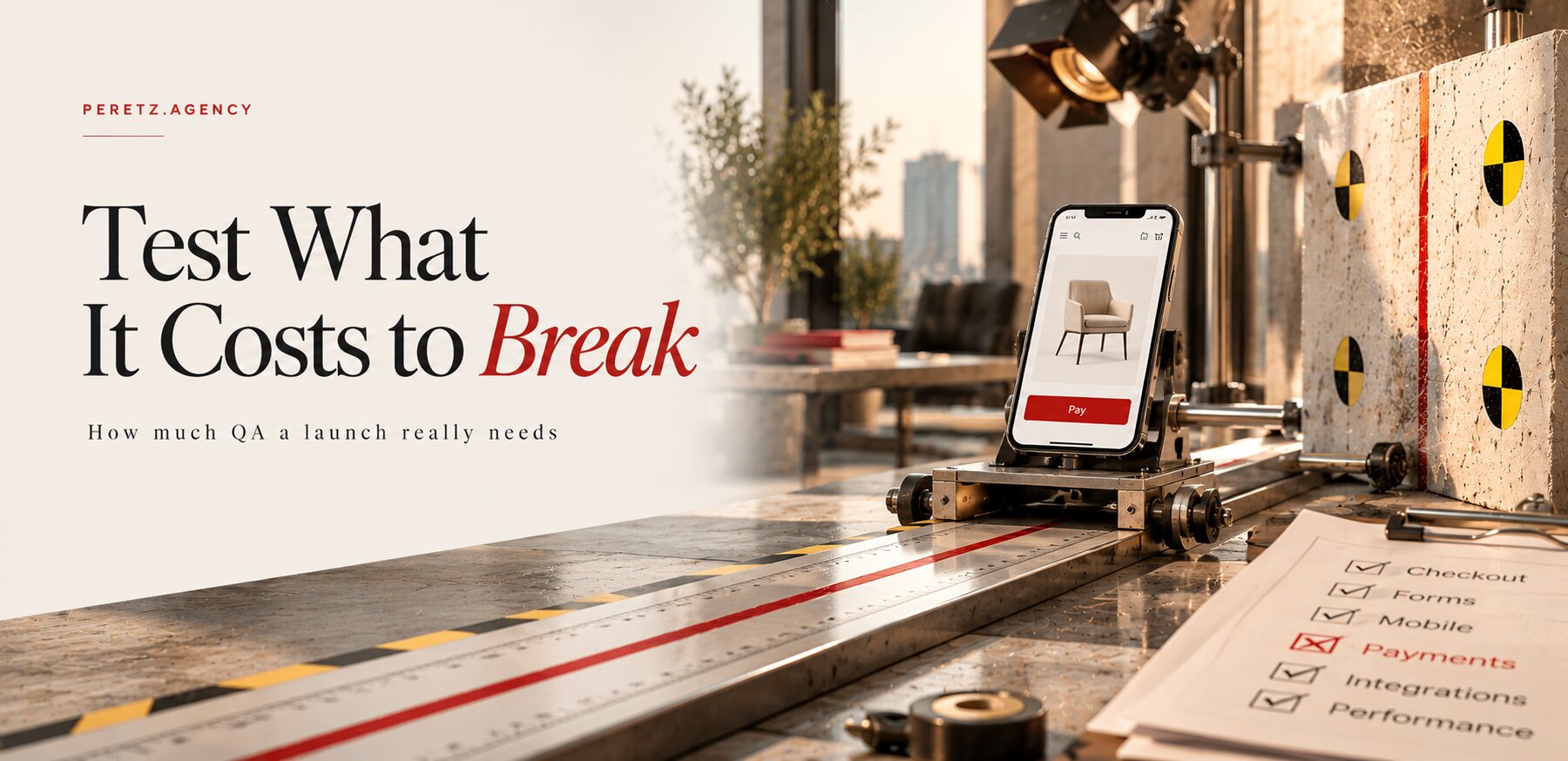
How much testing is enough before a launch, and how much of the budget should it take? There is no single number, because a company site, an online store and an app that stores personal data fail in very different ways. Here is how we size testing to the cost of a failure, what to check and in what order, when automation pays off, and what it costs.
IN SHORT
How much testing is enough
Enough testing means the risk left at launch costs less than finding it would. A brochure site needs a focused check of its forms and pages on real devices. A store that takes payments needs every path to an order tested, plus regression before each release. An app that holds personal data needs permissions checked role by role, on the server, and automated tests on its critical paths.
Customers notice failures even when they never report them. In Baymard Institute's research on US online shoppers who abandoned an order during checkout, 17% named errors or a crash on the site as a reason, the same share that blamed a long or complicated checkout (Baymard, list updated September 2025). A checkout bug rarely shows up in a report as a bug; it shows up as a conversion rate a little lower than it should be, month after month.
The right amount of testing is set by what a failure costs.
COST OF FAILURE
Price the failure before the testing
Before anyone estimates test hours, put rough numbers on three things. What does an hour of downtime cost in orders or bookings? What is one lost lead worth, given your average deal? What personal or payment data could leak, and to whom would you have to explain it? Rough answers are enough to show whether the project sits closer to a brochure site or to a system that carries money and data.
Three projects, three very different budgets. A corporate site that changes a few times a year and takes requests through two forms loses a week of leads if a form breaks; a focused check before launch and after major updates covers most of that risk. An online store fails in more places: a coupon that stacks with a sale price, a tax rule for one state, an order email that never leaves the server. A client portal or a SaaS product with roles has the most expensive failure of all, because a mistake in permissions is invisible to the person who made it and fully visible to the person who should not have seen the data.
The most dangerous failures are silent. A form that throws an error gets reported within hours. A form that shows its thank-you message while the email never arrives can run for weeks. We met exactly this case on one of our projects that had not been a priority: during an upgrade from Laravel 7 to Laravel 13, a change in how Laravel 11 configures mail encryption would have kept the form thanking visitors while every lead email disappeared. We sent a real test lead and waited for the email, and only then was that step considered done.
So a test plan is built around the logic of the specific business: where it makes money, which data it holds, which failures nobody would see. The test cases, scripts and reports are handed over to you under the contract, together with the code.
CRITICAL PATHS
What to test first
Testing starts with the paths where a mistake costs money, customers or trust, and only then moves to everything else. This is the order we follow on most projects:
- Money paths. Checkout with every payment method, refunds, coupons, taxes, delivery prices and subscription renewals.
- Sign-up and sign-in. Registration, email confirmation, password reset and an expired session in the middle of an order.
- Forms and leads. Every form from the visitor's click to the inbox and the CRM, with a check that the message does not land in spam.
- Emails and notifications. Order confirmations, invoices, shipping updates and internal alerts, in every language the site has.
- Roles and permissions. What each role can see and change, checked with a real account for each role.
- Everything else. Content pages, search, filters and the admin side.
Two habits make this list work. Each check ends at the business result, not at the screen: an order is tested until it appears in the admin panel and the warehouse email goes out, a lead until it sits in the CRM with its source. And the tester tries what real people do and specifications forget: two clicks on Pay, a name with an apostrophe, an empty field, the back button after payment, a phone that loses signal in the middle of checkout.
Test cases for these paths, with the steps, the data and the expected result for each role, are kept in TestRail, Qase or Jira so anyone can repeat them next month. Our QA and software testing page describes how deep each type of check goes.
DEVICES AND SPEED
Browsers, phones and load
After the critical paths come the places they run. A web product is checked in Chrome, Safari, Firefox and Edge, on several screen sizes and on a slow connection. Safari deserves its own pass on a real iPhone, because layout bugs that never appear in Chrome often appear there first. Playwright runs the same test in Chromium, Firefox and WebKit and can emulate phones and tablets (Playwright documentation, October 2026). Emulation still does not replace a real phone for touch, the on-screen keyboard and the camera.
Mobile apps need real devices: builds from TestFlight and Firebase installed on phones chosen from your audience, including older models people still carry and at least one small screen. Poor network, a call arriving during payment and a push notification that opens the wrong screen are the bugs users find in the first week if nobody looked for them.
Page speed is checked with the usual lab tools before launch. Load is a different question: what happens when the traffic you expect on a sale day, a campaign or a press mention arrives all at once. Load tests in k6, JMeter or Gatling model that traffic and show what slows down first, the database, a queue or an external API.
The most expensive bugs look like success on the screen.
ACCESSIBILITY
Accessibility is now a legal risk
For a business selling to US customers, accessibility is now a steady source of lawsuits. Seyfarth Shaw, which tracks ADA Title III cases, counted 3,117 website accessibility lawsuits filed in federal court in 2025, up 27% from 2,452 in 2024. They made up 36% of all ADA Title III federal lawsuits that year. New York (1,021) and Florida (961) led (Seyfarth Shaw, March 2026). State court cases and demand letters come on top of these federal figures.
The US Department of Justice applies Title III to what businesses open to the public offer, including through their websites, but has no regulation with detailed technical standards; existing standards such as WCAG provide helpful guidance (ADA.gov, guidance of March 2022). In practice WCAG is the yardstick, and the current version is WCAG 2.2, a W3C Recommendation whose latest edition is dated 12 December 2024, with nine success criteria added over WCAG 2.1, among them focus that is not hidden behind sticky elements, minimum target size for buttons and accessible authentication (W3C, October 2026).
Europe has a hard date. The European Accessibility Act came into effect on 28 June 2025 (AccessibleEU, European Commission), and the services it covers include e-commerce and banking services (European Commission). Microenterprises providing services, those with fewer than 10 employees and an annual turnover or balance sheet of no more than €2 million, are exempt; microenterprises selling products are not (CCPC, Ireland's consumer authority). A company outside the EU that sells online to EU customers should assume this applies to its store.
The WebAIM Million 2026 study found detectable WCAG failures on 95.9% of the top million home pages, an average of 56.1 errors per page. Low-contrast text appeared on 83.9% of them, missing image alt text on 53.1% and form fields without labels on 51% (WebAIM, February 2026 data), all of which a basic check finds.
A basic accessibility check before launch covers keyboard navigation through the whole purchase or request flow, visible focus, text alternatives for images, labels and error messages in forms, colour contrast and correct headings. The same fixes help software that reads your pages: in two of 15 US online stores we tested, a sign-up popup left nothing in the accessibility tree but an iframe, so an AI shopping agent saw no price and no button. The experiment is described in We Sent an AI Agent Shopping in 15 US Online Stores. When a product needs a full specialist audit or a formal conformance report, we say so.
SECURITY AND DATA
Security basics and data migration
A launch test does not replace a penetration test, but it should catch the weak spots that show up again and again. Who can see and change which data, checked with each role, and whether the server enforces the rule or the interface only hides a button. Keys and payment credentials left in code that runs in the browser. Input that reaches the database without validation, and error pages that show settings to visitors. These checks matter even more for a product built quickly with AI coding tools, where the interface often looks finished while the access rules were never written. For such a product we start with an MVP review, from $3,000, which says what to keep, fix or rebuild, and testing then covers the parts that stay.
A relaunch adds a separate risk: the data. After a move to a new platform or version, the checks are about what arrived:
- record counts before and after for products, customers and orders;
- accounts that still sign in, with order history under the right customer;
- redirects from every old address that had traffic or links;
- mail settings on the new server, because without SPF and DKIM records leads start landing in spam;
- robots.txt and crawler access, since a new host can block search and AI crawlers by default.
The last point is not hypothetical. On one recent project, after a move to a new hosting account, GPTBot and Meta's crawlers received a 403 error, and the host had added them to robots.txt on its own. The rest of the list is in The Website Migration Checklist Most Agencies Skip.
REGRESSION
Testing after every update
Every update of a framework, a CMS, a plugin or a payment module can break something that worked yesterday, and regression testing is the set of checks run before each release to confirm that it still works. Over the life of a site it becomes the main testing cost.
Our own upgrades show what regression usually finds. We recently moved one of our projects that had not been a priority from Laravel 7 to 13, and the Trichology Institute site and its online store to OpenCart 3.0.5.1. In these upgrades the most frequent problems were layout and CSS issues: styles that depended on old library versions shifted after the update. Every one showed up on the test copy and was fixed before release, and the upgraded systems simply worked when they went live.
Two things made that possible. The first was a closed staging copy, restricted at the server level, where all the work and all the checks happened while the live site stayed untouched. On that copy route caching, a normal speed setting in Laravel, turned every page of the trilingual site into a 404, because its language prefixes are read from the database. Undoing it took about a minute; on production it would have been an outage. The second was a rollback plan, which we pointed at the exact commit running in production after the first draft turned out to target an older tag that would have undone several days of unrelated work.
After about three days of development, one day of acceptance covered 15 public pages in three languages, 30 admin screens, a real test lead, the error log and 987 internal links. The full story is in Six Laravel Versions in Three Days. For a live site, this kind of planned update with regression on a copy is part of website maintenance and support, from $1,000 a month, and full regression before a large release is booked as QA work.
AUTOMATION
Manual or automated testing
A person exploring a new feature finds what nobody thought to specify: a confusing step, a layout that breaks on one phone. An automated test answers one question very fast and very often: does this flow still work exactly as it did?
Automation pays off when the same checks run before every release and the flow under test has stopped changing every week. A product that changes fast and has no test cases needs a manual engineer first: automating a screen that will be redesigned next month means paying for the tests twice. What we usually automate first:
- the critical paths: sign-up and sign-in, checkout or payment, and what each role is allowed to see and change;
- the API contracts that a mobile app or an integration depends on;
- the regression set that someone now repeats by hand before every release;
- a short smoke check that runs after every deployment.
An illustration, not a quote: if a manual regression run takes a tester two days and you release twice a month, that is four tester-days a month for as long as the product lives. Automating the stable part takes weeks of a more expensive engineer, after which the same checks run in minutes after every deployment. On a product that releases often, those saved days repeat every month; on a site that changes twice a year they hardly exist, and a manual check before each release stays cheaper.
Automate what has stopped changing, test by hand what is still moving.
End-to-end tests are written in Playwright, Cypress or Selenium, live in your repository and run in your pipeline, in GitHub Actions, GitLab CI or Jenkins. A test that fails now and then is fixed or removed rather than rerun until it passes, because flaky tests teach a team to ignore red builds. The pipeline itself, the staging copy and a rollback that is a known command are a job for DevOps and cloud engineers, at $50 to $70 an hour.
SCOPE BY PROJECT
A sensible testing scope by project type
This is how we size testing before a launch, as a starting point rather than a fixed package: the right scope depends on your traffic, your integrations and the cost of a failure.
| Project | What a failure costs | Sensible scope before launch | Typical format |
|---|---|---|---|
| Corporate or brochure site | A lost lead, a poor first impression | Every form to the inbox and the CRM, main pages in four browsers and on phones, page speed, accessibility basics | One-off check |
| Site that generates leads, with a CRM | Leads that vanish while the form thanks the visitor | The above, plus each form's route into the CRM, notifications, a spam folder check, analytics events | One-off check, regression after updates |
| Online store | Lost orders, refunds, a failed sale day | Checkout with every payment and delivery method, taxes and discounts, order emails, a load test before peaks | Tester before launch, regression every release |
| Web application or SaaS with roles | One client's data visible to another, broken billing | Permissions role by role enforced on the server, API, billing, a regression suite, automated critical paths | QA from the first sprint, automation |
| Mobile app | Crashes on devices nobody tried, slow fixes through store review | Real iPhones and Android phones, poor network, push notifications, API, payments in the app | Manual testing, Appium once stable |
| MVP or a product built with AI tools | Exposed keys, missing access rules, payments failing on edge cases | Code review first, then critical flows and edge cases | MVP review, then focused testing |
| Relaunch or platform migration | Lost data, lost rankings, mail in spam | Record counts, accounts and order history, redirects, mail records, crawler access, full regression | Migration checklist plus regression |
When we build the product ourselves, testing is not a separate purchase. In MVP development, from $20,000, design, development, testing and launch sit in one fixed price for the agreed scope, and QA works from the first sprint.
A small internal tool can be the exception. Our own system for leads, projects and invoices was built in about a month by a senior developer, who also did the testing, and a junior-to-middle developer. A careful senior can test their own work while the users are colleagues. Once customers, payments or frequent releases arrive, a separate tester earns their cost, because whoever wrote a flow tends to test it the way it was meant to work, not the way users break it.
COST
What testing costs
At Peretz Agency, QA and software testing costs from $30 an hour, the starting rate for manual testing. Automation engineers, senior QA and niche skills such as load testing cost more. You pay for the hours worked, invoiced monthly, or a fixed monthly amount for a full-time tester, by bank transfer under the agreement; the rate covers the specialist's work, contracts, equipment, HR support and reporting.
A one-off check before a launch is estimated and agreed before it starts. Paid tools, such as device clouds or load testing services, are billed separately or bought on your account, and fixing the bugs found is development work.
Testing can be bought in three ways:
- A one-off check before a launch, a migration or a major release, with the scope agreed in advance. It suits a site that changes rarely.
- A QA engineer in your team, taking tasks from your lead in your tracker. We send a shortlist of 2 to 4 vetted people, usually in 1 to 3 weeks, and the first month is a trial period with at least two weeks' notice if the person does not suit you. The hire QA engineers page describes the selection.
- QA inside a project we build, included in the project price.
For comparison, the median annual wage of a software quality assurance analyst or tester in the US was $104,300 in May 2025, before benefits and recruiting (U.S. Bureau of Labor Statistics, October 2026). Our testers come from a large pool of specialists between the EU and Ukraine whom we know personally and have vetted, working at the level of strong US and EU teams for less. All our prices are on the pricing page.
FAQ
Frequently asked questions
How much testing does a website need before launch?
As much as a failure would cost. A brochure site needs its forms tested end to end, its pages checked in four browsers and on phones, and an accessibility check. A store or an app with accounts needs every money path and role tested, plus regression before each release.
What should a QA checklist before launch include?
Start with the critical paths: checkout and payments, sign-up and sign-in, forms and lead emails, order and system emails, and permissions for each role. Then real devices and browsers, speed and load, accessibility and security basics and, for a relaunch, data migration.
How much does QA testing cost?
At Peretz Agency QA and software testing starts from $30 an hour for manual testing; automation and senior engineers cost more. A one-off pre-launch check is estimated and agreed before it starts. Paid tools and bug fixing are outside the testing rate.
When is test automation worth it?
When the same checks run before every release and the flows no longer change every week. Fast-changing products need manual testing first; critical paths and the repeated regression set are automated first.
Is a website accessibility check required by law?
In the US, the Department of Justice applies ADA Title III to businesses open to the public, including their websites, and plaintiffs filed 3,117 website accessibility lawsuits in federal court in 2025. In the EU, the European Accessibility Act has applied since 28 June 2025 to services such as e-commerce, with an exemption for service microenterprises.
What usually breaks when a site is updated or relaunched?
In our upgrades, mostly layout and CSS that depended on old library versions, all caught on a closed test copy before release. Silent failures are more dangerous, such as lead emails that stop while the form still thanks the visitor.
Sources
- Baymard Institute: Cart abandonment rate statistics
- Seyfarth Shaw, ADA Title III: Federal court website accessibility lawsuit filings bounce back in 2025
- ADA.gov: Guidance on web accessibility and the ADA
- W3C: Web Content Accessibility Guidelines (WCAG) 2.2
- AccessibleEU, European Commission: The EAA comes into effect in June 2025
- European Commission: European Accessibility Act
- CCPC Ireland: European Accessibility Act guidelines for microenterprises
- WebAIM: The WebAIM Million 2026
- Playwright: Browsers
- U.S. Bureau of Labor Statistics: Software developers, quality assurance analysts, and testers
Launching soon and not sure how much testing it needs? Let's look at what a failure would cost you.
- Share
-

-

-

-

One notification a week with the new PERETZ articles. Nothing else.