


A CRM manages customers and sales, an ERP manages the resources and transactions behind them. Choosing between the two, or making them work together, depends on how clearly you understand the way your business actually runs.
DIFFERENCE
What Is the Difference Between CRM and ERP?
The difference between CRM and ERP comes down to what each system manages: a CRM manages customers and sales, an ERP manages the resources and transactions that fulfil those sales. The first tells you who may buy and what happens next; the second tells you what has to be delivered, what it costs and how it is recorded. Here is the detail:
A CRM (customer relationship management) system records customer relationships and sales activity: who contacted you, what they asked for, what was promised, where the opportunity stands and who on your team is responsible for the next step. An ERP (enterprise resource planning) system coordinates the resources and transactions behind the business: stock, purchasing, production, orders, costs, payments and accounting.
| CRM | ERP | |
|---|---|---|
| Main object | Client, lead, deal | Product, order, invoice, stock |
| Who works in it | Sales, account management, marketing | Finance, warehouse, purchasing, production, management |
| Main question | Who may buy, what is agreed, what happens next? | What must be delivered, what resources does it use, and what does it cost? |
| Time horizon | Pipeline and expected revenue | Resources, fulfilment and recorded transactions |
| Typical data | Contacts, calls, emails, stages, tasks | Prices, quantities, costs, payments, documents |
| Becomes critical when | Leads arrive faster than the team can follow them up | Stock, purchasing, production, multiple locations or legal entities |
A small service company may work for years with a CRM and a good accountant. A distributor with three warehouses may need an ERP even if it has only five clients. As a business adds sales channels, locations, production or more demanding reporting, the two functions usually have to work together, and that is where the decision becomes more complicated than choosing a product from a list.
OVERLAP
Where CRM and ERP Overlap
The textbook boundary starts to blur when you follow one order through a real company. A sales manager agrees terms with a client, which is CRM territory. Once the client confirms, someone has to reserve stock, apply the right customer price, generate an invoice and make sure the transaction reaches the accounts, and those steps usually involve ERP functions. The same order passes through both systems, and each team needs reliable information about what the other has done.
The friction usually appears around a few shared pieces of information:
- Order status: sales need to see it, the warehouse changes it.
- Stock levels: sales want to promise delivery, the warehouse knows what is actually on the shelf.
- Prices and discounts: sales negotiate them, finance has to approve and record them.
- Payments: finance receives them, and the account manager needs to know before calling the client.
The hard part is deciding which system keeps each figure correct.
Businesses that sell both wholesale and retail often feel this problem early, because the same product may have different prices, terms and fulfilment rules depending on the customer. In our article on what a strategic session gives a business we described SHTAYER, a premium bedding brand serving both business and retail customers, whose ERP and CRM needed to work as one. The details of its internal processes belong to the company, but the design principle is general: define the authoritative source for each type of data, and how the other system receives updates from it, before choosing software. If both systems can change the stock figure independently, the numbers will eventually diverge.
Some companies avoid the problem by running CRM and ERP in one system: many ERP platforms include a CRM module, and a custom system can cover both. A single system removes the integration work, but only if both parts are good enough for the people who use them every day; a weak sales module inside a strong ERP tends to push managers back into spreadsheets.
WHICH ONE
Which One Does Your Business Need?
As a rule of thumb, a business needs a CRM first when it is losing leads or cannot see its sales pipeline, and an ERP first when stock, costs, purchasing or documents are out of control. In practice, clients rarely come to us asking only whether they need a CRM or an ERP. They ask what will work for their particular business, whether that is a clinic network, a furniture manufacturer or a jewellery brand. By that point many of them already have a system: software written for them years ago, or an off-the-shelf product modified so heavily that it behaves like a custom application.
In our experience the conversation usually starts in one of three places.
The system is an old 1C. For many Ukrainian companies 1C remains embedded in accounting and day-to-day operations, at times in a version installed more than a decade ago and modified by several programmers since. Russia's full-scale invasion made the risks impossible to ignore. The practical questions now are where to move, which processes actually need to be replaced, and how to transfer years of data and custom modifications without interrupting the business.
The system still works, but changing it has become expensive. Support costs rise, the developer who built it has moved on or raised rates, and a seemingly small feature can take months. Meanwhile employees keep spreadsheets for everything the system cannot handle. This is how a temporary workaround becomes part of the operating model, and why replacing the software without examining the process tends to reproduce the same problems in a new system. We have written about how that happens in every enterprise system started as someone's spreadsheet.
The business has outgrown the system. A second warehouse, in-house production, a wholesale channel, a new country or several legal entities add requirements the original tool was never designed to handle. Moving to a full ERP at this stage is harder than planning for it earlier. Data has to be cleaned and migrated, people have to change familiar routines, and the old system often needs to keep running until the replacement has been tested and accepted.
Explaining the difference is easy. Moving a working business is hard.
In all three situations the practical question is how to move from the current setup to the next one without disrupting operations. That means understanding the architecture, the data and the people who rely on it, and the CRM or ERP label is only the starting point.
HOW TO CHOOSE
How to Choose Between Buying and Building
There is no universal answer to whether a business should buy an existing product or build a custom system. The decision depends on the cost over time, how closely the software fits the real process and how much control the company needs over its data.
Money. An off-the-shelf product usually costs less to start with, but licences, add-ons, implementation and customisation can make it expensive over several years. A custom system usually requires a larger initial investment and ongoing spending on maintenance, hosting and further development, but it can avoid recurring per-user fees and workarounds that no longer make sense. Compare both over three to five years, including the time employees spend working around the software's limits.
Fit. If your process is close to the standard, a mature product such as HubSpot, Pipedrive, Salesforce or Odoo will often be the sensible choice. If the process itself gives the business an advantage, for example different pricing for customer groups, made-to-order production or an unusual sales cycle, forcing it into a standard product can create more work than it removes. Write down what the system must do in the first year, what may be needed later and what you will never need. The last list is often the most useful, because it keeps a project from turning into a catalogue of hypothetical features.
Control and security. Where is the data stored, which laws apply, who controls the vendor, can you export the information in a usable format, and what happens if the vendor stops serving your market? For Ukrainian companies these are practical questions with recent and very concrete examples.
We do not recommend Russian software, and we have not used it for years. Earlier in our work we used amoCRM and Bitrix24 and built sites on the Bitrix CMS when clients requested it, and 1C was common in the businesses around us. In April 2023 Bitrix24 was included in Ukraine's sanctions measures. The vendor then announced that its cloud service would stop working in Ukraine on 1 June 2023 and that users would lose access to their portals and data. For businesses without an export and migration plan, it was a sharp reminder that access to their own operational data can depend on a decision made outside their control.
1C AND SALESFORCE
Moving Off 1C, and the Real Cost of Salesforce
We work with clients in Ukraine and in the United States. The same CRM or ERP question comes with different constraints in each market, especially around legacy software, regulation and the cost of implementation.
In Ukraine, a recurring question is how to move away from 1C and BAS. The legal and practical picture has changed over time:
- In 2017 Ukraine introduced sanctions affecting 1C (Presidential Decree No. 133/2017). At that stage they mainly restricted purchases by the public sector and did not amount to a ban on private businesses using the software. In October 2024 the developer, 1C LLC, was placed under Ukrainian sanctions.
- In October 2025 the Cabinet of Ministers approved the procedure for an open list of software and network equipment prohibited for use by state bodies, military formations, state enterprises and critical infrastructure operators (Resolution No. 1335). By January 2026 the list included 1C and BAS products, and by June 2026 it had grown to 880 items. Companies should check the current list and the rules that apply to their own organisation.
- Bill No. 13505, registered in July 2025, proposed a broader ban on hostile software with a full phase-out by 2030. On 30 June 2026 the Verkhovna Rada rejected it for lack of votes, so there is no general legal deadline for private businesses.
For private businesses the decision depends on their circumstances, but many of the companies we speak with have already started the move. For sales there are Ukrainian CRM systems, including KeepinCRM, KeyCRM and Uspacy, as well as international platforms. For accounting and ERP, companies evaluate Ukrainian products such as the IT-Enterprise Master line alongside platforms such as Microsoft Dynamics 365 Business Central or SAP Business One. The difficult part is rarely installing the replacement. It is discovering what the old system actually does, including undocumented changes and rules that exist only in employees' habits, and deciding how each of those functions should be handled in the new setup.
In the United States, Salesforce is a common default, but it is not automatically the right choice for every company. Salesforce's US pricing page lists Sales Cloud Pro Suite at $100 per user per month and the editions introduced in September 2026 at $195 for Core, $395 for Advanced and $550 for Max. At the Core price, 20 users cost $46,800 a year, or $234,000 over five years, before implementation, administration, integrations, add-ons and future price changes. These figures are a planning illustration, not a full cost estimate. Customising Salesforce or Microsoft Dynamics usually means paying a certified partner on top. For a large sales organisation with complex requirements, that investment may be justified. For a company of 20 to 50 people with a distinctive process, the total cost of licences and customisation deserves a comparison with lighter products such as HubSpot or Pipedrive and, where there is a strong business case, with a system of its own.
What makes a migration less expensive is knowledge of the existing business. A company that understands its processes and can explain how it uses its current software, including which features it ignores and which gaps it has worked around, can give an architect a much more precise brief. That reduces the time spent rediscovering the business during implementation. The new system still needs proper design and testing, but the work starts from evidence instead of guesswork.
OUR SYSTEM
What We Built for Ourselves
For five years we worked in several CRM systems and customised each one to fit our process. Each covered part of what we needed, and we kept having to choose between adapting the way we worked to the software and spending time adapting the software to us.
This year we moved to a custom system for leads, projects and invoices, the parts of our work where our process differs most from standard CRM workflows. The client portal is a separate system we had launched earlier, and we continue to use Jira and other tools where they do their jobs well. Building a custom core did not mean replacing every tool around it.
One senior developer and a tester built the system in about a month, with Claude as part of the development process. It is tempting to summarise that as "AI wrote a CRM in a month", but that leaves out the most important part. Claude generated a substantial share of the code, an architect shaped the system and a tester checked it. The decisions were informed by five years of experience with the actual work: what we needed, what we did not use and where existing tools created friction.
AI made implementation faster. Understanding the problem still took five years.
That experience changes how we think about buying versus building. Writing code used to account for a large share of the cost of custom software. AI can reduce that part of the work, but it does not decide which process should be modelled, which data can be trusted or whether the result is safe to use. Those decisions still require business knowledge, architecture and testing. If a company cannot describe how it works, AI will help it build the wrong system faster. Our business digitalization work starts with the process, well before development begins.
MISTAKES
Common Mistakes With CRM and ERP
- Buying an ERP to fix sales, when the real problem is the sales process.
- Keeping stock in the CRM because it was already there, until the numbers stop matching the warehouse.
- Rebuilding an old spreadsheet inside a new system, together with all of its workarounds.
- Letting two systems own the same data, so that nobody knows which figure is right.
- Comparing licence prices and ignoring the cost of modifications, support and leaving the vendor.
- Planning a migration with no period in which the old and new systems run side by side.
If you are comparing particular products or approaches, our articles on custom CRM versus ERP and on which CRM is right for your business explore those decisions in more detail.
FAQ
Frequently Asked Questions
What is the difference between CRM and ERP?
A CRM manages customer relationships and sales activity: contacts, leads, deals and communication. An ERP coordinates the resources and transactions behind the business, including finance, stock, purchasing, production and accounting. A CRM helps the team manage potential and future revenue; an ERP helps the company manage fulfilment, costs and records.
Can CRM and ERP work in one system?
Yes. Some ERP platforms include CRM functionality, and a custom system can cover both. A single platform can reduce integration work, but only if its CRM and ERP functions are both good enough for the people using them; otherwise employees drift back to spreadsheets or separate tools.
Which should a business implement first?
Start with the problem that costs the business the most. If leads are being lost or follow-up is inconsistent, address the CRM and the sales process; if stock, costs, purchasing or documents are unreliable, look at ERP. Product-based businesses often need both functions earlier, but the right sequence depends on the actual operation.
Is ERP only for manufacturers?
No. Distributors, retailers and online stores with several warehouses may need ERP, as can service companies with complex project costing or financial reporting. Manufacturing is one common use case among many.
Should we build our own CRM?
Only if the process is important to the business and can be described clearly enough to design and maintain. If the process is close to what established products already support, a ready-made CRM will usually be cheaper and easier to maintain.
Can a business in Ukraine still use 1C or BAS?
The answer depends on the product, the organisation and the current rules. Ukraine's open list of prohibited software applies to state bodies, state enterprises and critical infrastructure, and bill No. 13505, which proposed a broader ban, was rejected in June 2026. Private businesses should check the rules that apply to them and weigh the separate risks around support, data access and vendor jurisdiction. This is not legal advice, so consult a lawyer about your specific situation.
How do we move off 1C?
Start by documenting the modules you use, the changes made to them and who understands those changes. Decide which functions need their own target systems (sales, accounting, stock, production) and which data each of them will own. Clean and reconcile the data before migration, then plan a period when the old and new systems run in parallel; data preparation and process validation often take longer than installing the replacement.
Is Salesforce the only serious CRM for a US company?
No. Salesforce can suit large sales teams with complex processes and integrations, but it is one option among several. Compare the functions you actually need, implementation and administration costs, integrations and the cost over several years. HubSpot, Pipedrive and other products may fit a smaller team better, and custom development is worth considering when the process justifies it.
How long does moving to a new system take?
There is no reliable single timeline. The main variables are the quality of the data, the number of undocumented customisations, the complexity of integrations and how quickly the team can test and adopt the new process. Allow time for data cleaning, user acceptance and a period when both systems run in parallel.
Sources
- Liga:Zakon, 2017: what Decree No. 133/2017 means for users of 1C
- LIGA.net, May 2023: Bitrix24 cloud service to stop working in Ukraine from 1 June
- Cabinet of Ministers of Ukraine, Resolution No. 1335 of 22 October 2025
- Buhplatforma: 1C and BAS products on the list of prohibited software
- Verkhovna Rada of Ukraine: bill No. 13505, card and status
- DOU, 30 June 2026: the Rada rejects the bill on hostile software as the list keeps growing
- Interfax-Ukraine, March 2026: demand for alternatives after the ban on 1C and BAS
- Finance.ua: Ukrainian CRM systems in 2025
- Salesforce: US Sales Cloud pricing
Outgrowing your system, or unsure what should replace it? Start by mapping the process, the data and the decisions the software has to support.
- Share
-

-

-

-

Related Reading
-
10. 09. 2026
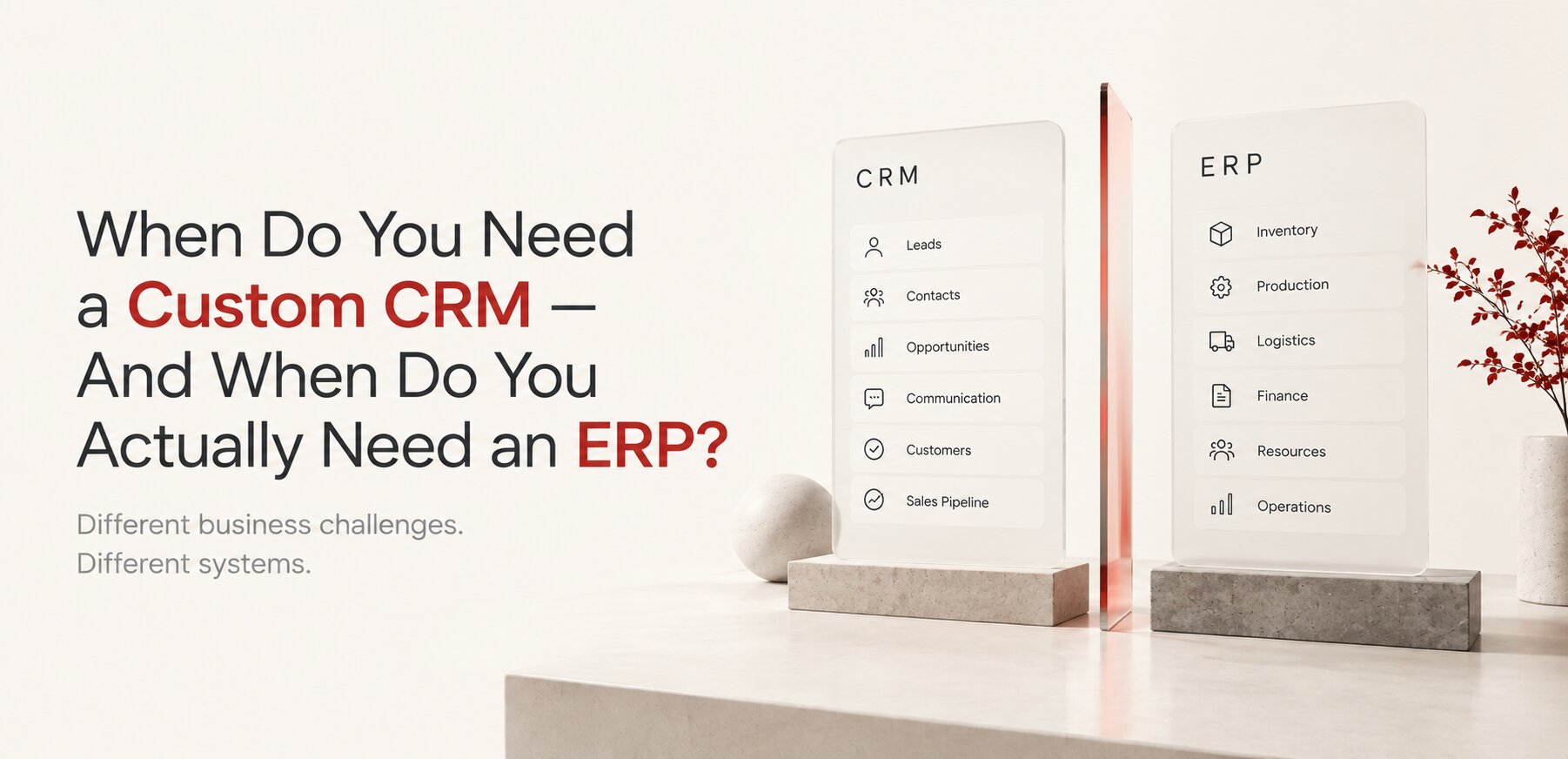
Custom CRM or ERP? The Difference, and When You Need Each

-
10. 09. 2026
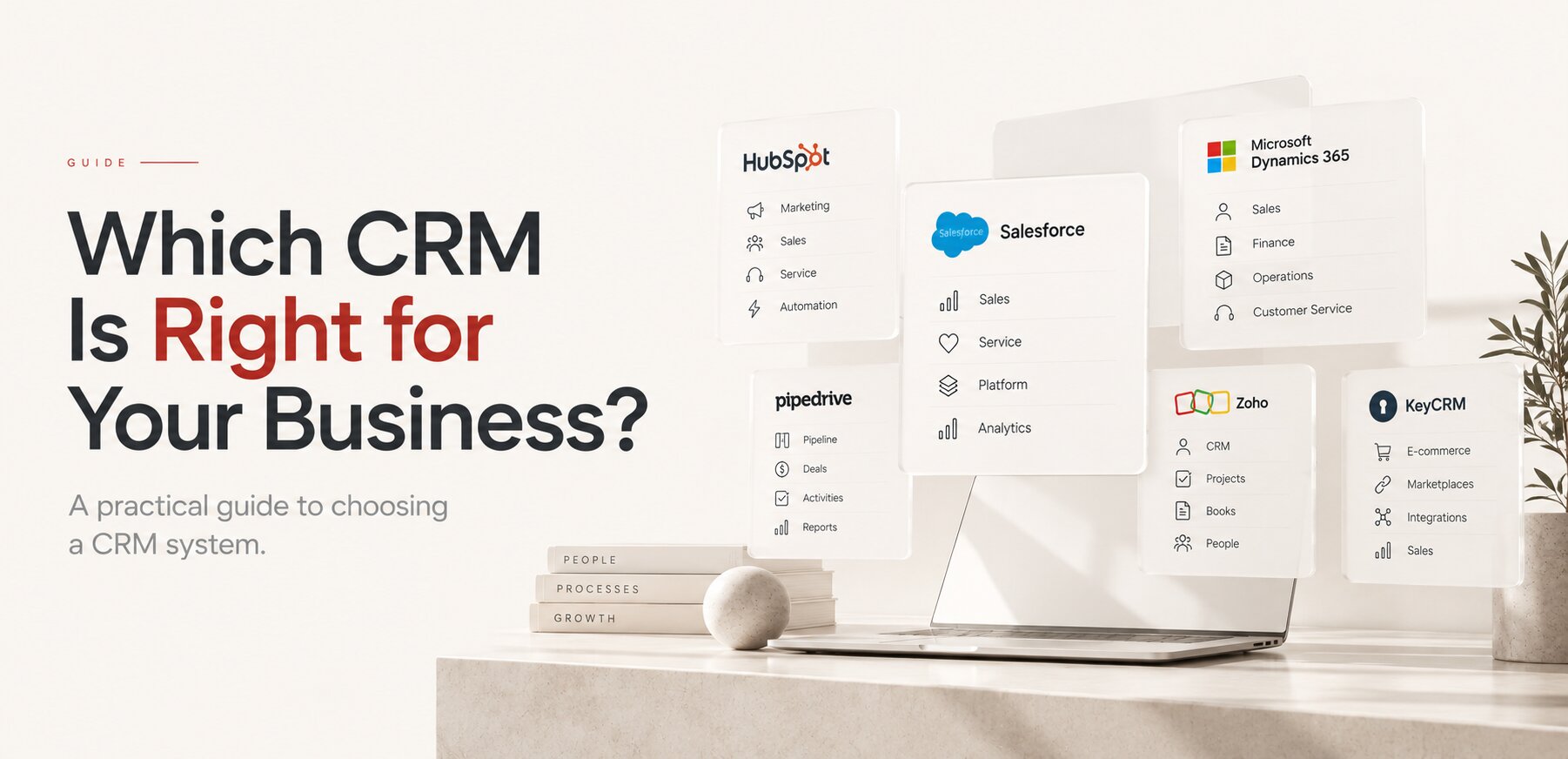
Which CRM Is Right for Your Business? A Practical Guide to Choosing a CRM System
-
02. 08. 2026
Every Enterprise System Started as Someone's Spreadsheet
-
10. 10. 2026

The Problem You Came With Is Rarely the One You Have