Which CRM Is Right for Your Business? A Practical Guide to Choosing a CRM System
HubSpot, Salesforce, Dynamics, Pipedrive, Zoho, or something local. A practical way to actually decide, tested against your process, not a feature list.



There is no such thing as the best CRM. There is only the CRM that is the best fit for your business.
A CRM that works perfectly for a ten-person consulting company may be a poor choice for a ten-person e-commerce business. A platform that makes sense for a large enterprise can be unnecessary overhead for a young company. And a relatively small local CRM can sometimes solve a company's specific needs better than a globally recognized platform.
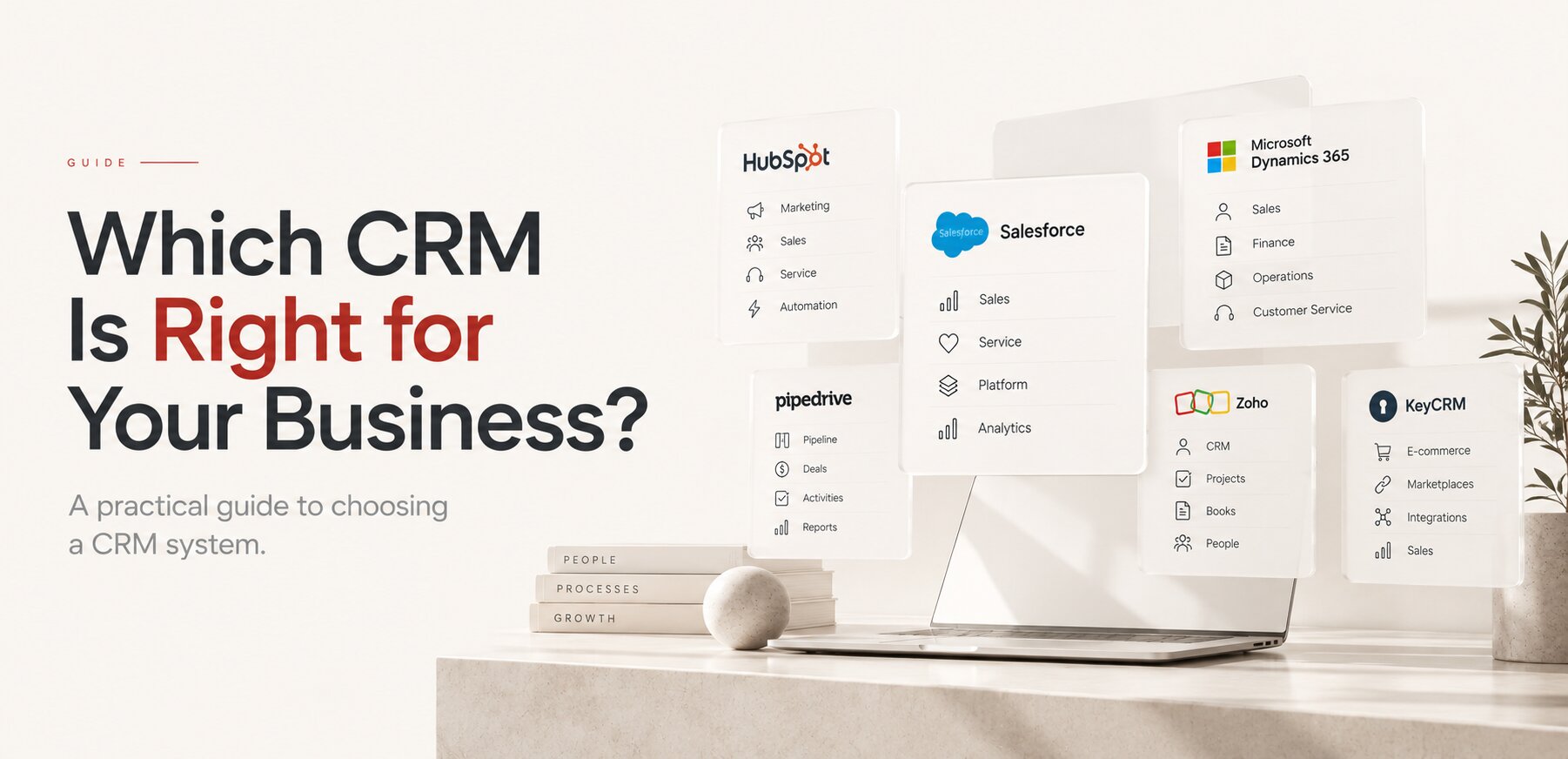
The CRM market is full of impressive names: Salesforce, HubSpot, Microsoft Dynamics 365, Pipedrive, Zoho, and many others. But choosing a CRM shouldn't start with "which CRM is the most powerful." It should start with "what does our business actually need this system to do." Once you answer that question, the choice becomes much easier.
A serious CRM doesn't make a company more serious.
NOT BY REPUTATION
Don't Choose a CRM by Its Reputation
There is a natural temptation to choose software by recognition. You've heard of Salesforce, you know Microsoft, you've seen HubSpot everywhere, so if your company needs a CRM, it can feel logical to choose one of the biggest platforms. But brand recognition isn't a measure of fit.
A logistics client came to us already paying for Salesforce Enterprise for a six-person sales team, convinced that a "serious" business needed a "serious" system. It didn't create a sales process, generate demand, or make an unclear business model clearer. It just added a system nobody on the team had time to fully learn. A CRM is infrastructure for managing a business process. It is not a substitute for having that process. Choosing something unnecessarily complicated creates its own problems: the team has to learn it, someone has to administer it, workflows need configuring, employees need to enter more information. Eventually, a company can spend more time maintaining the CRM than benefiting from it. The most expensive CRM you can afford is not necessarily the most valuable CRM for your business. Whoever ends up administering it is its own decision, covered in in-house vs outsourcing.
WHAT CRM SHOULD DO
What Should a CRM Actually Do?
Before comparing products, define what you expect from the system. For many companies, the basic CRM workflow is simple: lead, qualification, opportunity, proposal, negotiation, customer. A CRM should make this process easier to manage, and depending on the company, that may include contact management, lead management, sales pipelines, tasks and reminders, email integration, communication history, proposals and quotes, sales automation, reporting, marketing automation, customer service, and integrations with other business systems.
The important word is may. You don't necessarily need all of these features. If your company has five salespeople and a straightforward sales process, implementing an enormous enterprise platform simply because it has hundreds of capabilities may not make sense. Start with the process, then choose the software. CRM selection is really one piece of the broader business process automation question, not a separate decision.
MAIN OPTIONS
The Main CRM Options
The CRM market is much larger than the few brands most people recognize, but several platforms appear repeatedly when companies compare their options.
HubSpot has become one of the most recognizable CRM platforms for small and growing businesses. Its appeal isn't simply contact management, it combines CRM with marketing, sales, and customer service, letting companies start relatively simply and expand as needs grow. Consider it when you want CRM and marketing in one ecosystem, your company is growing, and you want to add functionality over time. It has a free tier, which makes experimentation easy.
Salesforce is one of the largest and most established CRM platforms in the world. Its strength is depth: it can support sophisticated sales organizations, complex data models, automation, and extensive customization. That power is valuable once CRM becomes strategically important to the organization, but it also brings complexity. Salesforce can be more system than a small company needs, which doesn't make it a bad choice, it just means the reason for choosing it should go beyond "big companies use it."
Microsoft Dynamics 365 occupies an interesting position because Microsoft's ecosystem extends beyond CRM into sales, customer service, finance, and supply chain. If your company relies heavily on Microsoft 365, Azure, and Power Platform, Dynamics 365 can become more than a CRM decision, it can become an architectural one.
Pipedrive takes a more focused approach, strongly associated with sales pipeline management and straightforward workflows. For a company that primarily needs to organize opportunities and help salespeople move deals through a pipeline, that simplicity is an advantage. You don't always need an enormous platform, sometimes you need a good sales tool people actually use.
Zoho takes a broader business-software approach, with CRM sitting inside a much larger ecosystem of applications, attractive for companies wanting a broad toolset while staying cost-conscious.
These categories aren't absolute. A small company can use Salesforce, a large company can use HubSpot. The point isn't to match company size to a product automatically, it's to understand why a particular platform makes sense for how you actually operate.
BY BUSINESS STAGE
CRM by Business Stage
Employee count tells you something. Process complexity tells you much more. But business stage is a useful starting lens.
| Business stage | Typical requirement | Systems worth testing |
|---|---|---|
| Starting | Contacts, leads, pipeline, tasks | HubSpot, Pipedrive, Zoho |
| Growing | Automation, reporting, marketing, multiple pipelines | HubSpot, Salesforce, Dynamics 365, Zoho |
| Scaling | Advanced workflows, integrations, permissions, forecasting | Salesforce, Dynamics 365, HubSpot |
| Enterprise | Complex architecture, governance, multiple departments | Salesforce, Dynamics 365, enterprise platforms |
| Specialized | Industry-specific processes and integrations | Specialized or local CRM platforms |
This is only a starting point. A 30-person architecture studio and a 30-person e-commerce company don't have the same operational model, even with identical headcount.
LOCAL CRM SYSTEMS
Don't Ignore Smaller and Local CRM Systems
The global CRM market gets most of the attention, but that doesn't mean global platforms are always the best option. Sometimes a smaller CRM understands a particular market or industry better than a globally dominant one.
For businesses operating in Ukraine, local and regional systems like KeyCRM, SalesDrive, KeepinCRM, NetHunt, OneBox, and Perfectum sit alongside international platforms as genuine options. For an e-commerce business in Kyiv or Dnipro, integrations with local marketplaces, delivery companies, payment providers, and messaging platforms can matter more than an enormous collection of enterprise CRM features a business will never use.
For businesses operating in the UAE and the wider Gulf, the same logic applies to regional platforms like Zarina CRM and Corporate Stack, built with native FTA e-invoicing (UAE) and ZATCA compliance (Saudi Arabia), Arabic language support, and local implementation teams working in Gulf Standard Time. A globally dominant CRM that requires extensive additional configuration to meet regional tax and compliance requirements can lose to a smaller system that handles those processes natively.
Geography matters. Industry matters. Distribution channels matter. Sometimes the software vendor's global size matters surprisingly little.
A smaller CRM can be a better CRM when it understands your business better.
FEATURE COUNT TRAP
Feature Count Is a Terrible Way to Choose a CRM
Imagine two systems. The first has 500 features, the second has 100. Your team uses 35 features from the first and 70 from the second. Which CRM is better? The second one may be dramatically more valuable, which is why CRM comparison websites can be misleading, they encourage comparing feature checklists instead of workflows.
Your employees don't use "features." They qualify leads, call customers, prepare proposals, negotiate, close deals, hand orders to other departments, create reports. The question isn't whether a CRM technically supports a feature, it's how well it supports the way your people actually work.
TEST BEFORE COMMIT
Test Before You Commit
This is probably the most practical advice for a company choosing its first CRM: use the trials. Don't choose a CRM exclusively from screenshots, reviews, or feature comparison tables. Take several candidates and run the same real scenario through each one, using real examples from your business: create an actual contact, an actual opportunity, add your products or services, try to create a proposal, move the deal through the pipeline, set a follow-up, generate a report. Then ask your team what happened. Was it intuitive? Did the system require unnecessary data entry? Could a new employee learn it quickly?
We ran exactly this test for a wholesale distribution client comparing HubSpot and Zoho. On paper, both covered the required features. In the actual trial, entering a multi-line order with volume pricing took roughly three times longer in one platform, an issue no feature comparison would have surfaced, because both vendors listed "quoting" as a supported capability. Don't test the feature list, test your business. The same discipline of choosing the smallest thing that actually proves the point applies broadly, see why an MVP isn't a minimal product.
A useful trial answers a handful of practical questions: can we configure our actual sales process, not the demo process? Can our team understand it without extensive training? Does it reduce administrative work, or does it ask employees to enter the same information three times? Can it integrate with what we already use, email, accounting, e-commerce, phone systems? Can it grow with us? And what will it really cost, not just the license, but implementation, migration, customization, integrations, training, administration, and future upgrades?
REAL COST
The Real Cost Isn't the Subscription
Suppose CRM A costs $20 per user and CRM B costs $60. At first glance, A looks cheaper. But if CRM A requires several custom integrations, manual exports, and a complicated workaround for your quoting process, the actual cost may be much higher. A $30-per-user CRM can become expensive if it requires $50,000 of implementation work, and a more expensive license can sometimes be cheaper overall if it solves the problem without extensive customization.
The real calculation is license, plus implementation, plus customization, plus integration, plus administration, plus employee time, weighed against the business value the system actually creates. The cheapest subscription is not necessarily the cheapest system, and the most expensive subscription is not necessarily the most expensive one either.
WHEN TO CUSTOMIZE
When Should You Customize, and When Doesn't Any CRM Fit?
Customization should come later in the decision process. First choose the platform, then understand what can be configured, then identify the genuine gaps, and only after that decide whether those gaps justify custom development. There's a major difference between "this CRM doesn't have a button we'd prefer" and "our business has a unique process this CRM cannot reasonably represent." The first is usually not a reason to build software. The second might be, particularly around proprietary quoting logic, unusual approval workflows, specialized customer lifecycles, or unique commission models. Even then, custom development doesn't necessarily mean replacing the CRM, sometimes the best solution is CRM plus a custom application plus integrations, not building an entire CRM from scratch. We go deeper into exactly this decision in custom CRM vs ERP.
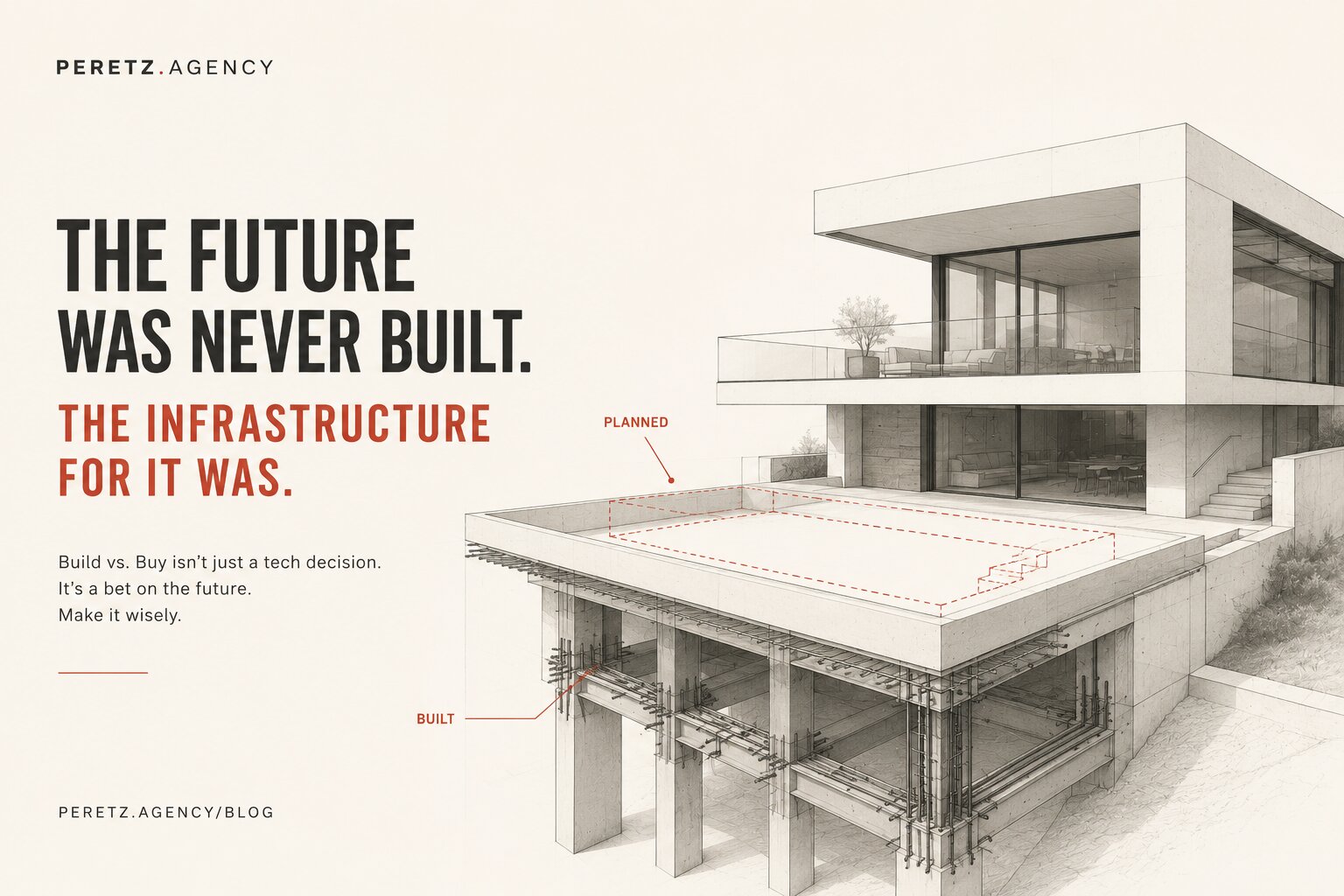
Occasionally, after testing HubSpot, Salesforce, Dynamics, Pipedrive, and Zoho, mapping every process, a business still finds that the way it operates doesn't fit any of them without a large number of compromises. That's when custom software becomes a legitimate option, not because custom sounds sophisticated, but because the process is genuinely different. At that point, the realistic paths are customizing an existing CRM, building a custom application around it, connecting CRM with an ERP or other systems, or building a custom CRM when the CRM itself is part of the company's competitive advantage. The decision should come from the process, not from the technology trend. This is the same build-vs-buy question covered more broadly in the build vs. buy equation.
Don't test the feature list, test your business.
So, Which CRM Is Right for You?
There is no universal winner. For one company, HubSpot may be the best choice, for another, Salesforce, for another, Dynamics 365, Pipedrive, or Zoho, and for a company operating in a specific market, a much smaller local platform may be the smartest option of all. The right choice depends on how your company sells, communicates, operates, reports, integrates, and grows.
The sequence that actually works: understand your process, define what the CRM needs to solve, choose several realistic candidates, test them with real business scenarios, compare the total cost, not just the subscription, and choose the simplest system that fits. Only then ask whether anything needs to be customized. The goal of CRM software isn't to make your company look more sophisticated, it's to make your business easier to manage, easier to scale, and easier to understand. The best CRM isn't the one with the longest feature list, and it isn't necessarily the one you've heard about the most. The best CRM is the one that fits your business well enough that your people stop thinking about the software and start thinking about the business.
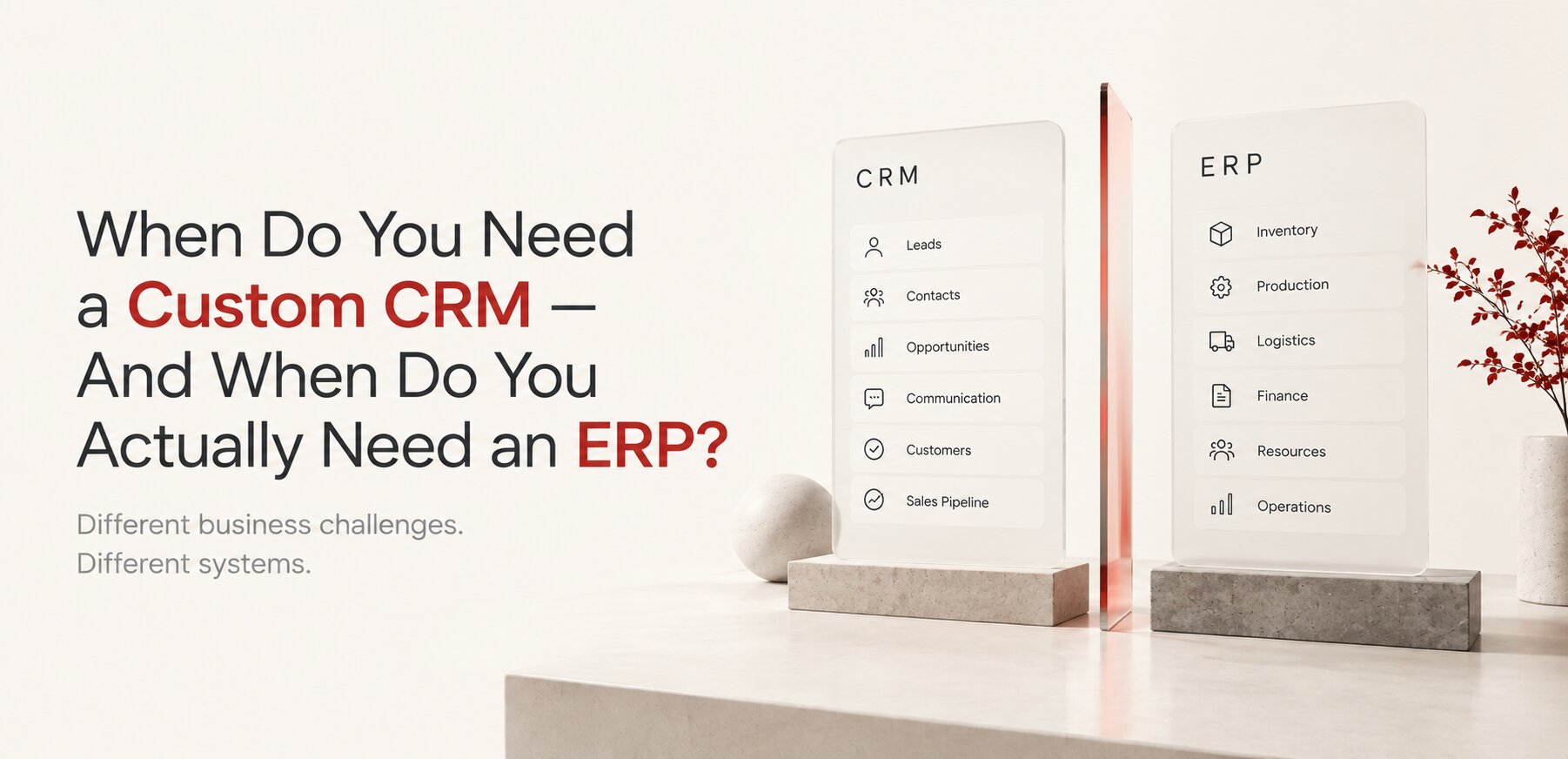
Before choosing a CRM, it is worth deciding which data it should own and which belongs in an ERP. We explain where that boundary lies in CRM vs ERP: What Is the Difference and Which One Do You Need?.
FAQ
Frequently Asked Questions
How long should a CRM trial actually run?
Long enough to move at least one real deal through the full pipeline, from first contact to close, not just a demo click-through. For most sales cycles, that's two to four weeks with your actual team using it for real work, not a sandbox account nobody logs into.
Should a startup start with a free CRM tier?
Often yes. A free tier from HubSpot, Zoho, or similar lets a small team validate the process itself before paying for capacity they don't need yet. Upgrading later is usually far simpler than migrating away from an over-scoped platform.
Is switching CRMs later a realistic option, or should we get it right the first time?
Switching is realistic but costly, mainly in data migration and retraining, not license fees. Getting the first choice reasonably close to right matters, but it doesn't have to be perfect. A well-scoped CRM that fits for two to three years is a better bet than an over-engineered one chosen to avoid ever switching again.
How do we know if we've outgrown our current CRM, or just configured it badly?
If the team routinely works around the system in spreadsheets or email for tasks the CRM is supposed to handle, that's usually a configuration or process problem, not a platform limit. If the underlying business process itself doesn't fit the platform's data model no matter how it's configured, that's outgrowing it.
Not sure which platform actually fits how your business operates? We help map the real process before recommending a system, standard or custom.
Or already know you need something built around your specific process?
Explore Custom CRM Development
See a real example of this exact pattern in every enterprise system started as someone's spreadsheet.
For how CRM fits into the bigger picture, see digital architecture.
For a real example of exactly this pattern in e-commerce, see why family-owned jewelry stores outgrow their platform.
See the fuller architecture thesis, with real cases, in the software should fit the business.
- Share
-

-

-

-

One notification a week with the new PERETZ articles. Nothing else.
Related Reading
-
10. 09. 2026
Custom CRM or ERP? The Difference, and When You Need Each

-
17. 07. 2026
The Build vs. Buy Equation Has Changed. Most Companies Have Not Recalculated It.
-
19. 06. 2026
Business Process Automation in Kirkland: What Digitalization Actually Means (And When You Need It)
-
12. 03. 2021

In-House vs Outsourcing in 2026: What Business Owners Actually Need to Know
-
09. 08. 2026
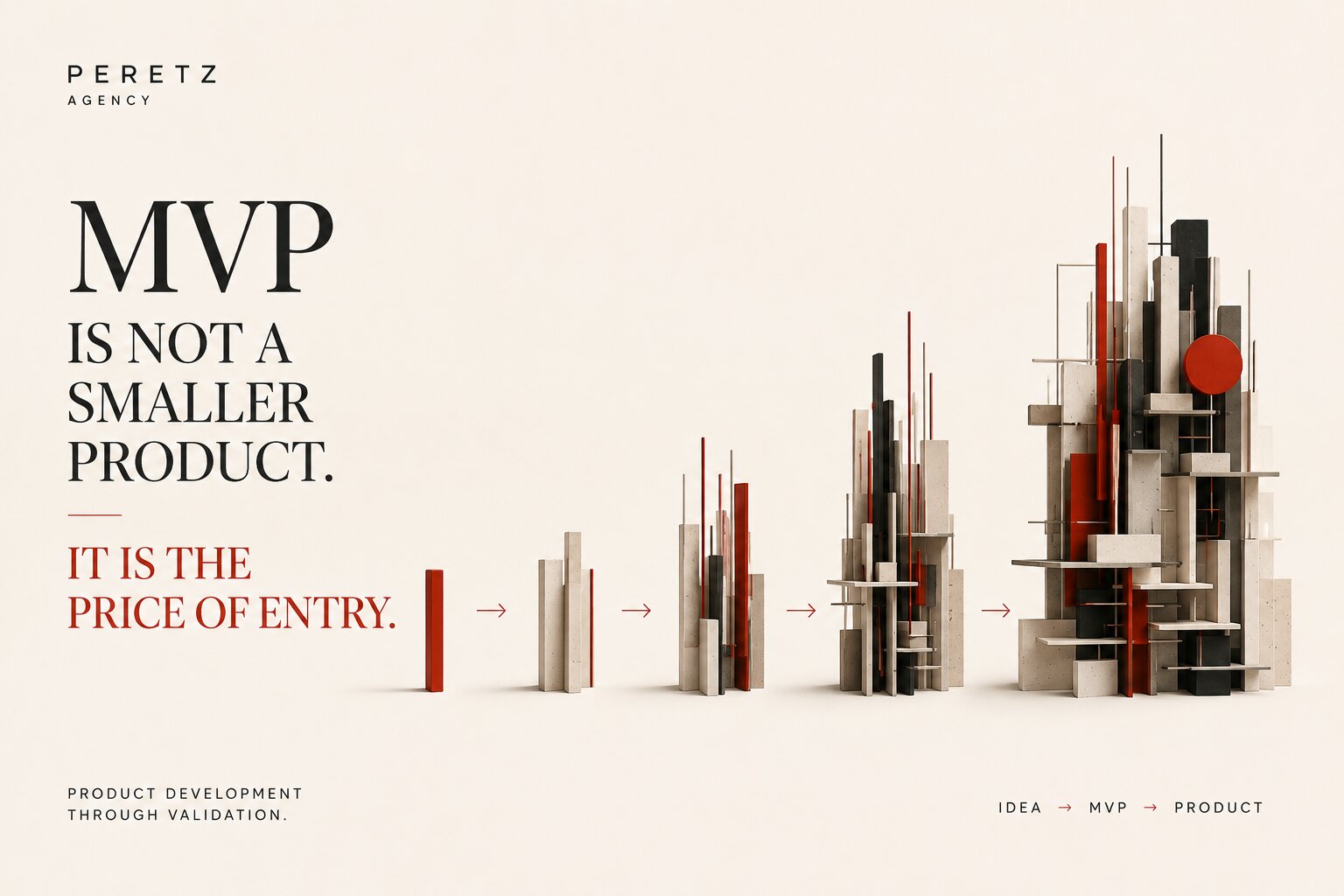
MVP Isn't a Minimal Product. It's the Cost of Entry.
-
02. 08. 2026
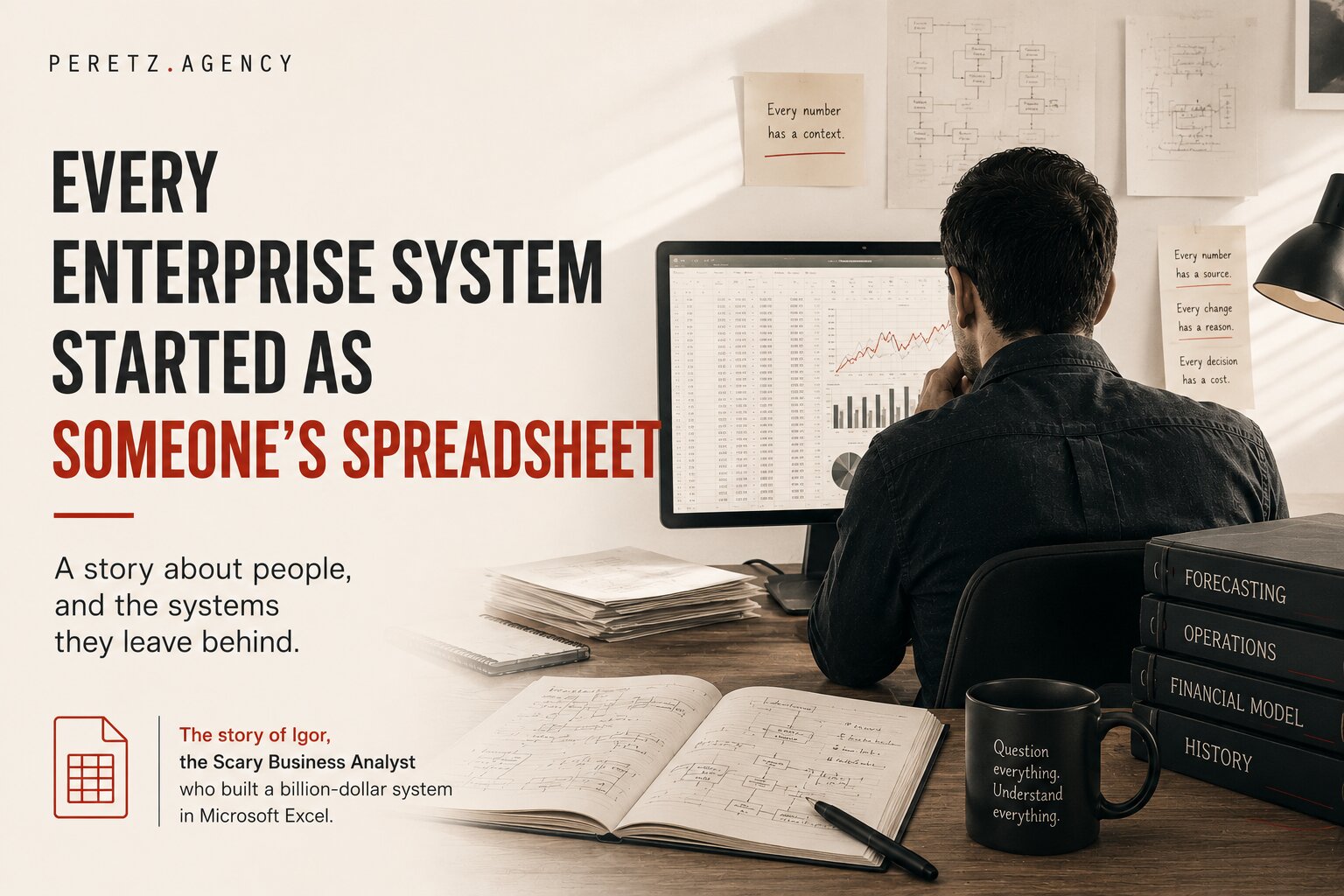
Every Enterprise System Started as Someone's Spreadsheet
-
11. 09. 2026

Digital Architecture: How to Build a System That Can Grow With Your Business
-
16. 08. 2026
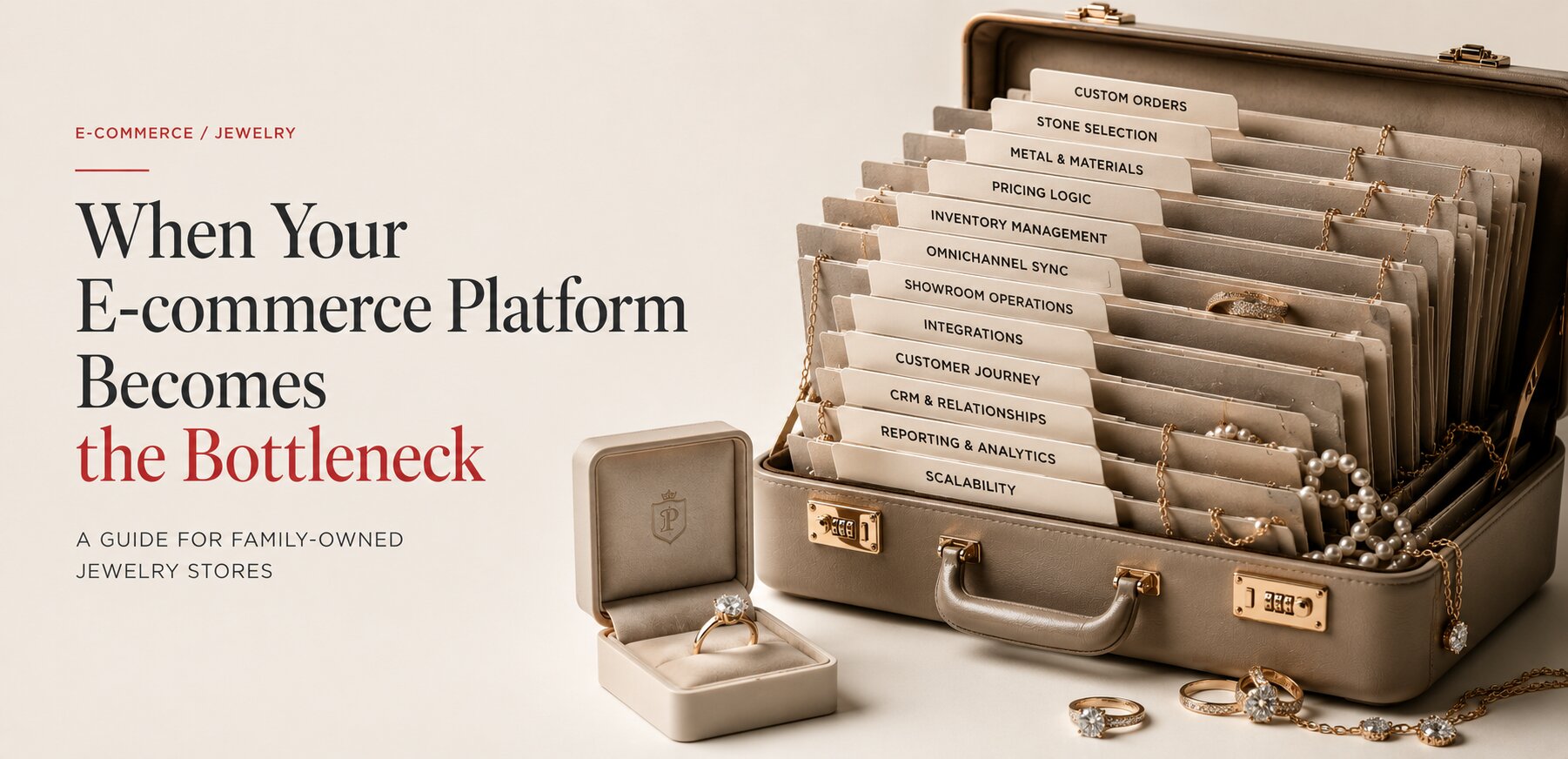
Why Family-Owned Jewelry Stores Outgrow Their E-commerce Platform
-
21. 09. 2026
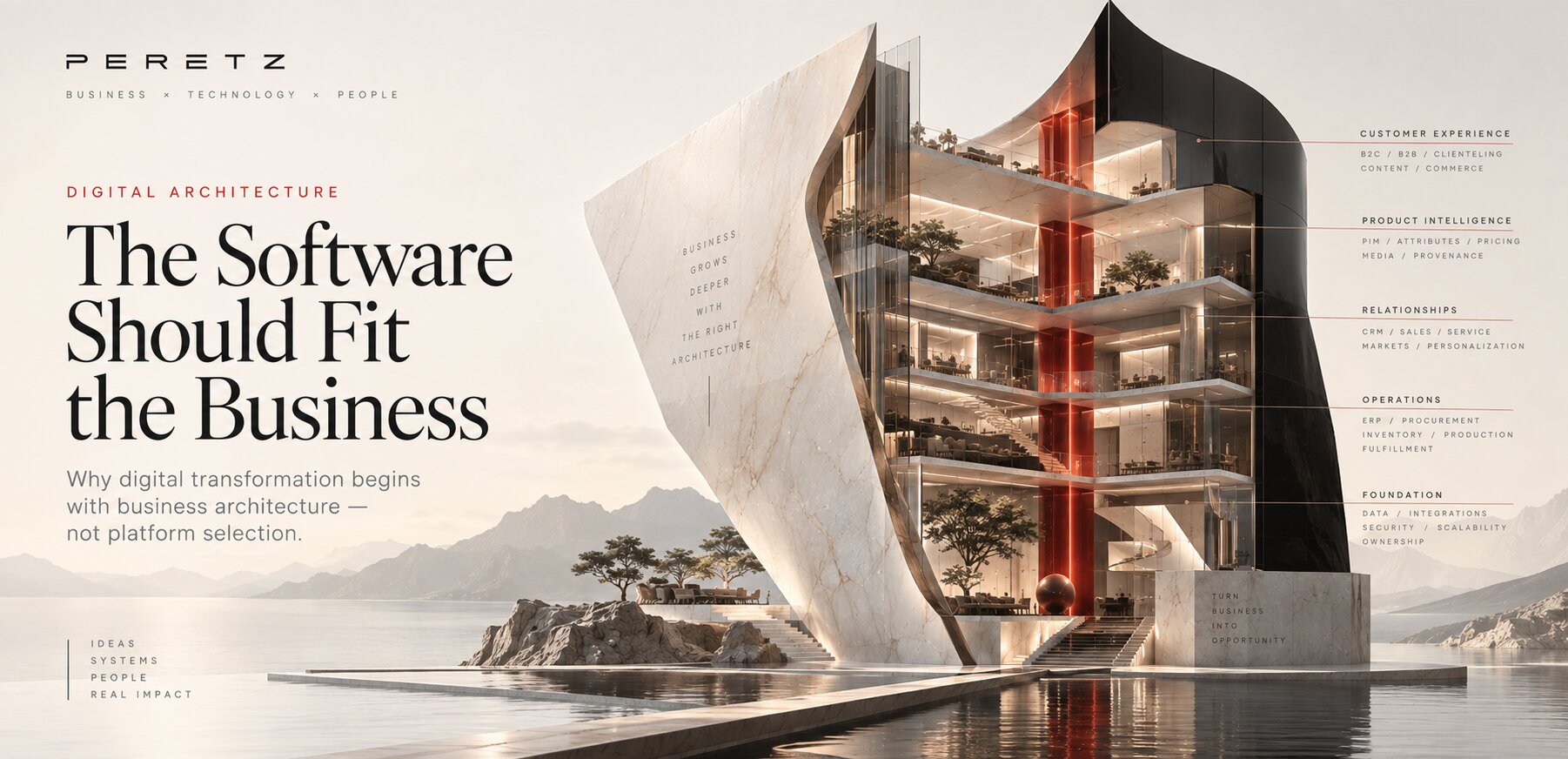
The Software Should Fit the Business
-
14. 10. 2026
CRM vs ERP: What Is the Difference and Which One Do You Need?